
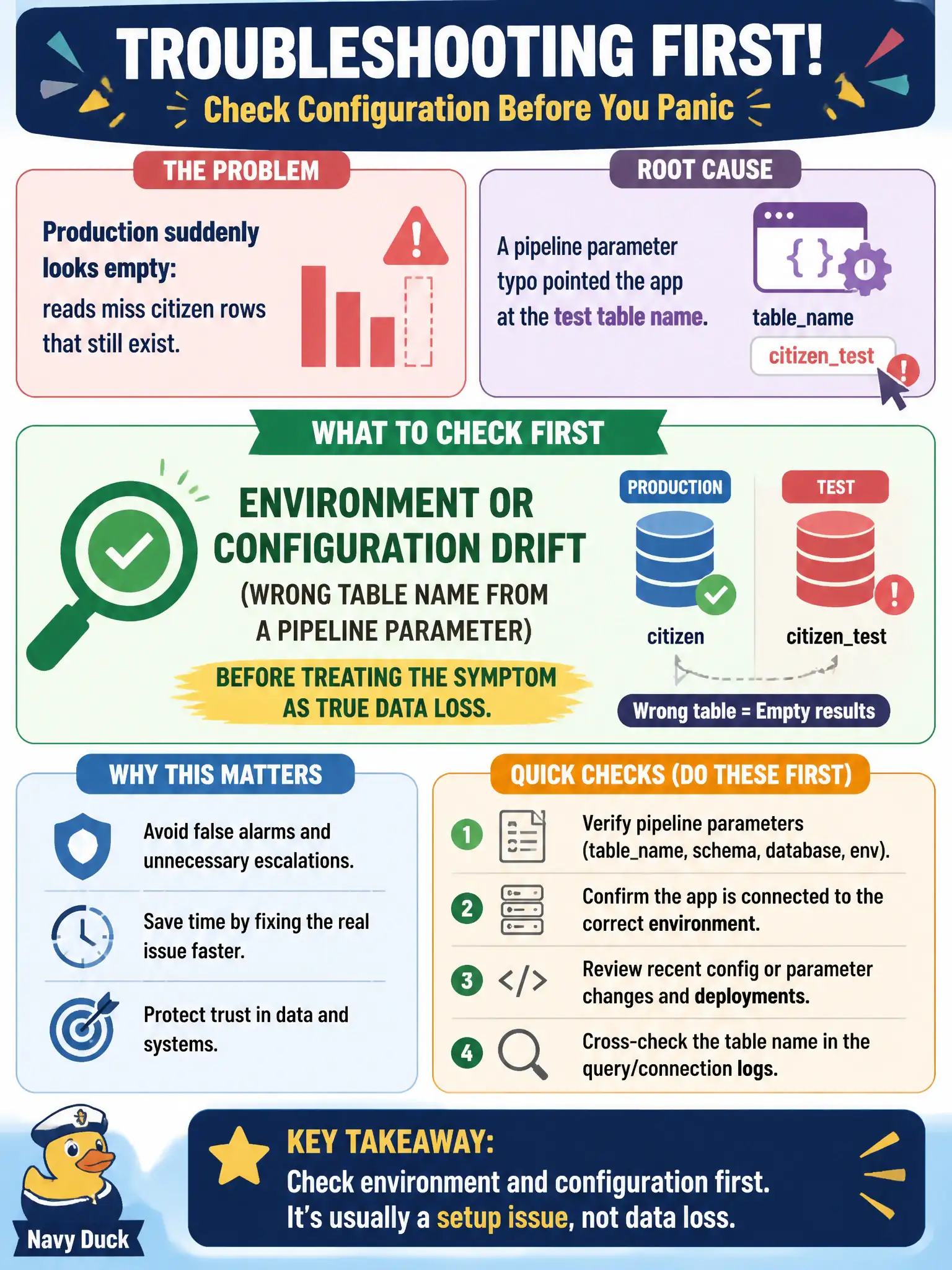
Production suddenly looks empty: reads miss citizen rows that still exist. A pipeline parameter typo pointed the app at the test table name. What should troubleshooting check first?
Select an answer to reveal the explanation.
Short Explanation
Empty-looking prod with rows still in the real table often means the app is pointed at test via an env typo. Check configuration drift before declaring a data apocalypse.
Full Explanation
When production suddenly looks empty—reads miss citizen rows that still exist—and a pipeline parameter typo pointed the app at the test table name, troubleshooting should check environment or configuration drift first before declaring true data loss. Wrong table names, stage variables, or secret values produce "empty city" symptoms that are really reads against the wrong store. Validate configuration against the intended production resource identifiers immediately.
Amazon Macie findings classify sensitive data; they do not explain a typo that pointed the app at a test table.
Route 53 private hosted zones are not the sole storage for DynamoDB table names and will not fix a bad pipeline parameter.
S3 Object Lock legal holds on object names are unrelated to DynamoDB item visibility under a wrong table name.
Exam caveat: Configuration drift and wrong environment targets are higher-probability than silent mass deletion when data still exists in the real production table.
Operational check: Compare runtime environment variables and pipeline parameters to the production table ARN/name, correct the typo, redeploy, verify reads return citizen rows, and add a startup assertion that rejects test resource names in the production stage. Keep the civic/municipal context in mind: court and records systems cannot afford "empty production" false alarms that trigger unnecessary restore drills.