
After an IAM role policy change, municipal Lambda logs show AccessDenied on s3:GetObject for a known object key. What is the most likely root cause?
Select an answer to reveal the explanation.
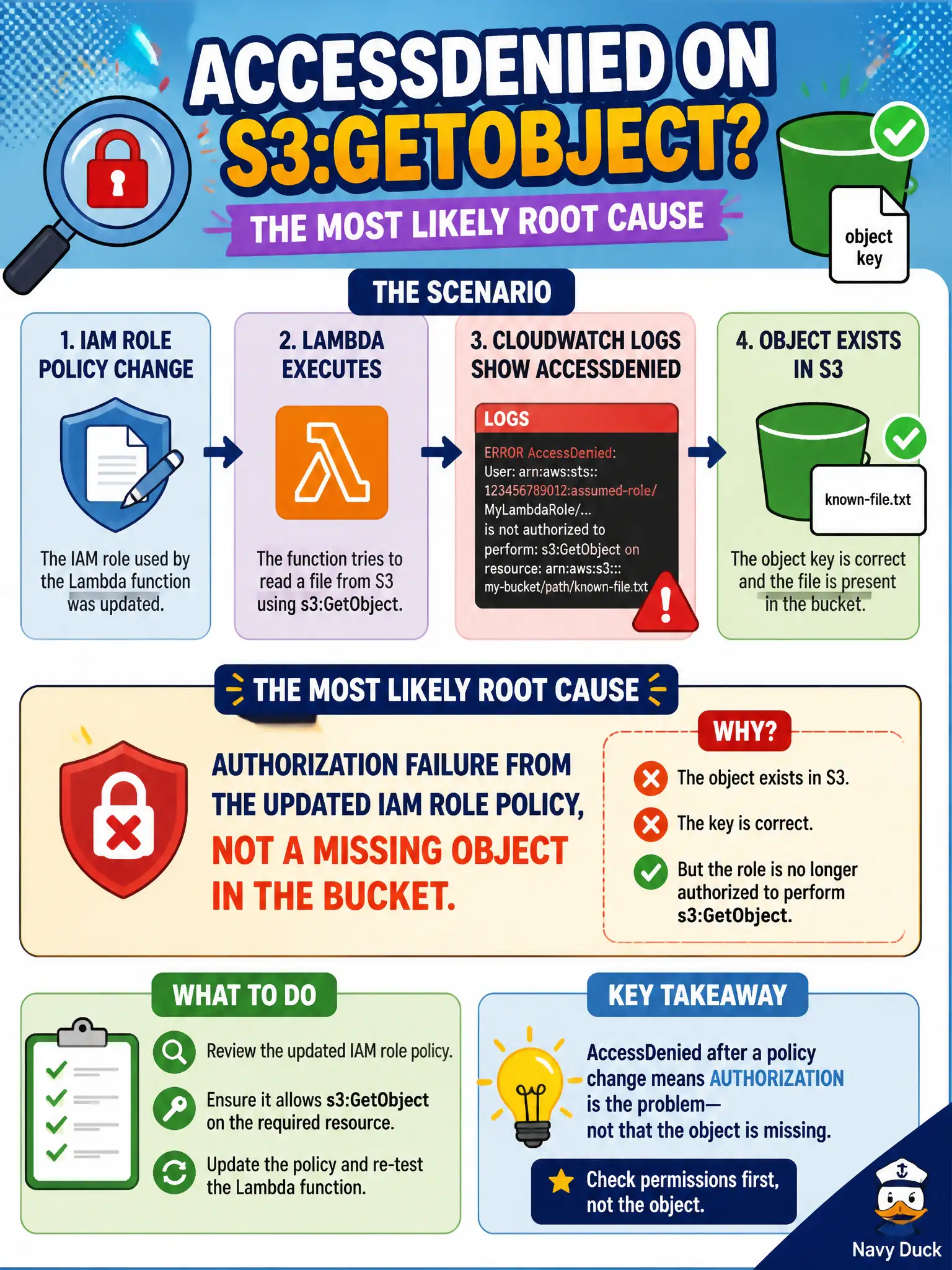
Short Explanation
AccessDenied on a key you know exists usually means IAM said no after a policy change. Fix the role grant before you chase a phantom missing file.
Full Explanation
After an IAM role policy change, municipal Lambda logs that show AccessDenied on s3:GetObject for a known object key almost always mean authorization failed under the updated role—not that the object vanished. AccessDenied on an existing key is the textbook symptom of a narrowed or mistyped s3:GetObject statement, a wrong resource ARN prefix, a missing bucket-policy allow, or absent kms:Decrypt when the object is encrypted with a customer-managed key. The permits or records function is being denied by IAM evaluation order, so troubleshooting should start with policy diffing rather than assuming data loss in the citizen document store.
Route 53 health checks do not delete S3 objects whenever IAM policies change; DNS health probing is unrelated to GetObject authorization outcomes.
CloudWatch Logs Insights does not rewrite successful GetObject calls into AccessDenied strings for readability; the error is emitted by the service/SDK.
ElastiCache eviction events do not translate into s3:GetObject AccessDenied responses, so cache tuning will not restore S3 reads denied by IAM.
Exam caveat: Separate missing-object symptoms (NoSuchKey) from authorization failures (AccessDenied). On DVA-C02, the error name in logs is the primary clue.
Operational check: Diff the previous and current role policies, verify the object still exists with an admin principal, fix IAM and KMS key policies, wait for credential refresh, and confirm the municipal Lambda can read the key again. Keep the civic/municipal context in mind: city document and permit attachments must remain readable after least-privilege changes without resorting to broad AdministratorAccess.