
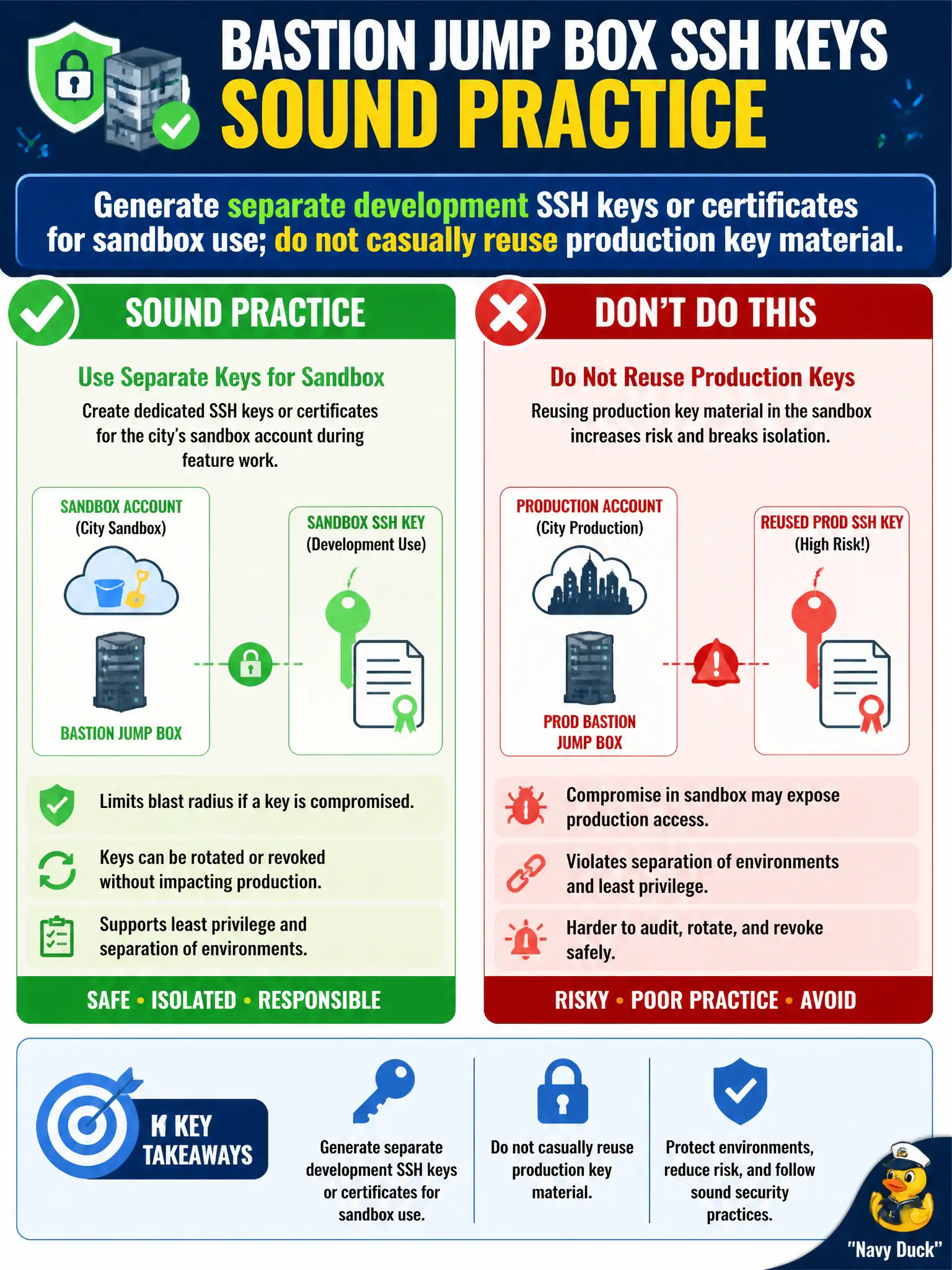
Developers need SSH key pairs for a bastion jump box used only in the city’s sandbox account during feature work. What is the sound practice?
Select an answer to reveal the explanation.
Short Explanation
Sandbox bastions get their own keys—leave production private keys in production. Generating certs or SSH pairs for development is fine; copying prod material into laptops and repos is not.
Full Explanation
SSH access to a bastion used only in the city’s sandbox account during feature work should use separate development keys or short-lived certificates. Do not casually reuse production bastion private key material on developer laptops. Isolating sandbox credentials limits blast radius if a laptop is lost and prevents a compromised sandbox session from presenting production key material.
Reusing the production bastion’s private key on every developer laptop couples environments and expands who can reach production jump hosts. Committing the production private key to a public GitHub mirror is an immediate critical incident. Disabling SSH while publishing RDP with no credentials on 0.0.0.0/0 replaces one control with a worse exposure.
Exam caveat: prefer Systems Manager Session Manager where possible to reduce standing SSH keys entirely; when SSH remains, use per-environment keys and rotation. Operational check: confirm sandbox bastion authorized_keys contain only sandbox-issued material, grep developer repos for production key headers, and verify production bastion auth logs reject the sandbox key pair. For municipal workloads, document the chosen pattern in the runbook so the next on-call engineer applies the same control instead of inventing a weaker shortcut under pressure.