
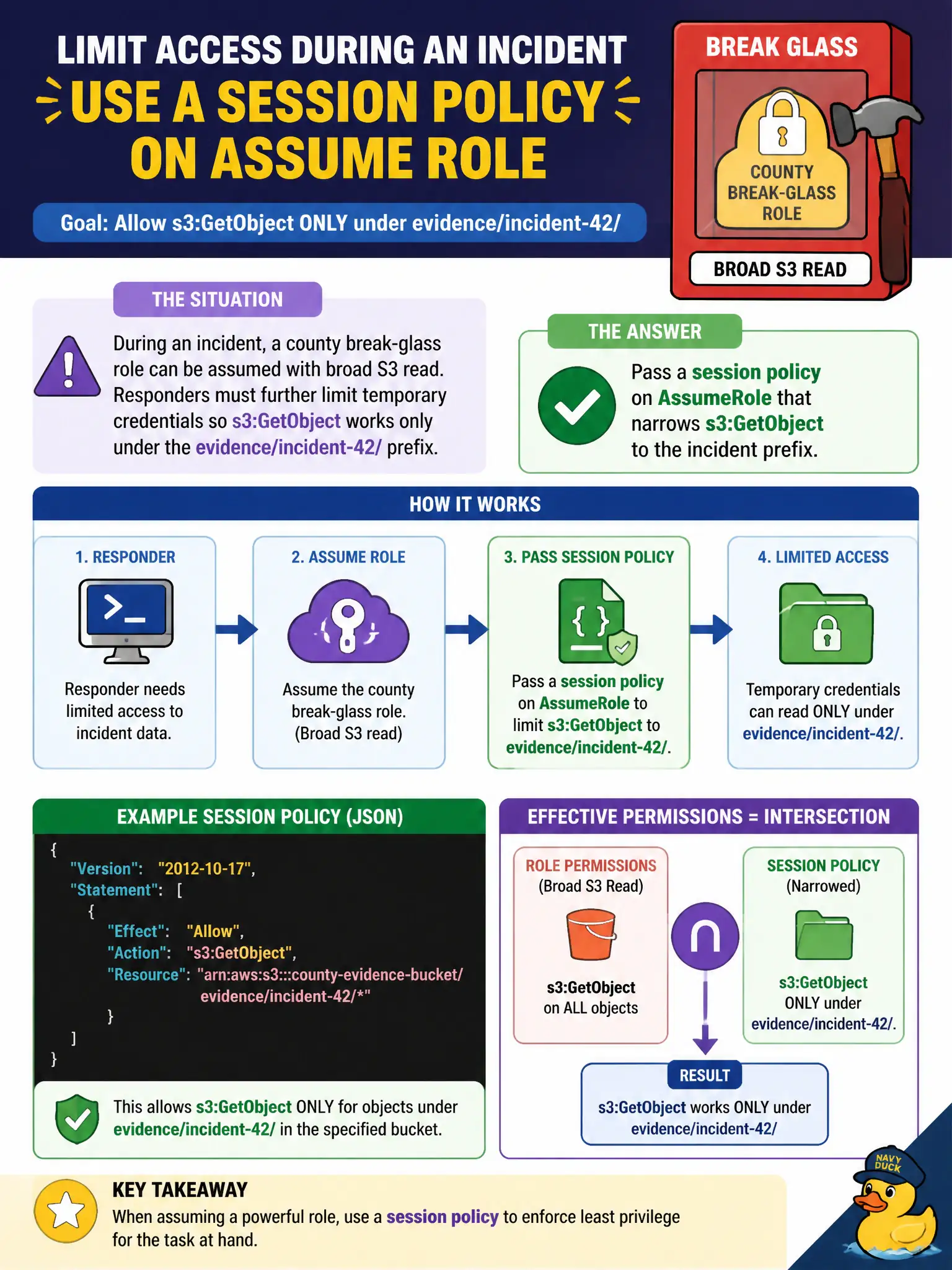
During an incident, a county break-glass role can be assumed with broad S3 read. Responders must further limit temporary credentials so s3:GetObject works only under the evidence/incident-42/ prefix. What should they pass when assuming the role?
Select an answer to reveal the explanation.
Short Explanation
Break-glass is already a big key—session policies shrink what that temporary badge can open. Pass a tighter policy on AssumeRole so GetObject only hits the incident prefix. Do not widen permanent admin or park keys in the ticket.
Full Explanation
During incident response, STS AssumeRole can accept a session policy document that further restricts temporary credentials below the break-glass role’s maximum permissions. Passing a session policy that allows s3:GetObject only under evidence/incident-42/ gives responders the access required for that incident without permanently widening the role and without issuing unscoped standing credentials into the ticket system.
Attaching AdministratorAccess permanently to the break-glass role increases standing privilege long after the incident. Disabling MFA and checking long-lived access keys into the incident ticket creates durable secrets in chat and ITSM systems. Deleting the bucket policy does not replace scoped temporary credentials and may weaken resource-based controls that still matter.
Exam caveat: session policies can only reduce permissions relative to the role—they cannot grant more than the role already allows; keep MFA and break-glass monitoring in place. Operational check: AssumeRole with a session policy limited to the incident prefix, read an evidence object successfully, attempt GetObject outside that prefix with the same temporary session, and confirm denial. For municipal workloads, document the chosen pattern in the runbook so the next on-call engineer applies the same control instead of inventing a weaker shortcut under pressure.