
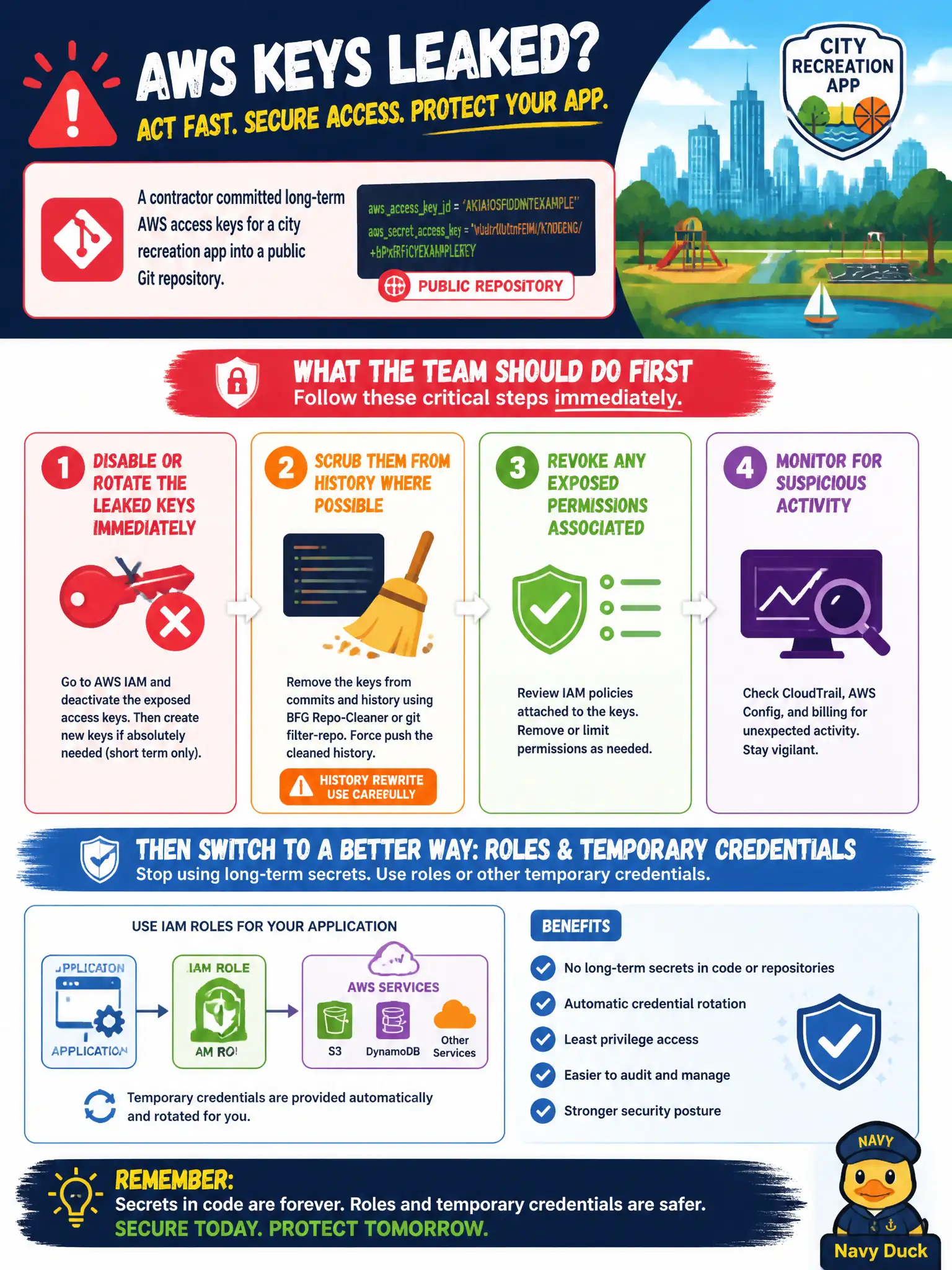
A contractor committed long-term AWS access keys for a city recreation app into a public Git repository. What should the team do first for application access going forward?
Select an answer to reveal the explanation.
Short Explanation
Treat leaked keys like a lost master key to City Hall—change the locks now. Disable or rotate, clean the repo, and move the app onto roles with temporary credentials. Publishing the keys elsewhere or turning them into Cognito passwords makes the mess worse.
Full Explanation
When long-term AWS access keys for a city recreation app are committed to a public Git repository, treat them as compromised immediately: disable or rotate the leaked keys, scrub them from history and artifact stores where possible, inventory what those keys could access, and move the application to roles or other temporary credentials so builds and runtimes stop depending on committed secrets. Speed matters because public clones may already have the keys.
Leaving the keys active to avoid a change window extends the exposure window. Adding the keys to another public gist for mobile clients worsens the leak. Converting an access key into a Cognito user password for citizens confuses IAM machine credentials with end-user authentication and does not remediate the exposure.
Exam caveat: rotation alone is incomplete if the same static key pattern returns in the next commit—fix secrets with roles, OIDC, or Secrets Manager/SSM and add secret scanning. Operational check: deactivate the leaked key in IAM, confirm the app fails closed then recovers on role-based credentials, search git history and CI logs for the AKIA prefix, and document residual risk if the key was used before disablement.