
Two municipal clerks share the same Cognito group for the permit desk but must edit permits only for their own district. What should the application enforce beyond the shared group?
Select an answer to reveal the explanation.
Short Explanation
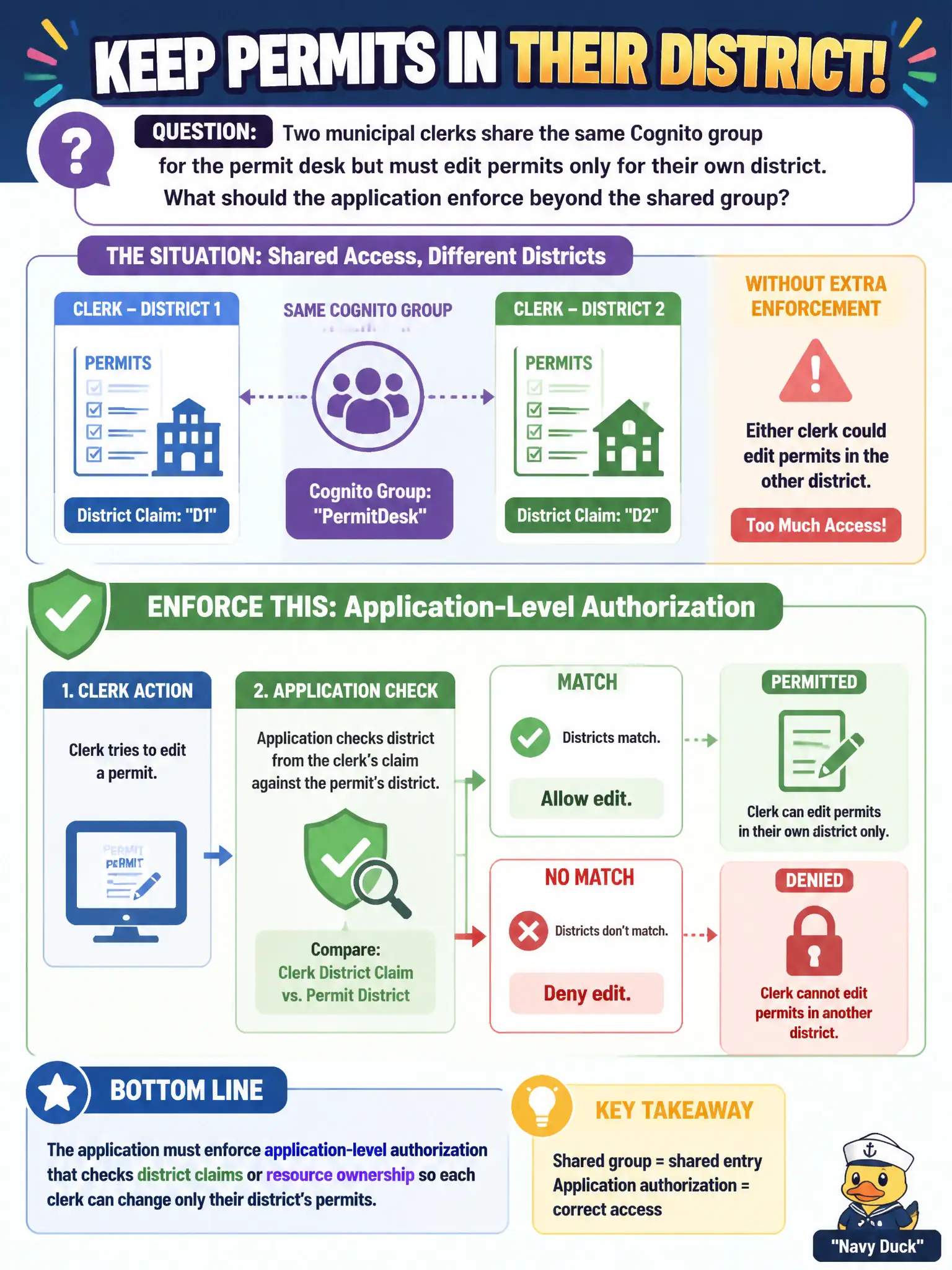
Same badge color does not mean every clerk owns every district map. Keep the Cognito group for coarse access, then check district claims or ownership in the app. Shared admin IAM users and unsigned query strings skip the real gate.
Full Explanation
A shared Cognito group for the permit desk proves desk membership, not district ownership. The application must enforce authorization that checks district claims, profile attributes, or resource ownership so each clerk can edit only their district’s permits. Authentication tells you who logged in; coarse group membership sets a role; fine-grained municipal separation of duties still needs an authorization decision against the permit’s district.
A single IAM user with AdministratorAccess shared by both clerks collapses individual accountability and over-privileges the data plane. Disabling Cognito and putting district ID in an unsigned query string invites trivial spoofing of authorization context. Granting dynamodb:* on every permit table because the group “already proves identity” confuses authentication with fine-grained authorization and ignores least privilege.
Exam caveat: Cognito groups map well to coarse roles; row-level district isolation usually lives in application logic, enriched claims, IAM conditions, or a combination—read which layer the question emphasizes. Operational check: log in as a District A clerk, attempt an update to a District B permit, and confirm the API returns 403 while District A updates succeed and appear correctly attributed in audit logs.