
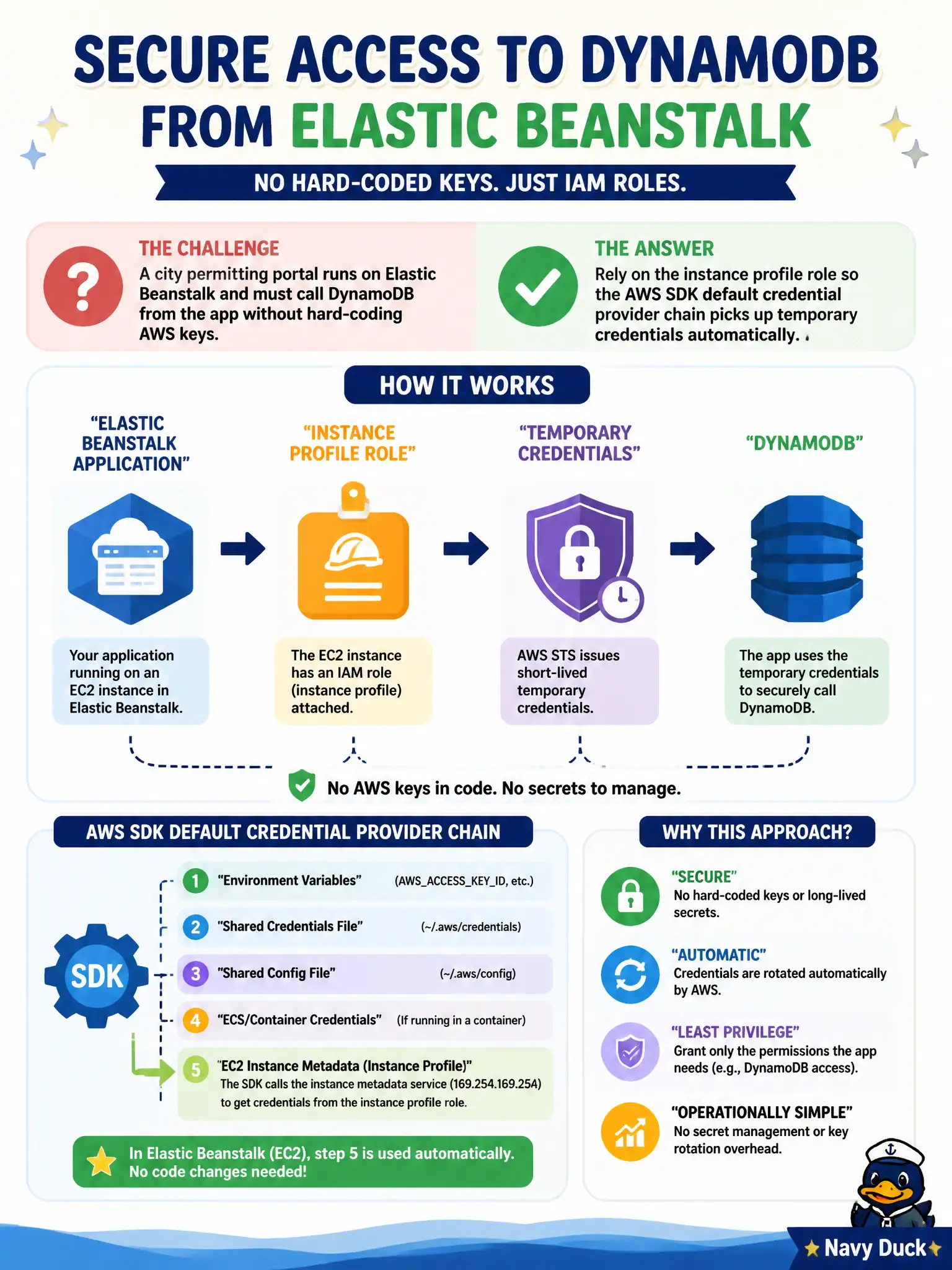
A city permitting portal runs on Elastic Beanstalk and must call DynamoDB from the app without hard-coding AWS keys. How should the SDK authenticate?
Select an answer to reveal the explanation.
Short Explanation
Beanstalk already straps an instance profile onto the EC2 hosts like a city badge on a desk clerk. Let the SDK’s default credential chain grab those temporary role credentials—no keys taped to the monitor. Hard-coded keys and anonymous DynamoDB calls are the wrong doors.
Full Explanation
Elastic Beanstalk applications calling DynamoDB should authenticate through the environment’s instance profile role. The AWS SDK default credential provider chain discovers temporary credentials from instance metadata automatically, so the city permitting portal never hard-codes AWS keys in environment properties or source. Permissions stay on the role, rotate with STS-backed instance credentials, and can be scoped to the specific DynamoDB table actions the app needs.
Embedding long-term access keys in Beanstalk environment properties spreads static secrets across instances, saved configurations, and operator visibility. Storing a shared IAM user password in Secrets Manager and attempting to “sign requests with that password” confuses console passwords with SigV4 access-key/role credentials. Disabling SigV4 to call DynamoDB anonymously from a public subnet fails authorization and exposes a reckless network posture.
Exam caveat: confirm the Beanstalk environment actually has the intended instance profile attached and that application code does not override the default chain with hardcoded keys. Operational check: remove any static keys from config, redeploy, call DynamoDB from the app, and confirm CloudTrail shows the instance-profile role—not an IAM user access key—as the caller identity.