
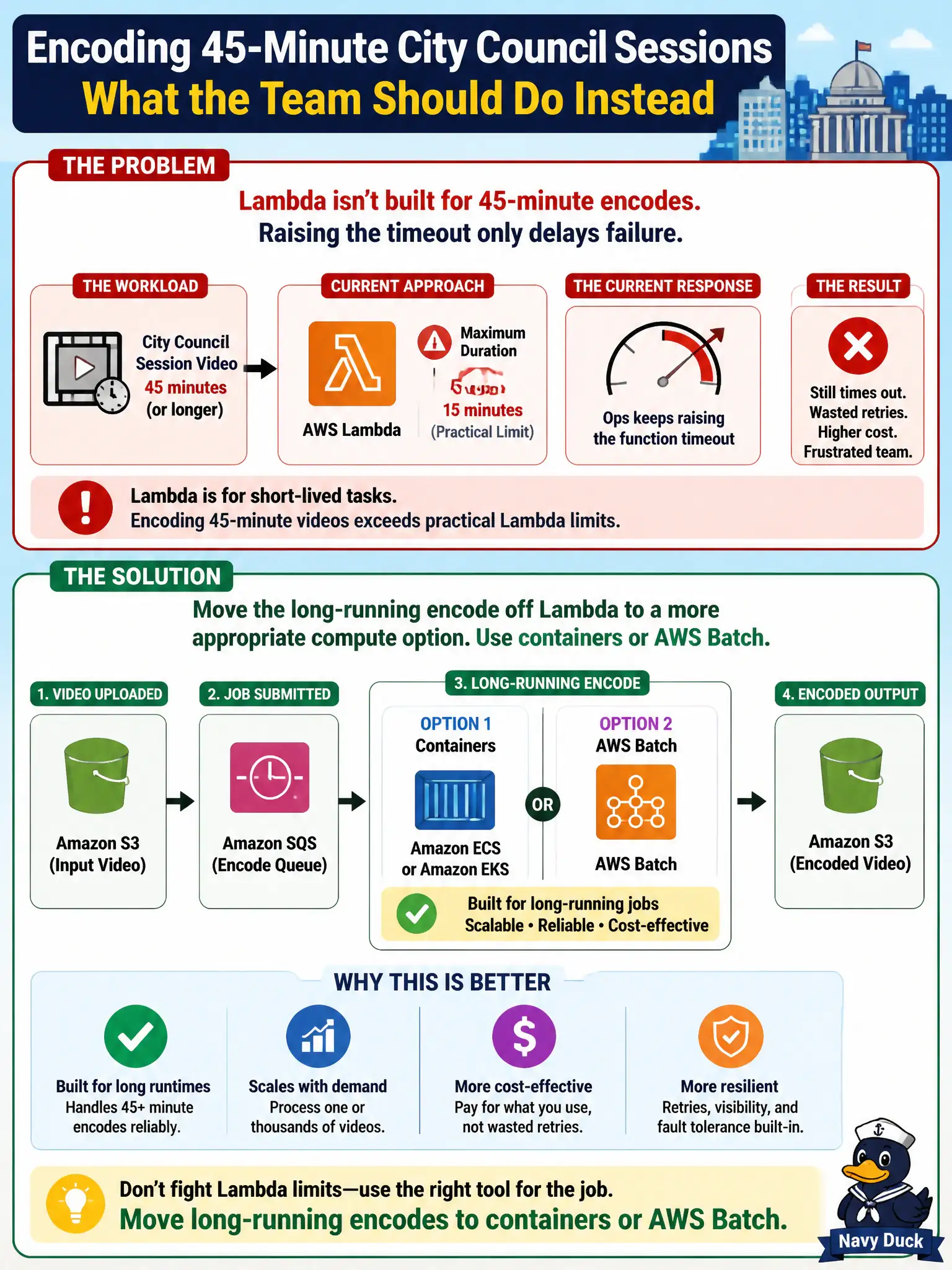
Encoding 45-minute city council session videos exceeds practical Lambda maximum duration, yet ops only keeps raising the function timeout. What should the team do instead?
Select an answer to reveal the explanation.
Short Explanation
A 45-minute encode is a marathon; Lambda is built for sprints with a hard duration ceiling. Stop cranking timeout theater—park long batch video work on Batch or containers. Logs Insights will not render MP4s.
Full Explanation
Encoding 45-minute city council session videos exceeds practical Lambda maximum duration, yet ops only keeps raising the function timeout. Move the long-running encode off Lambda to a more appropriate compute option such as containers (ECS/Fargate) or AWS Batch rather than treating timeout increases as the solution. Lambda’s maximum duration is a hard service limit; council video jobs that need tens of minutes belong on compute built for long batch work, with queues, retries, and storage of outputs in S3.
Keeping increases beyond the service maximum until a single invoke finishes is impossible—there is a ceiling. Performing a 45-minute encode inside an API Gateway mapping template with no worker compute misunderstands Gateway. Treating CloudWatch Logs Insights queries as the media encoder skips dedicated compute entirely and cannot transcode video.
Exam caveat: use Lambda for orchestration kicks (enqueue job, update status) while Batch/ECS performs the encode. Step Functions can supervise long-running activities with callbacks. Do not confuse “serverless” with “must be Lambda.”
Operational check: push encode jobs to Batch/ECS with the session asset in S3; track job state for clerks; set Lambda only for submit/status APIs; verify a full 45-minute fixture completes; and alarm on failed encodes before publishing to the public archive.