
A media-processing Lambda must unpack a ZIP of permit drawings into a few hundred MB of scratch space before uploading results to S3. Where should that ephemeral workspace live?
Select an answer to reveal the explanation.
Short Explanation
/tmp is Lambda’s workbench—big enough (with memory sizing) to unpack drawings, then throw the scraps away after you ship finals to S3. Stuffing scratch into the deployment package or Cognito attributes is the wrong shelf.
Full Explanation
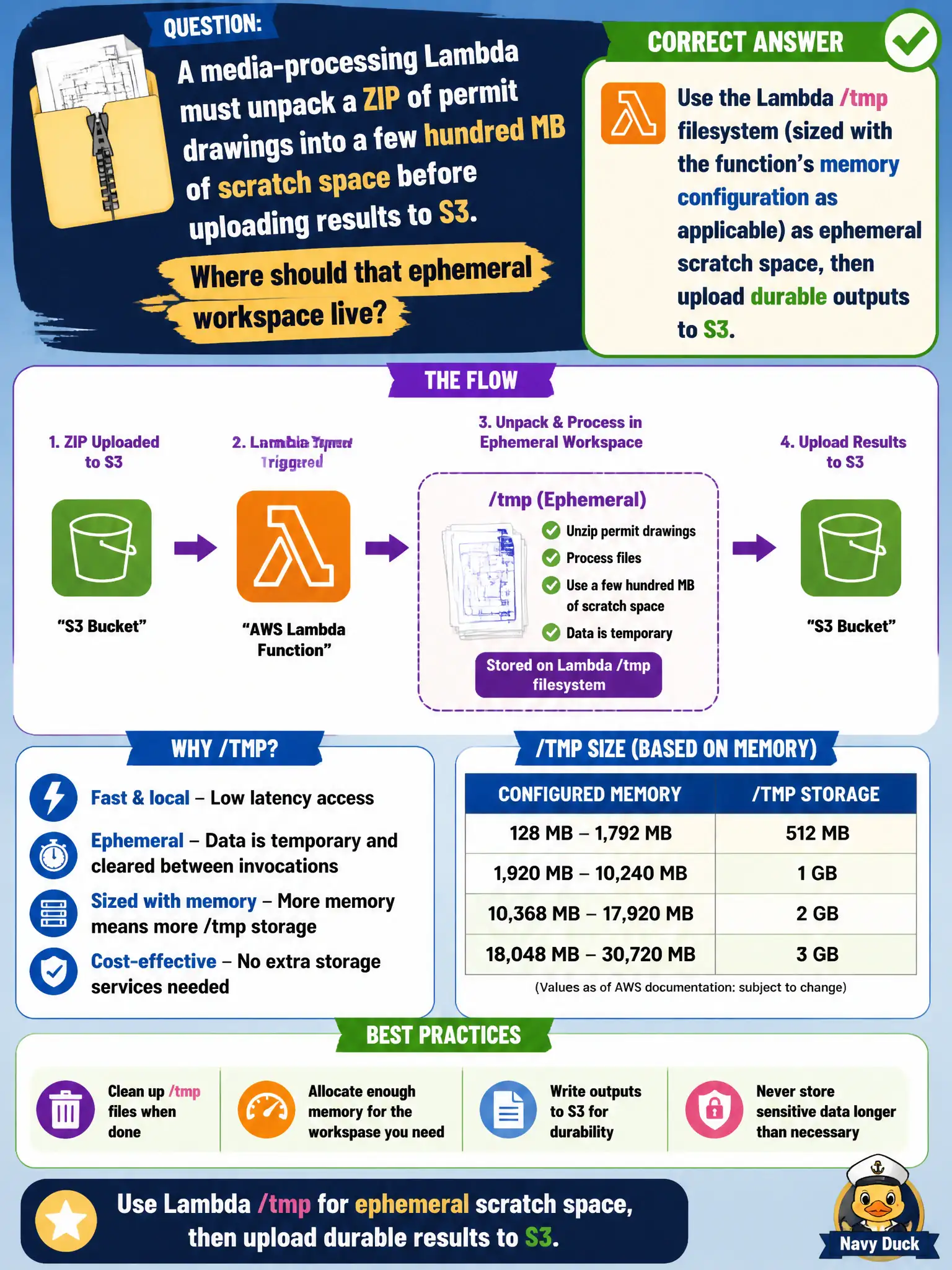
A media-processing Lambda that must unpack a ZIP of permit drawings into a few hundred MB of scratch space before uploading results to S3 should use the Lambda /tmp filesystem (sized with the function’s memory configuration as applicable) as ephemeral scratch, then upload durable outputs to S3. /tmp is the supported local scratch area for unzip, transform, and staging. Durable records belong in S3 (or another store), not in the execution environment that disappears.
Baking unpacked drawings into a new deployment package version on every invoke confuses code artifacts with request data and is operationally absurd. Writing intermediate files into CloudWatch Logs as a scratch filesystem is not a filesystem and will fail on size and cost. Persisting scratch ZIP contents as Cognito custom attributes on the caller’s profile misuses identity storage and cannot hold hundred-megabyte drawing sets.
Exam caveat: /tmp is ephemeral and may be reused on warm starts—delete sensitive scratch when done. Configure enough ephemeral storage for peak ZIP sizes. Do not treat /tmp as shared durable storage across concurrent executions beyond what an environment actually provides.
Operational check: unzip to /tmp; process; upload outputs to S3; delete local scratch; load-test maximum expected ZIP size; and ensure IAM allows only the needed S3 prefixes for permit drawings.