
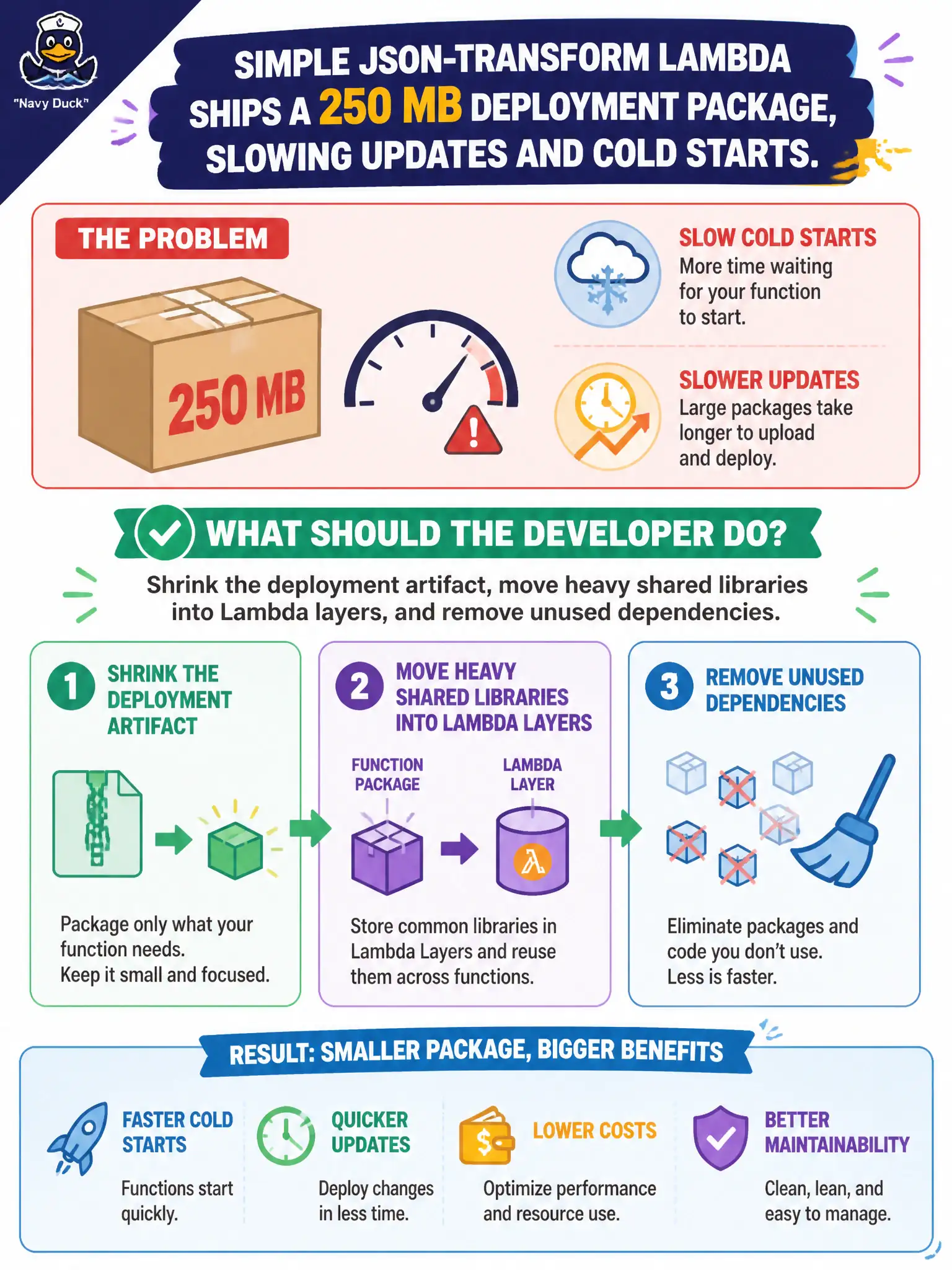
A simple JSON-transform Lambda ships a 250 MB deployment package, slowing updates and cold starts. What should the developer do?
Select an answer to reveal the explanation.
Short Explanation
Hauling a 250 MB suitcase for a JSON tweak is why deploys crawl and cold starts sting. Trim unused libs, and park shared heavyweight code in layers. Maxing memory or stuffing zips into DynamoDB does not fix a fat package.
Full Explanation
A simple JSON-transform Lambda shipping a 250 MB deployment package should shrink the artifact, move heavy shared libraries into Lambda layers, and remove unused dependencies. Bloated packages slow uploads, slow cold starts, and complicate reviews. Most transform logic needs a tiny fraction of what accidentally got vendored in. Municipal CI benefits when deploy diffs are small enough to reason about during change windows.
Uploading the 250 MB zip to every Region manually before each one-line change is operational theater, not a fix. Increasing memory solely to hide package-size problems without trimming dependencies may mask duration somewhat but leaves deploy pain intact. Storing the deployment zip inside DynamoDB items larger than 400 KB as the primary artifact store fights service limits and is not a packaging strategy.
Exam caveat: unzipped deployment package and layer size quotas still apply—know the limits. Prefer container images only when they genuinely fit the workflow; they are not an excuse to ignore dependency hygiene. Exclude tests, docs, and unused natives from production artifacts.
Operational check: analyze the zip for oversized directories; move shared libs to layers; enable dependency trimming/tree-shaking appropriate to the runtime; measure package size and cold start before/after; and fail CI if artifact size regresses past a budget.