
A Lambda function must read an Aurora database that is reachable only on private subnets inside the city's VPC. What must the developer configure?
Select an answer to reveal the explanation.
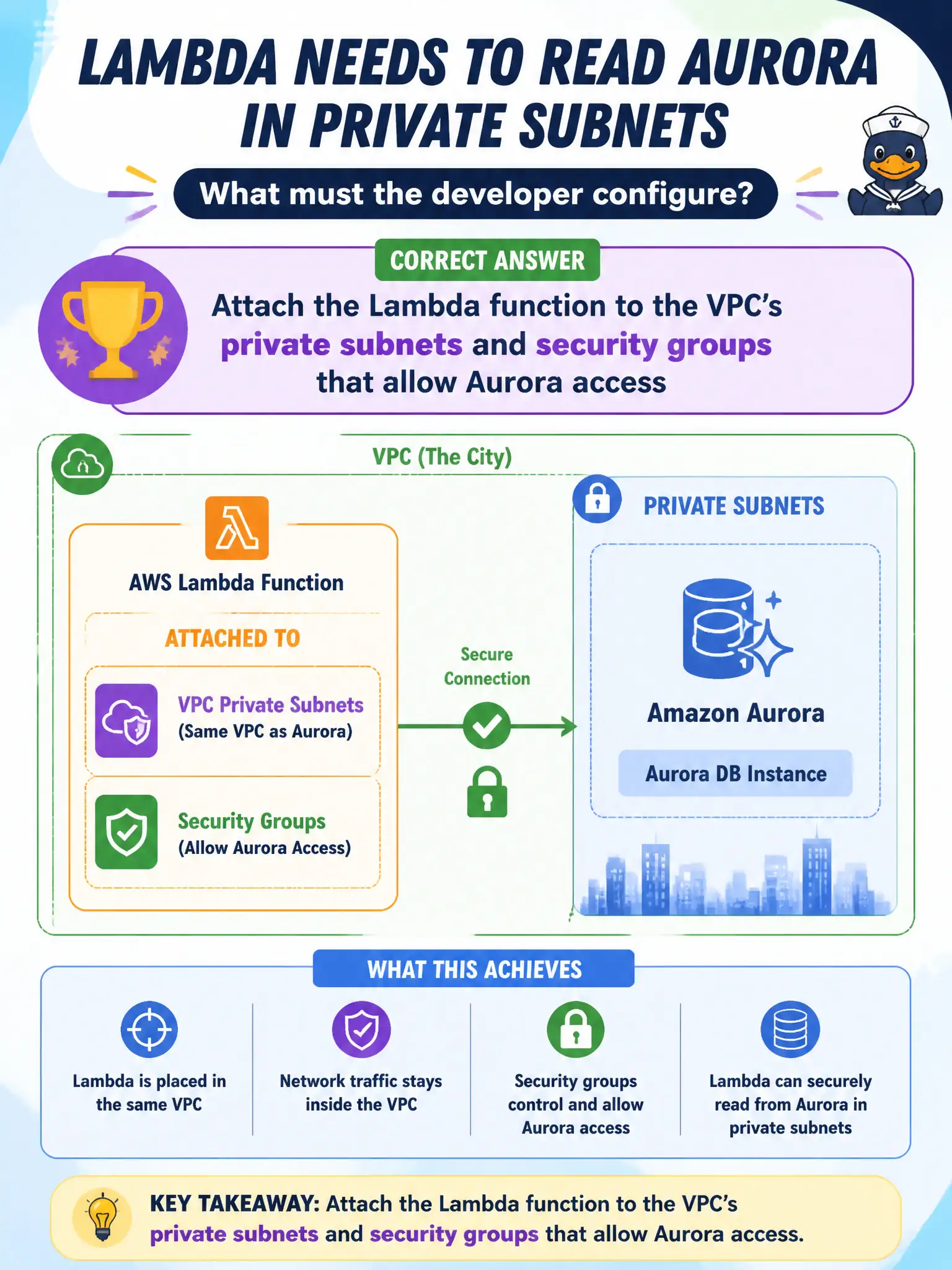
Short Explanation
If the database lives behind the city's locked fence, Lambda has to join that VPC neighborhood—right subnets and security groups—to knock on Aurora's door. Opening Aurora to the public internet, stuffing passwords in the zip, or pretending S3 is Aurora won't give a private DB path.
Full Explanation
A Lambda function that must read an Aurora database reachable only on private subnets inside the city’s VPC must be attached to those private subnets with security groups that allow Aurora access. VPC attachment places elastic network interfaces in the chosen subnets so the function can reach private RFC1918 endpoints. Security groups on both Lambda and Aurora form the network allow path. That is the standard pattern for municipal data tiers that must not be internet-facing.
Making the Aurora cluster publicly accessible and calling it over the internet from Lambda outside the VPC expands attack surface and usually violates city security baselines. Storing the Aurora password in the deployment package and keeping the function outside any VPC fails both networking and secret hygiene. Replacing Aurora with S3 static website hosting so Lambda needs no network path abandons the relational system of record the workload requires.
Exam caveat: VPC-attached Lambdas need correct routing for AWS API calls (NAT gateway, VPC endpoints) or SDK calls to S3/DynamoDB/Secrets Manager will fail. Prefer Secrets Manager/SSM for credentials, not packaged passwords. Cold starts can lengthen slightly with VPC ENI behavior—plan accordingly.
Operational check: configure Lambda VPC subnets/SGs; open Aurora SG to the Lambda SG on the DB port; retrieve credentials from Secrets Manager; test connectivity with a simple query; and confirm public accessibility remains disabled on Aurora.