
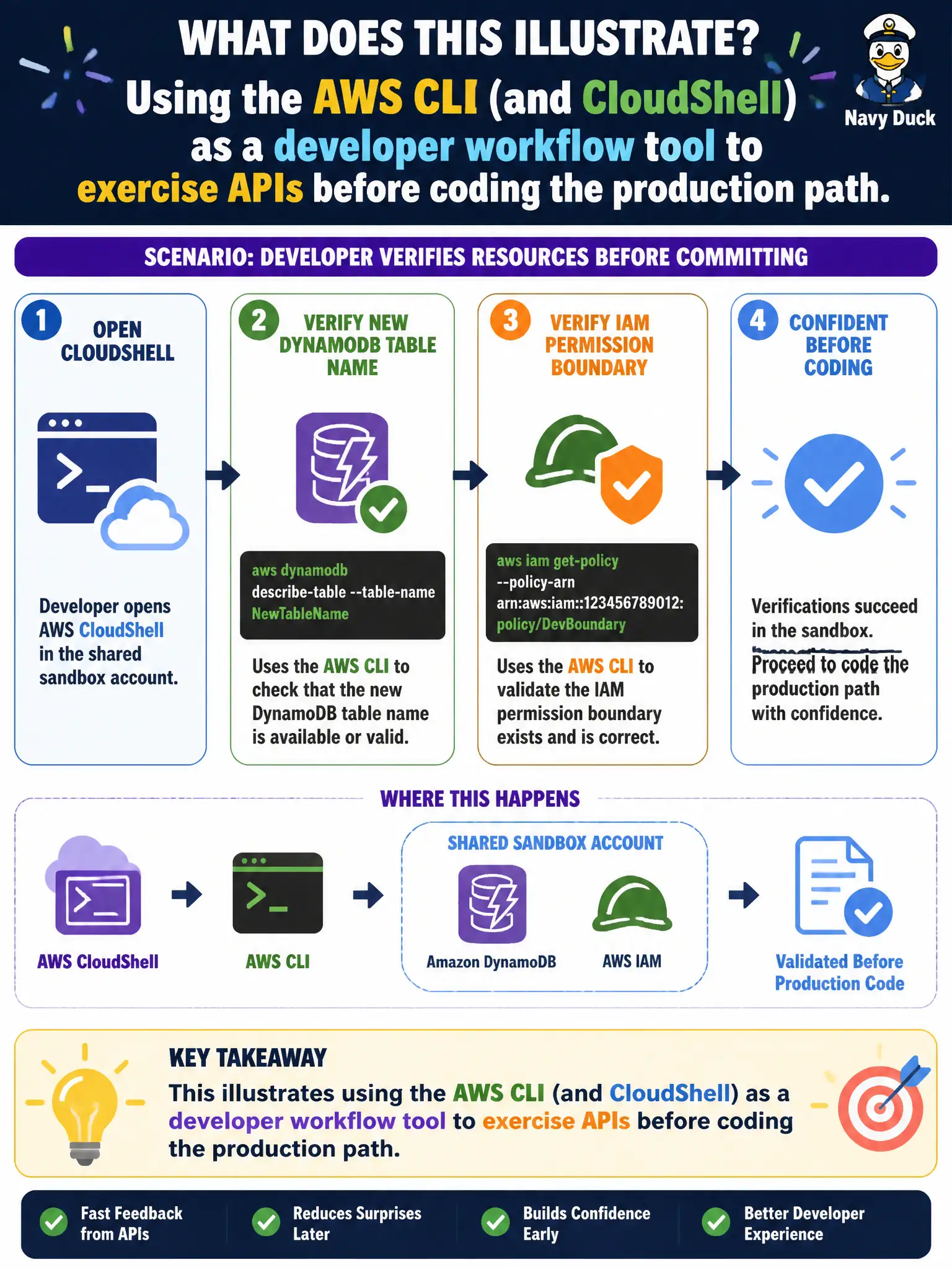
Before committing, a developer verifies a new DynamoDB table name and an IAM permission boundary using CLI calls from CloudShell against the shared sandbox account. What does this illustrate?
Select an answer to reveal the explanation.
Short Explanation
CloudShell plus the CLI is like a workbench where you tap the DynamoDB API before you build the real cabinet. Developers use it to verify names and permissions in the sandbox. That is separate from how production traffic should run.
Full Explanation
Verifying a new DynamoDB table name and an IAM permission boundary with CLI calls from CloudShell against a shared sandbox illustrates using the AWS CLI (and CloudShell) as a developer workflow tool to exercise APIs before coding the production path. Developers probe CreateTable naming, test IAM Deny boundaries, and inspect responses interactively, then encode the proven calls into SDK-based application code and IaC. CloudShell provides a managed shell with fresh credentials scoped to the caller—useful for municipal developers without local AWS setup.
That practice does not mean production application traffic should flow through interactive CloudShell sessions—those are for humans, not citizen request paths. The CLI is not reserved only for account administrators; developers use it routinely. Hard-coded keys in CLI profiles are not required for every Lambda invocation at runtime; Lambdas use execution roles.
Exam caveat: sandbox experimentation must not target production. Prefer least-privilege sandbox roles. Capture working API shapes into infrastructure as code rather than leaving irreversible manual console drift.
Operational check: use CloudShell/CLI in non-prod to validate table names and IAM; translate successful experiments into CDK/SAM/Terraform and application SDK calls; forbid CloudShell as a runtime dependency; and review CloudTrail for unexpected production API use from interactive sessions.