
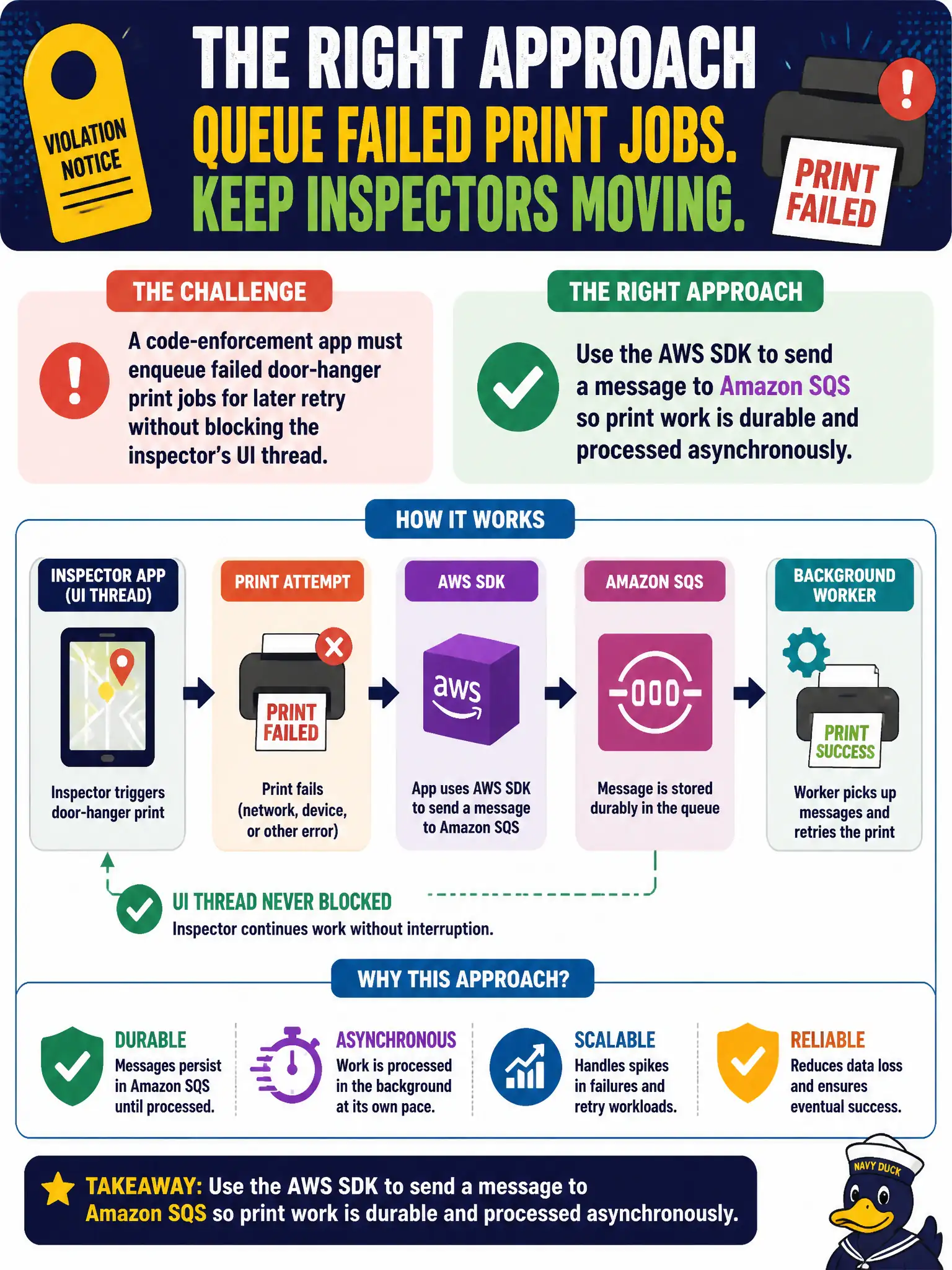
A code-enforcement app must enqueue failed door-hanger print jobs for later retry without blocking the inspector's UI thread. Which approach should the application code take?
Select an answer to reveal the explanation.
Short Explanation
When the door-hanger printer hiccups, do not freeze the inspector's screen — drop a note on a queue and move on. SQS via the SDK keeps that job durable for a worker to retry. UI stays snappy; work still gets done.
Full Explanation
A code-enforcement app must enqueue failed door-hanger print jobs for later retry without blocking the inspector’s UI thread. Application code should use the AWS SDK to send a message to Amazon SQS so print work is durable and processed asynchronously. The UI records the violation and returns; a worker drains the queue, talks to the print vendor, and retries on transient failures. Durability matters in the field—inspectors lose connectivity and close laptops; local-only failure notes disappear.
Writing the failed job only to the browser’s localStorage ties recovery to one device and one browser profile. Calling the print vendor synchronously on the UI thread freezes the inspector whenever the vendor is slow. Storing failed jobs as email drafts in the inspector’s personal inbox is not an application integration pattern and bypasses auditing, IAM, and automated retry.
Exam caveat: SQS provides at-least-once delivery—print workers must be idempotent so duplicate messages do not print two door hangers for one violation. Pair with a DLQ for poison payloads.
Operational check: on print failure, SendMessage with violation ID and template data; acknowledge UI success for the inspection record; process with a worker that retries transient vendor errors; use dedupe keys for prints; and alert on DLQ depth so unprinted notices do not silently accumulate.