
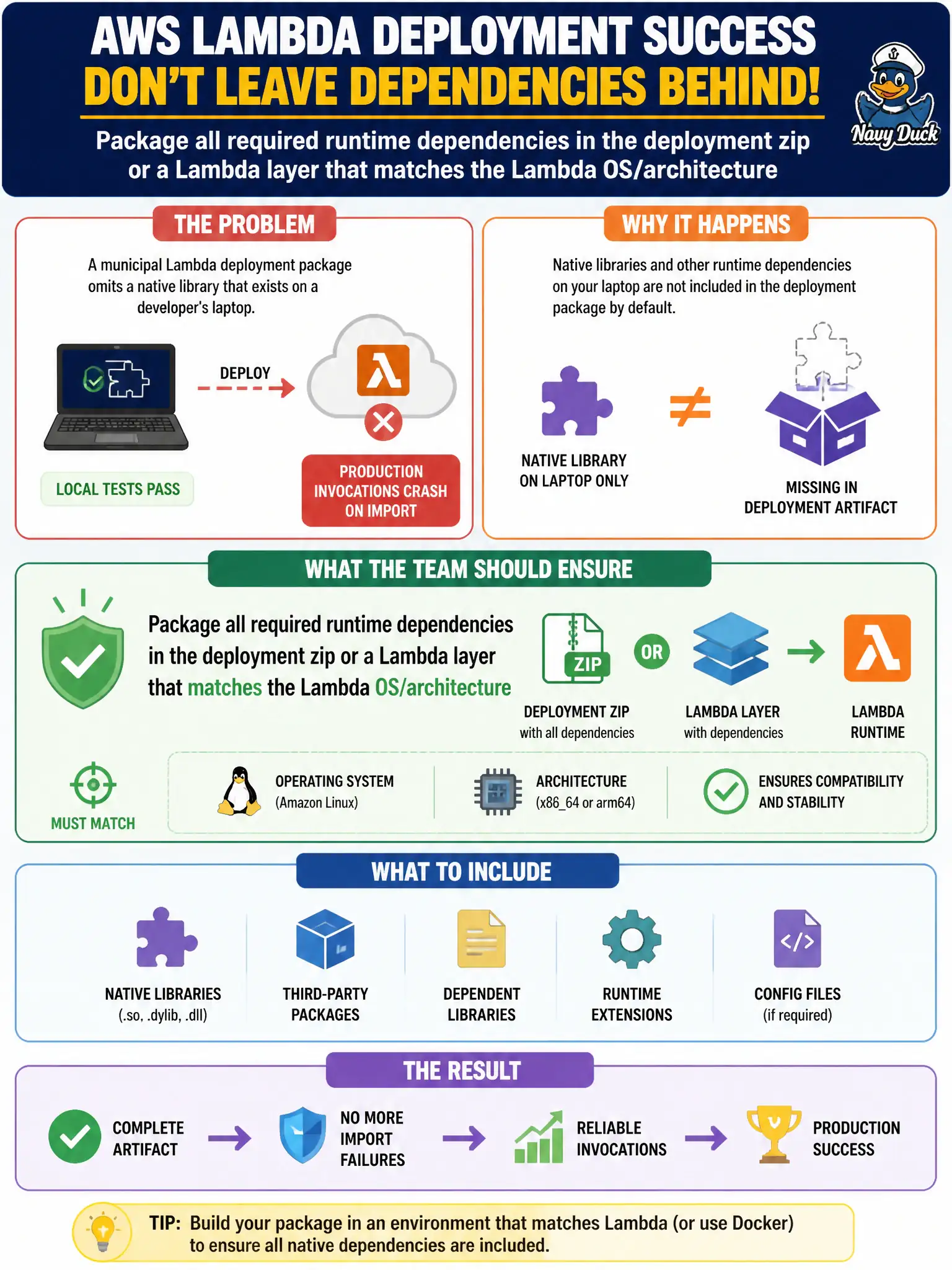
A municipal Lambda deployment package omits a native library that exists on a developer's laptop, so production invocations crash on import even though local tests pass. What should the team ensure when preparing the artifact?
Select an answer to reveal the explanation.
Short Explanation
If it only works on your laptop, it is not packaged — Lambda's OS never saw that native .so. Bundle the dependency in the zip or a matching layer before you call it "deployed."
Full Explanation
Lambda execution environments do not include arbitrary native libraries from a developer's laptop. When a municipal function crashes on import because a native dependency was omitted from the package, the team must package all required runtime dependencies in the deployment zip or a Lambda layer built for the target OS and architecture. If it only works on a workstation, it is not packaged—the Lambda Amazon Linux environment never saw that .so.
Shipping only the handler .py and assuming the managed runtime includes every laptop library fails because managed runtimes ship a fixed base, not personal virtualenvs. Relying on the developer's local virtualenv path inside Lambda fails conceptually—those filesystem paths do not exist in the execution environment. Excluding native dependencies to stay under size limits and downloading them from the public internet at cold start fails as unreliable and insecure packaging.
Exam caveat: layers and zips must match the function's architecture (x86_64 vs arm64) and runtime ABI; a macOS-built binary often fails on Lambda. Operational check: build the artifact in CI on a Lambda-compatible image, deploy to a test function, invoke the import path, and confirm no missing-library errors before promotion.