
During post-deployment hardening, Security requires CLI management for a zero-standing-privilege shop: no administrator should need to know or share a standing Data Domain password. You must choose an access-plane control that supports this and verify it after configuration. Which control should you enable?
Select an answer to reveal the explanation.
Short Explanation
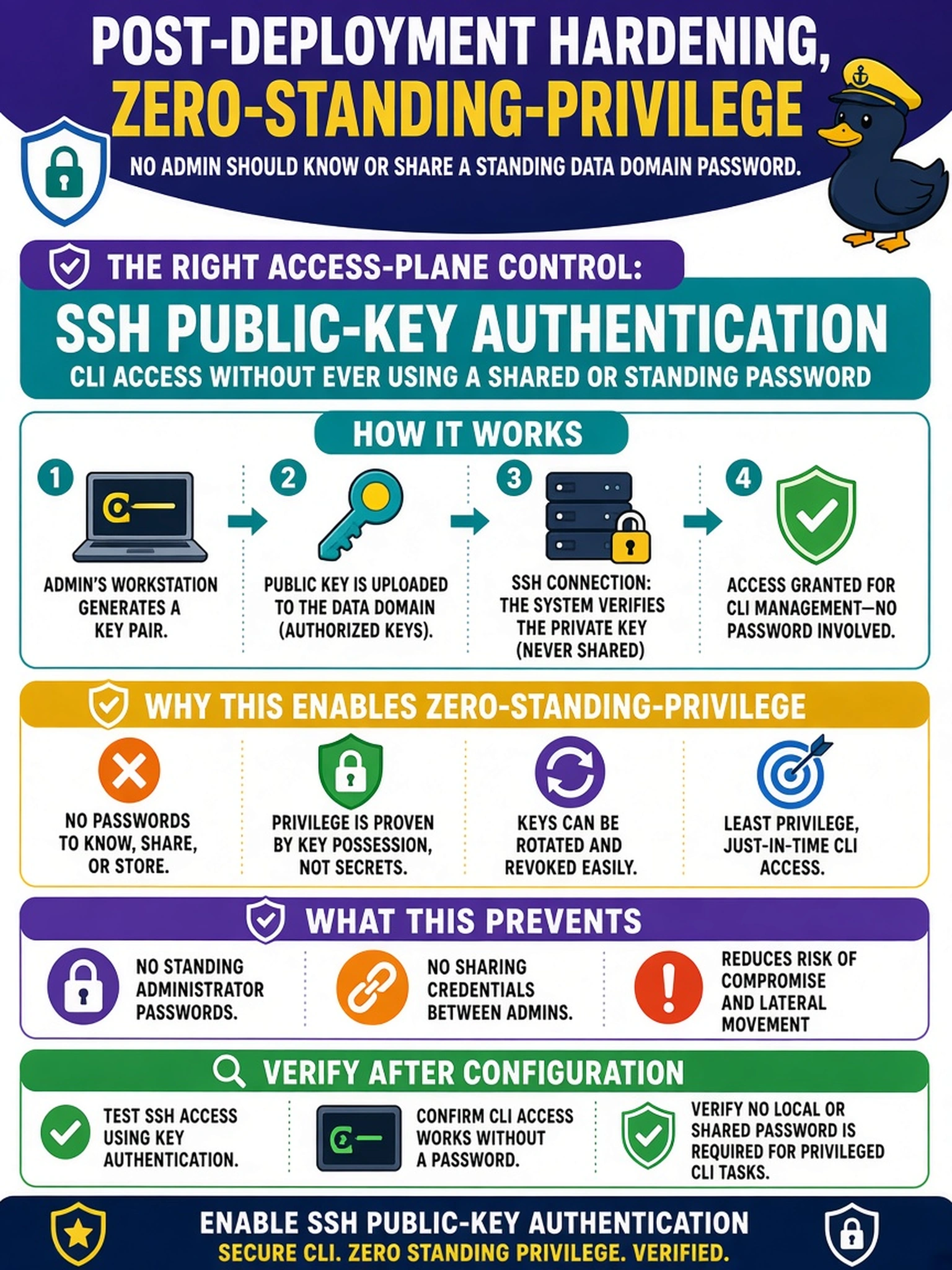
Think of it like handing out badges instead of sharing one master key: SSH public-key authentication lets each admin prove identity with their own private key, so no standing password needs to be known. You don't get credit for hardening until you verify the keys are loaded and password login is disabled, because a half-hardened access plane is a pretty trap.
Full Explanation
Mechanism: SSH public-key authentication replaces knowledge-based credentials with possession-based credentials on the Data Domain management access plane. The administrator authenticates by proving control of a private key that corresponds to an authorized public key, so the account does not need a standing password to be known or shared. In a zero-standing-privilege model, keys can be issued to individuals, rotated, and revoked independently, which supports least-privilege administration over the CLI. LDAP group-based admin authorization can centralize role assignment, but group membership does not remove password-based credential knowledge by itself; it may still rely on a directory password or another authentication factor. Role-based access control for admin accounts restricts what an authenticated user may do, but it does not change how the user authenticates, so standing passwords can remain in place. SNMPv3 with authentication and privacy protects monitoring and management protocol traffic, not the SSH CLI administrative login path. Exam caveat: If the stem emphasizes CLI access and zero standing privileges, choose the authentication method that removes shared password knowledge, not an authorization or monitoring control. Operational check: Log in as an administrator using an SSH client with a private key, then confirm the appliance accepts the key and rejects password-based admin login.