
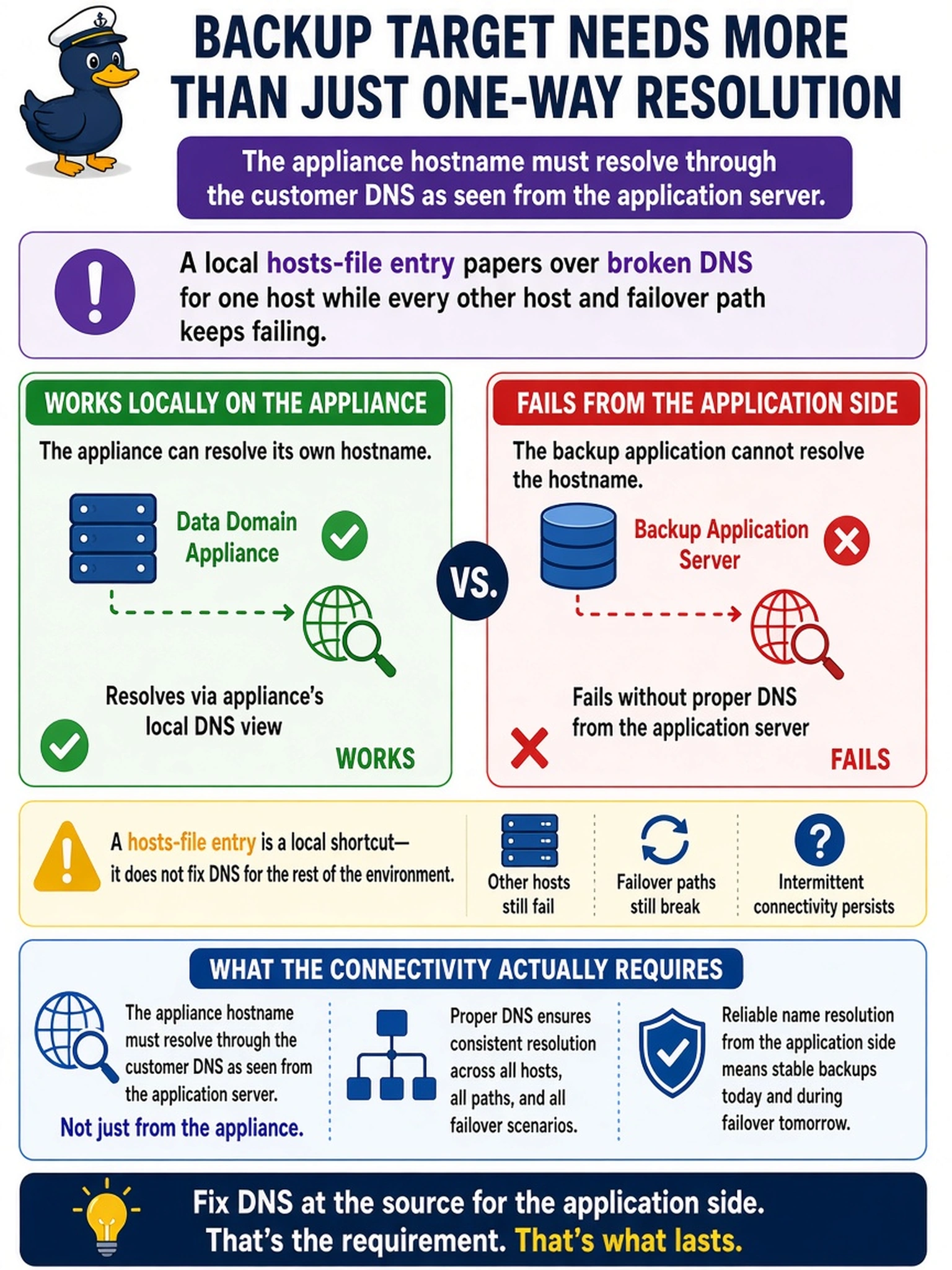
A backup application's configuration wizard rejects the Data Domain's hostname during target setup, yet the engineer can resolve that name from the appliance itself without trouble. To unblock the ticket before the shift ends, the engineer adds a hosts-file entry on the application server and moves on. What does the scenario's connectivity actually require?
Select an answer to reveal the explanation.
Short Explanation
A hosts-file entry is duct tape, fixing exactly one machine while quietly breaking every other one you don't think about. The hostname needs to be answered by the real directory, the customer's DNS, from the application server's point of view, not the appliance's. "It resolves over here" proves nothing about over there, and over there is where your backup jobs live.
Full Explanation
Application-to-appliance connectivity usually hinges on name services at the client, since the wizard resolves names using the application server's own resolver, and deployment checklists therefore include creating DNS records for the appliance's management and data names and verifying resolution from the machines that will actually connect. Forward records, and where required reverse records, fixed centrally in the customer's DNS make every host share the same truth, including future media servers and failover nodes. The self-resolved-name argument fails because an appliance answering queries about itself says nothing about the application server's zones, so the missing record is the real fault, not cache. Recording hosts entries in the as-built documents the workaround without curing it, since per-machine overrides drift, multiply, and silently keep pointing at old endpoints when replication failover changes the address. Direct-IP configuration often breaks the integration outright, because certificate validation and many target dialogs bind to names, so the address is the road back into the same problem wearing a different hat. Exam caveat: split-horizon zones can resolve a name on one VLAN and not the backup VLAN, so test from the actual client network. Operational check: from the application server run the resolver tools against the appliance name, then rerun the target configuration after removing the hosts entry.