
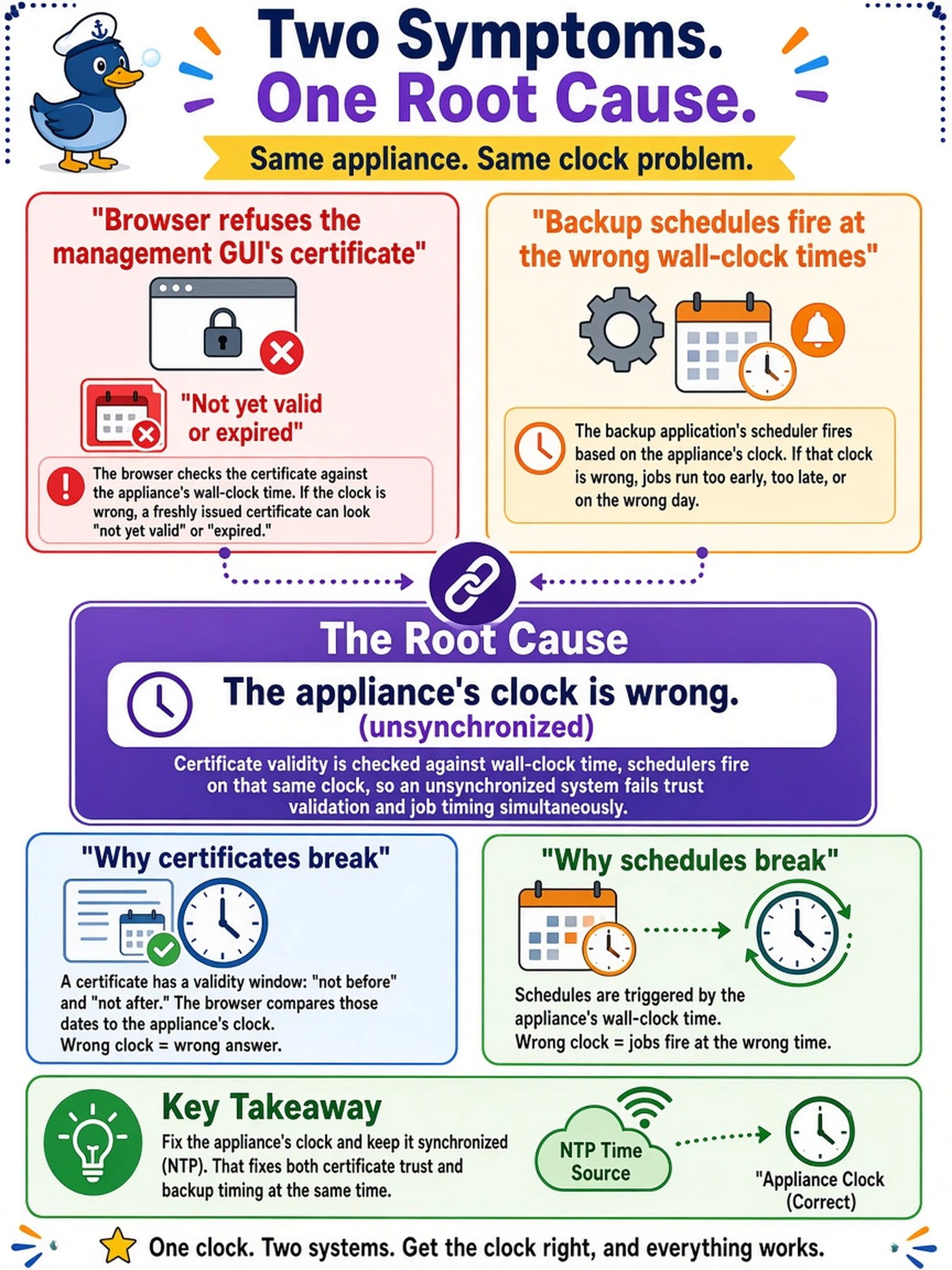
A browser refuses the management GUI's freshly issued certificate as not yet valid or expired, and the backup application's schedules fire at the wrong wall-clock times on the same appliance. What single root cause links these symptoms?
Select an answer to reveal the explanation.
Short Explanation
A certificate's validity dates are checked against the clock of the box doing the checking. If that clock lives in last year, a perfectly good certificate is 'not yet valid' and every schedule fires on the wrong hour. One wrong clock, two weird symptoms — so check the time before you trust the errors you're being told.
Full Explanation
Wall-clock correctness is a dependency, not a nicety. Certificate validation compares the validity window against the checking system's current time, so a clock lagging by months judges a freshly issued certificate not yet valid, and a clock running ahead sees expiration; the same clock drives schedule evaluation, so a backup window defined in local time fires at the wrong real-world hour. One root cause explains both symptoms, which is why time synchronization is core management configuration alongside address and DNS rather than an after-go-live improvement. An internal CA lacking its chain in the trust store is a plausible trap but produces a different complaint — untrusted issuer rather than validity dates — and would leave schedules firing on time; trust failures and window failures read differently in any browser. Reissuing certificates on a cycle to track clock drift fails by mechanism: a reissued certificate inherits the same wrong clock and fails identically the day it is installed. A timezone mismatch shifts displayed hours by the regional offset — it cannot produce the year-scale error that pushes a valid certificate outside its window. Exam caveat: fix the clock first and retest; most certificate tickets on newly commissioned systems close with zero certificate work. Operational check: compare the appliance clock to a reference, confirm time sync status, then retry the GUI session and inspect the next fire time of a known schedule.