
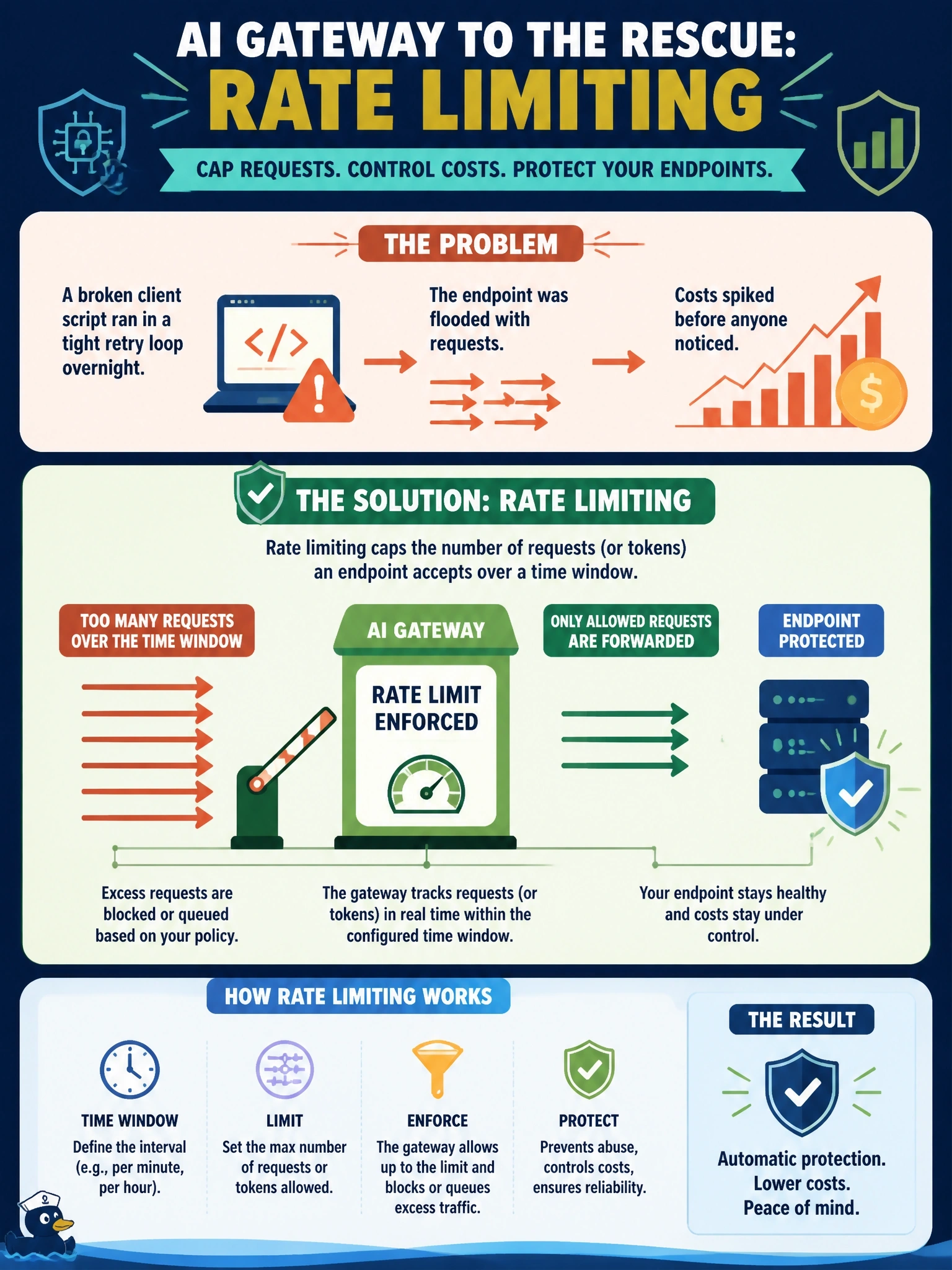
Meridian Line's charter-desk assistant endpoint was accidentally called in a tight retry loop by a broken client script overnight, running up cost before anyone noticed. Which AI Gateway capability, configured on the endpoint, would have capped the damage automatically?
Select an answer to reveal the explanation.
Short Explanation
Logging and usage tracking tell you what already happened; they don't stop it from happening. Rate limiting is the one that actually puts a ceiling on requests while the runaway script is still running.
Full Explanation
AI Gateway's rate limiting sets an enforced cap on requests or tokens per time window on the endpoint itself, so a client stuck in a retry loop gets throttled or rejected once it exceeds the configured limit — this is the control that actually bounds the damage in real time, regardless of which client is misbehaving. Payload logging captures the content of requests and responses, which is valuable for later diagnosis (identifying which client sent the runaway traffic) but does nothing to stop the traffic while it's happening — it's forensic, not preventive. Usage tracking reports aggregate metrics like token counts, useful for cost monitoring and after-the-fact analysis, but like logging it observes rather than intervenes. Pointing the alias at a cheaper model would reduce cost per call but does nothing to cap the number of calls a broken retry loop makes — an overnight loop against a cheap model still runs up cost and load, just more slowly. Exam framing: rate limiting is the specific AI Gateway control named for exactly this failure mode under 'Configure AI Gateway-level controls on an endpoint (rate limiting, usage tracking, payload logging).'