
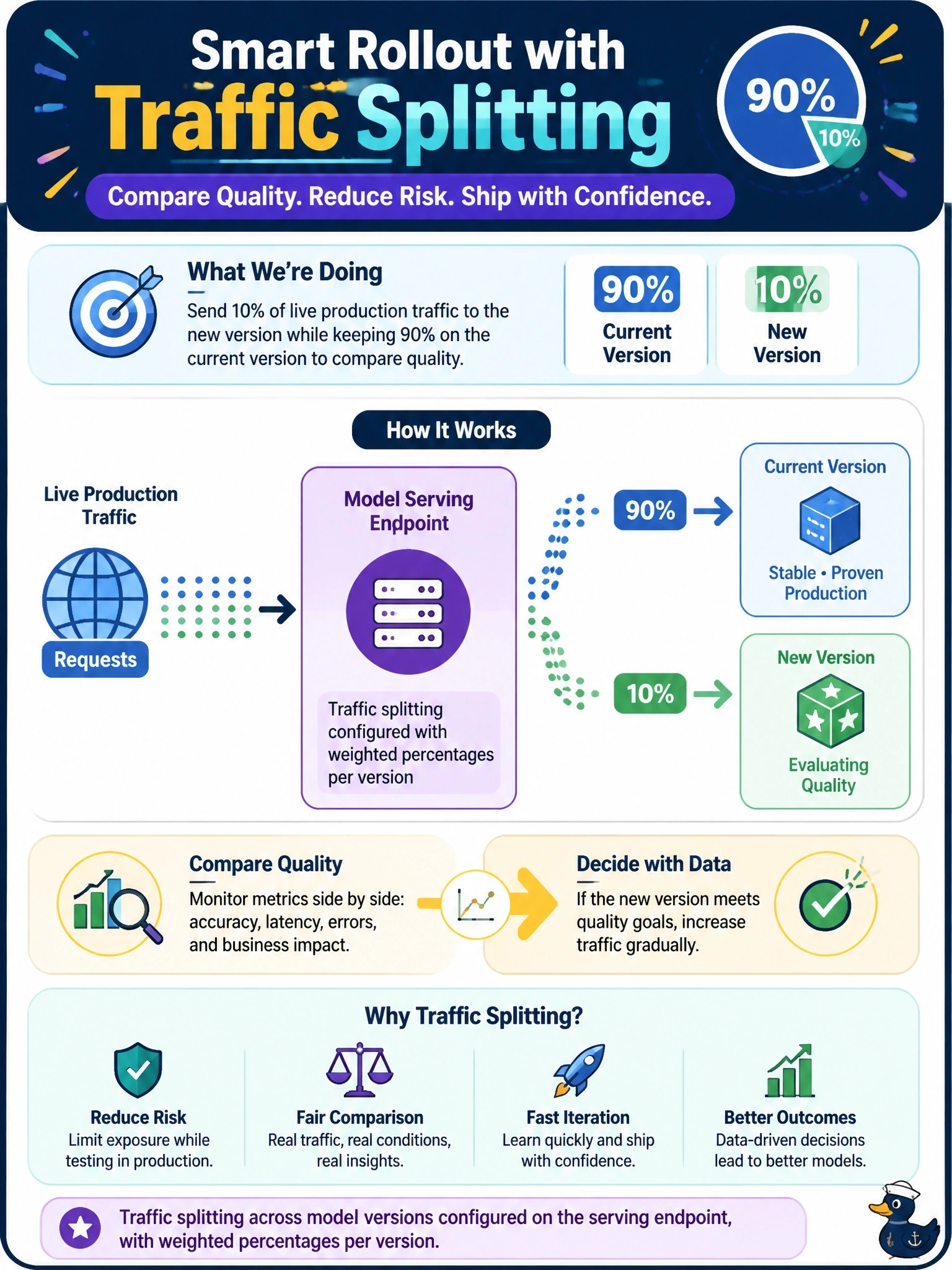
Before fully promoting a new version of the customs-compliance agent, the team wants to send 10% of live production traffic to it and keep 90% on the current version, comparing quality before committing further. Which Model Serving capability accomplishes this?
Select an answer to reveal the explanation.
Short Explanation
Think of it as a dimmer switch for two model versions at once: traffic splitting lets you send 10% of live calls to the new version and keep 90% on the current one. You get a real production comparison before deciding whether to shift more traffic.
Full Explanation
Model Serving traffic splitting lets an endpoint assign weighted percentages of incoming requests to multiple served model versions at the same time. Sending 10% of live traffic to the candidate and 90% to the current version gives the team the staged production comparison described in the question. Scale-to-zero controls whether idle compute is released; enabling it for the candidate may reduce idle cost but does not determine what share of production requests reaches that version, and can affect cold-start behavior. A Vector Search metadata filter routes retrieval queries according to document attributes, such as port or jurisdiction; it does not split inference traffic between model versions and operates at a different layer. Registering the candidate under a different Unity Catalog schema changes its governance location and naming, not endpoint routing, so separate schemas do not create a percentage-based rollout. Exam caveat: traffic splitting is the endpoint-level control for staged or canary promotion; scale-to-zero manages idle compute rather than request distribution. Practical check: inspect the serving endpoint configuration and confirm that both versions are served with weights totaling 100%, such as 90% and 10%, before comparing their production quality.