
A pre-production security checklist for city APs flags Telnet still enabled alongside SSH. What should the technician do?
Select an answer to reveal the explanation.
Short Explanation
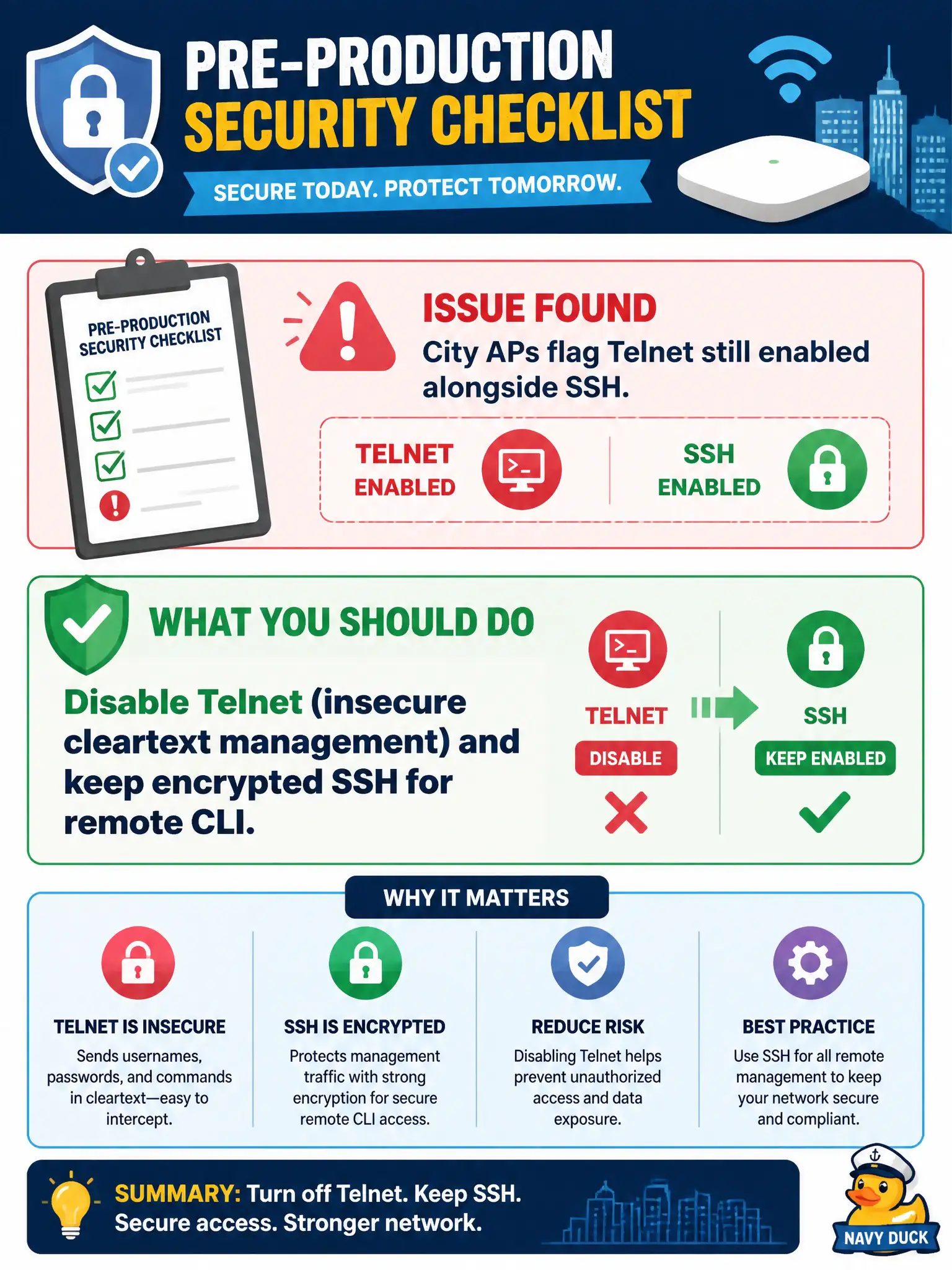
If SSH is already there, Telnet is just an unlocked window next to a locked door. Shut Telnet off so the checklist—and any snooper—stops complaining.
Full Explanation
A pre-production security checklist for city APs that flags Telnet still enabled alongside SSH requires disabling Telnet (insecure cleartext management) and keeping encrypted SSH for remote CLI. Leaving Telnet enabled preserves a cleartext credential channel next to a secure one, undermining municipal hardening standards before the AP serves production clients. Checklists exist to catch exactly this dual-stack management risk on civic infrastructure.
Enabling even more cleartext protocols such as rsh to keep options open increases attack surface rather than closing it. Documenting Telnet as preferred and disabling SSH permanently chooses the weaker protocol for remote administration. Moving Telnet to the guest SSID so only visitors can use it still exposes a cleartext admin path to the wrong audience and fails the checklist intent.
Exam caveat: if SSH is available, disable Telnet—do not run both as equals on civic APs heading into production. Operational check: disable Telnet on the AP or template, verify SSH still authenticates from the management network, attempt Telnet and confirm it fails closed, and sign the checklist item as remediated with evidence attached to the change ticket.