
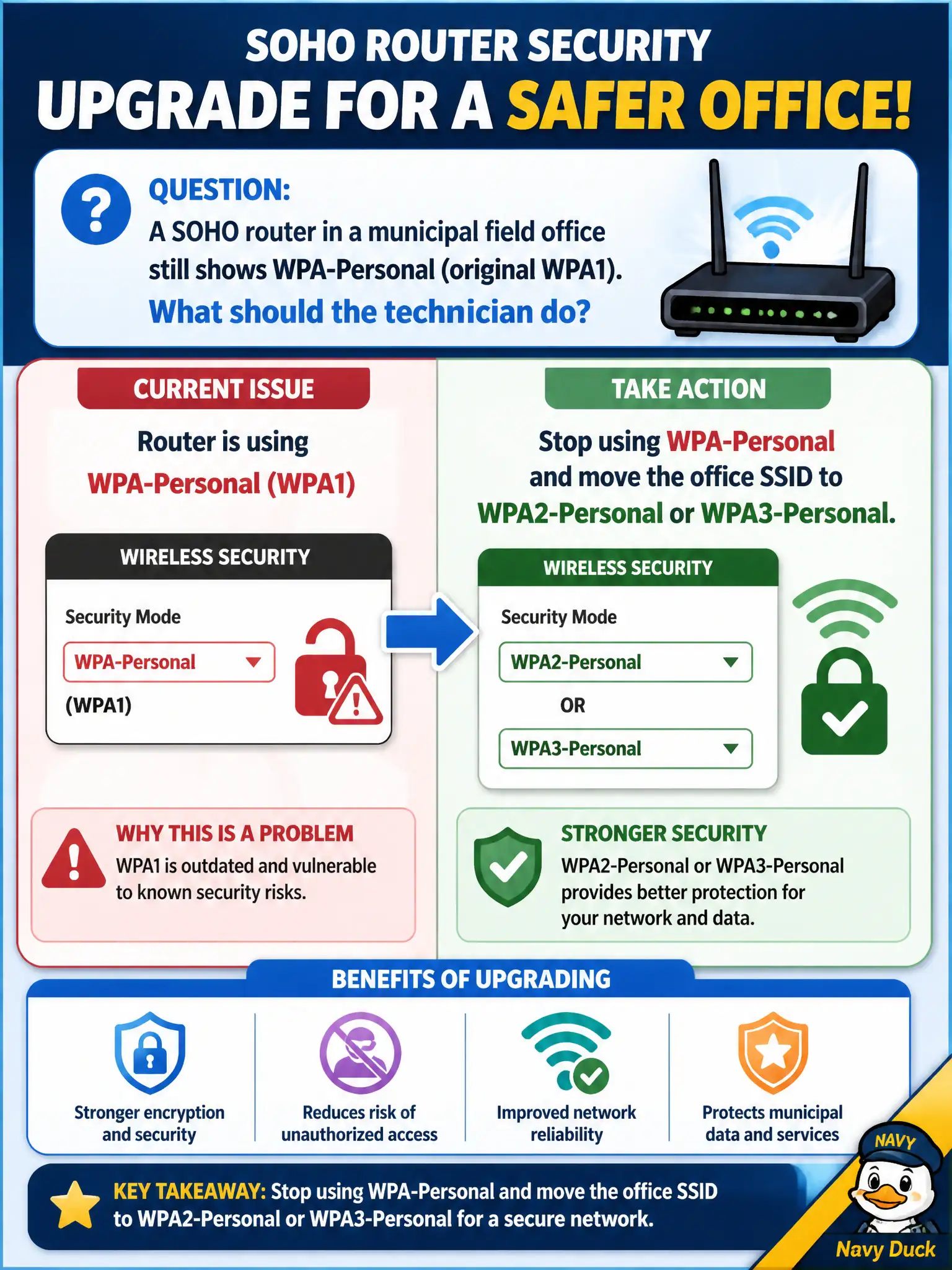
A SOHO router in a municipal field office still shows WPA-Personal (original WPA1). What should the technician do?
Select an answer to reveal the explanation.
Short Explanation
Original WPA-Personal is the old handshake that aged out years ago. "Personal" in the label does not mean current—upgrade the field-office SSID to WPA2-Personal or WPA3-Personal and leave WPA1 behind.
Full Explanation
A SOHO router in a municipal field office that still shows WPA-Personal (original WPA1) must be moved off that suite. The technician should stop using WPA-Personal and migrate the office SSID to WPA2-Personal or WPA3-Personal. Original WPA/TKIP-era Personal mode is deprecated by modern standards and is inappropriate for city field offices handling resident data—even on small routers.
Keeping WPA-Personal because the name includes “Personal” confuses branding with current approval status. Enabling WPA-Personal with TKIP-only for scanner compatibility maximizes legacy risk. Using WPA-Personal plus a hidden SSID as a temporary harden step pairs two weak choices.
Exam caveat: WPA-Personal means legacy WPA1 in this context—not a synonym for WPA2-Personal. Move to WPA2/WPA3 Personal.
Operational check: reconfigure the field-office SSID to WPA2-Personal or WPA3-Personal with a strong passphrase, update staff device profiles, verify connectivity, and remove WPA1/TKIP from available options. Municipal technicians document the verified setting in the as-built packet so the next shift inherits a known-good civic configuration rather than tribal knowledge. Municipal technicians document the verified setting in the as-built packet so the next shift inherits a known-good civic configuration rather than tribal knowledge.