
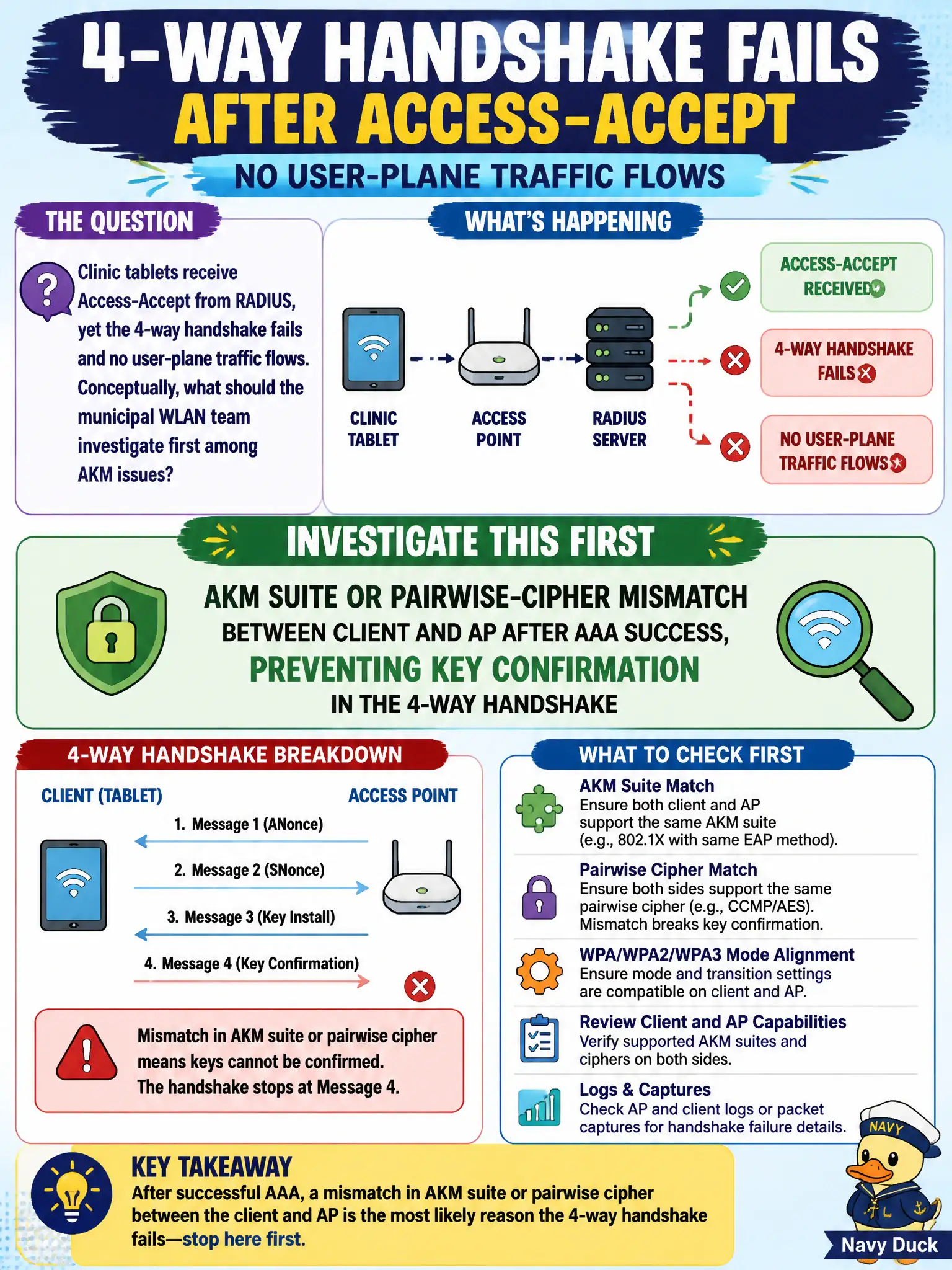
Clinic tablets receive Access-Accept from RADIUS, yet the 4-way handshake fails and no user-plane traffic flows. Conceptually, what should the municipal WLAN team investigate first among AKM issues?
Select an answer to reveal the explanation.
Short Explanation
RADIUS said “you’re good,” but the 4-way still face-planted—that’s usually the lock types not matching after the bouncer waved you through. Check AKM/cipher negotiation, not the thermostat or DNS trivia first.
Full Explanation
When clinic tablets receive Access-Accept from RADIUS yet the 4-way handshake fails and no user-plane traffic flows, the first conceptual AKM place to look is suite or pairwise-cipher mismatch between client and AP after AAA success. The bouncer waved the tablet through authentication, but the locks on the door—AKM confirmation and cipher negotiation—did not agree, so key confirmation fails and data never starts. Municipal WLAN teams should treat “AAA OK, air still dead” as a negotiation and key-install problem before chasing unrelated infrastructure trivia. Building HVAC setpoints within AP temperature datasheets rarely explain a systematic 4-way failure right after Access-Accept. DNS scavenging of a tablet PTR record is not the primary AKM failure mode for missing user-plane keys. Captive-portal TLS certificate strength on a splash page does not govern Enterprise 4-way success on a clinical SSID that already passed RADIUS. Exam caveat: intermittent mismatches can be profile-specific (BYOD vs managed) even when the SSID name is shared—compare the exact RSN IE to each client’s enabled suites. Operational check: reproduce with one failing clinic tablet, capture the association and EAPOL-Key exchange, and confirm whether the AP and client offered overlapping AKM/cipher suites; remediate by aligning profiles rather than rebooting unrelated building systems.