
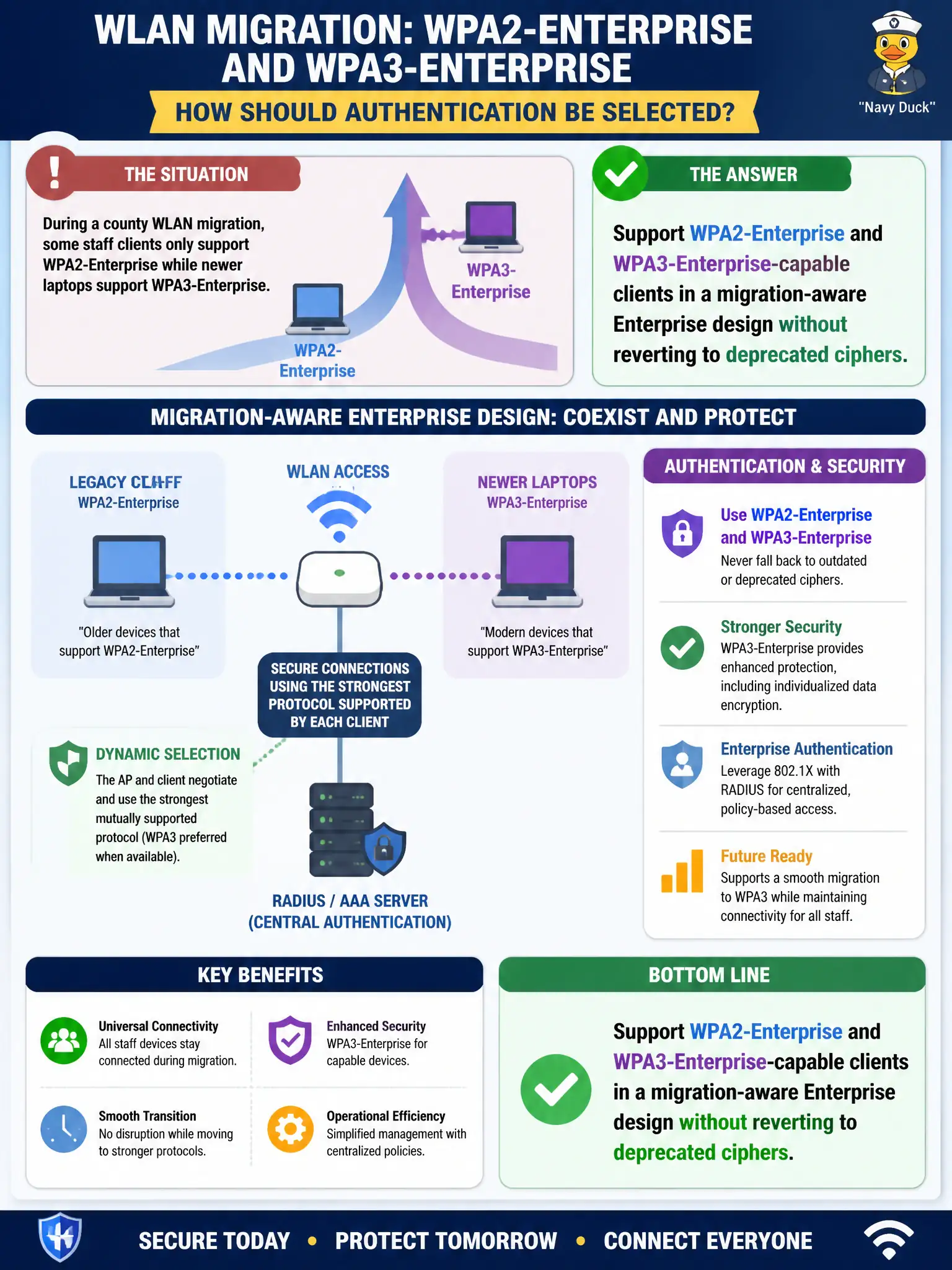
During a county WLAN migration, some staff clients only support WPA2-Enterprise while newer laptops support WPA3-Enterprise. How should authentication be selected?
Select an answer to reveal the explanation.
Short Explanation
Migrations are like running two toll booths while the new lanes open—keep Enterprise auth for both generations, don’t rip out encryption or go back to WEP or a giant PSK just to ‘make it simple.’
Full Explanation
During a county WLAN migration with mixed WPA2-Enterprise-only and WPA3-Enterprise-capable staff clients, authentication design should support both Enterprise generations in a migration-aware way without reverting to deprecated ciphers. Downgrading everyone to WEP so all clients join one SSID is unacceptable. Disabling encryption until the last WPA2 client retires removes confidentiality. Moving all users to a single WPA2-Personal passphrase for compatibility abandons Enterprise identity. Exam caveat: coexistence of WPA2-Enterprise and WPA3-Enterprise during migration is normal; deprecated crypto and Personal PSK are the wrong compatibility hammers. Operational check: configure transition-capable Enterprise profiles per vendor guidance, pilot both client classes, track WPA3 adoption metrics, and set a retirement date for WPA2-only modes. Publish the migration plan to municipal department IT contacts so device refreshes align with the cutover. In municipal WLAN operations, record the rationale in the change ticket so future on-call staff know which control was chosen and which failure modes the rejected options would create for city services. Re-validate after the next maintenance window that the same control still holds under the infrastructure versions and client fleets used by the civic environment.