
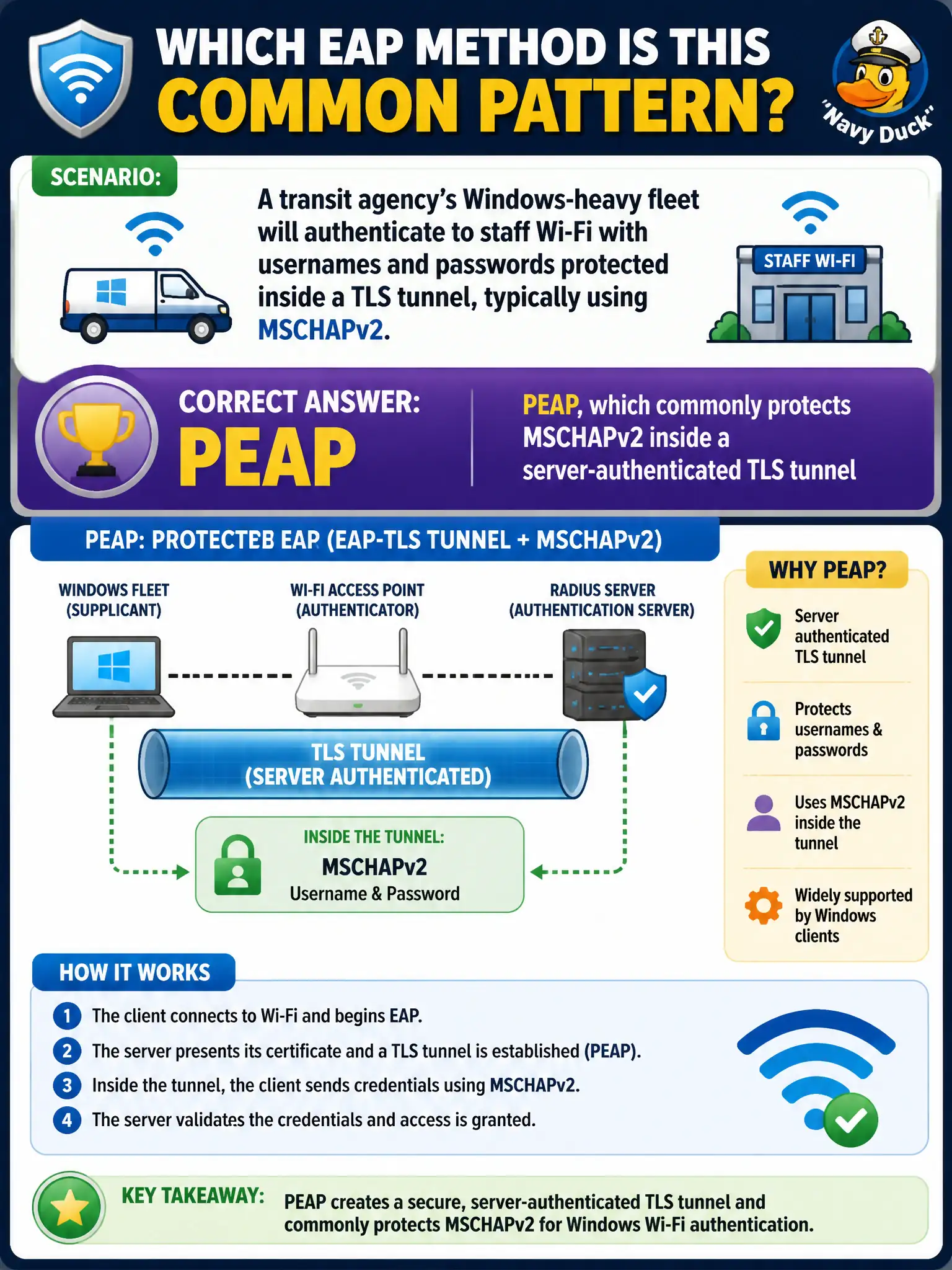
A transit agency’s Windows-heavy fleet will authenticate to staff Wi-Fi with usernames and passwords protected inside a TLS tunnel, typically using MSCHAPv2. Which EAP method is that common pattern?
Select an answer to reveal the explanation.
Short Explanation
PEAP is the familiar ‘password in a TLS envelope’ path many Windows shops use—often MSCHAPv2 inside. It’s not the same as forcing client certs (EAP-TLS), and it’s not a shared PSK or a MAC allow-list.
Full Explanation
A transit agency’s Windows-heavy fleet authenticating to staff Wi-Fi with usernames and passwords protected inside a TLS tunnel, typically using MSCHAPv2, matches the common PEAP pattern: PEAP protects MSCHAPv2 inside a server-authenticated TLS tunnel. EAP-TLS with mandatory client certificates on every laptop is a different method requiring certs. WPA2-Personal with one agency-wide PSK is not tunneled EAP. MAC authentication bypass provides no user identity. Exam caveat: PEAP+MSCHAPv2 is the classic Microsoft-friendly password EAP; do not confuse it with EAP-TLS merely because both are Enterprise. Operational check: enable PEAP on the staff SSID, confirm domain credentials succeed, validate that clients check the RADIUS server certificate to resist evil twins, and phase toward stronger methods if phishing-resistant policy later requires certs. Capture the EAP choice in the transit WLAN authentication standard. In municipal WLAN operations, record the rationale in the change ticket so future on-call staff know which control was chosen and which failure modes the rejected options would create for city services. Re-validate after the next maintenance window that the same control still holds under the infrastructure versions and client fleets used by the civic environment.