
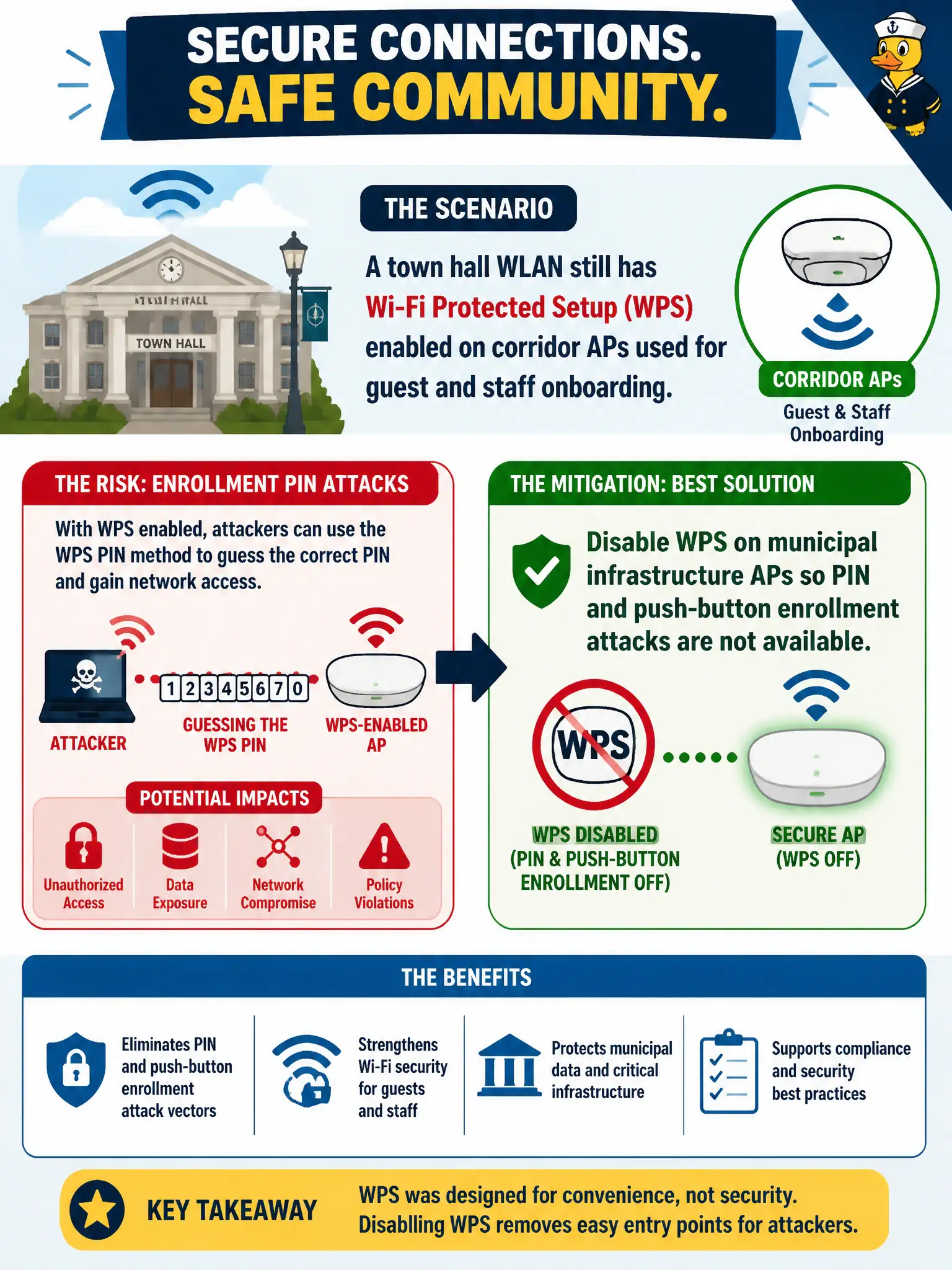
A town hall WLAN still has Wi-Fi Protected Setup enabled on corridor APs used for guest and staff onboarding. Which mitigation best addresses enrollment PIN attacks?
Select an answer to reveal the explanation.
Short Explanation
WPS PIN is the flimsy side door next to the vault—attackers love it because short PINs are guessable. On city gear, shut WPS off. Fancy SSID renames and printing the PIN on badges just leave that door propped open.
Full Explanation
Wi-Fi Protected Setup enrollment—especially PIN-based pairing—has well-documented brute-force weaknesses and remains an unnecessary attack surface on town-hall corridor APs used for guest and staff onboarding. The correct mitigation is to disable WPS on municipal infrastructure so PIN and push-button enrollment attacks are simply unavailable, then use approved Enterprise or controlled guest onboarding workflows instead. Leaving WPS enabled while renaming the SSID weekly does not stop PIN attacks; SSID cosmetics are unrelated to WPS protocol weaknesses. Printing the WPS PIN on visitor badges actively distributes the secret attackers seek. Requiring WPS PIN entry for Enterprise RADIUS logins conflates a deprecated consumer enrollment feature with 802.1X and does not harden RADIUS authentication. Exam caveat: disabling WPS is a configuration and policy control, not a substitute for modern AKM; still enforce WPA2/WPA3 Enterprise or strong Personal settings after WPS is removed. Operational check: audit controller and AP templates for WPS enablement, push a disable template citywide, verify with a WLAN scanner that WPS IE advertisements are gone, and update the onboarding runbook so helpdesk staff no longer instruct users to press the WPS button. Record the change under the municipal WLAN hardening baseline for future audits.