
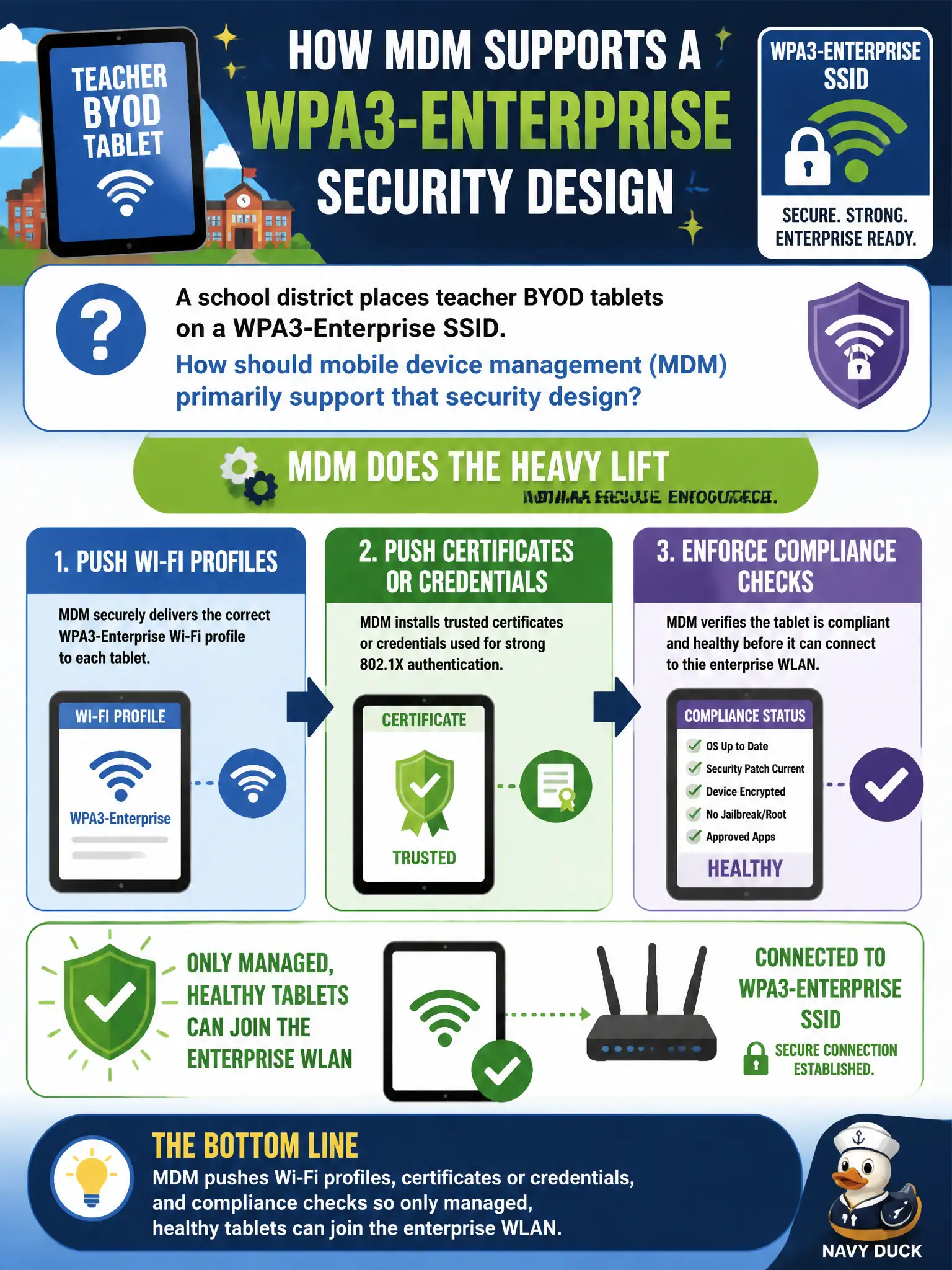
A school district places teacher BYOD tablets on a WPA3-Enterprise SSID. How should mobile device management (MDM) primarily support that security design?
Select an answer to reveal the explanation.
Short Explanation
BYOD on WPA3-Enterprise works when MDM delivers the join recipe and the health check. Profiles, certs, and compliance gates keep random tablets off the staff SSID. Opening the network or wallpapering the RADIUS secret undoes the design.
Full Explanation
When a school district places teacher BYOD tablets on a WPA3-Enterprise SSID, MDM should primarily push Wi-Fi profiles, certificates or credentials, and compliance checks so only managed, healthy tablets can join the enterprise WLAN. MDM turns BYOD from an honor system into an enforceable onboarding and posture channel appropriate for education environments that still touch student-adjacent systems. Without it, enterprise SSIDs become password-sharing festivals.
Replacing WPA3-Enterprise with an open guest SSID so MDM never needs Wi-Fi profiles abandons the security design. Blocking MDM enrollment until tablets complete a week of unrestricted internet on the corp SSID inverts the control order. Storing the RADIUS shared secret inside a public QR code posted in every classroom exposes infrastructure secrets.
Exam caveat: BYOD enterprise access may still need stricter data containerization—WLAN admission is necessary but not sufficient for all district data risks. Operational check: enroll a teacher tablet in MDM, confirm the Wi-Fi profile and certificate install, verify non-compliant devices are blocked, and remove enrollment to confirm access drops. In municipal WLAN programs, capture the decision in the wireless standard and re-check it at change review so the next project inherits the same control bar instead of rediscovering the failure during an outage.