
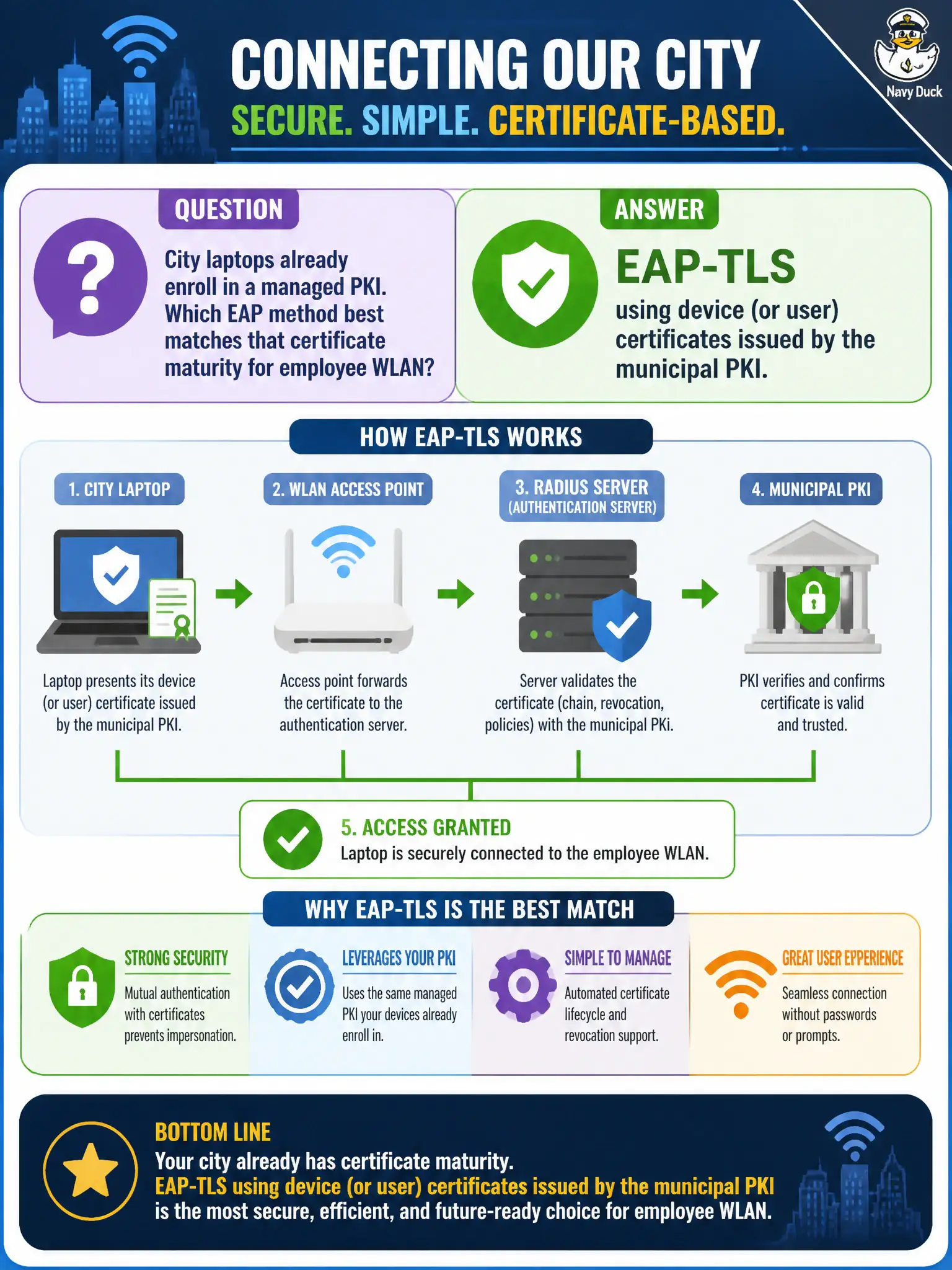
City laptops already enroll in a managed PKI. Which EAP method best matches that certificate maturity for employee WLAN?
Select an answer to reveal the explanation.
Short Explanation
If the city already hands out real certificates, use them—EAP-TLS is the clean fit. PEAP with just passwords is the spare tire; fine when you must, but not when PKI is ready. Logos and WEP are not authentication.
Full Explanation
City laptops already enrolled in a managed PKI are a natural fit for EAP-TLS on the employee WLAN, using device or user certificates issued by the municipal PKI. Certificate-based EAP-TLS removes password-centric MSCHAPv2 weaknesses from the wireless edge and aligns onboarding with existing imaging and MDM certificate workflows. For civic staff machines that already trust the enterprise CA, this is the strongest common 802.1X pattern.
PEAP-MSCHAPv2 with a single shared AD password and no device certificates keeps phishable and sprayable secrets in the join path. Open authentication with a splash page that only shows the city logo provides no enterprise-grade authentication. Static WEP keys burned into laptop images revive obsolete crypto and key-distribution problems.
Exam caveat: EAP-TLS success depends on enrollment, renewal, and revocation operations at fleet scale—not only selecting the method on the SSID. Operational check: join a freshly imaged city laptop with its issued certificate, confirm RADIUS Accept and correct VLAN/role, revoke the certificate in a lab test, and verify subsequent joins fail as expected. In municipal WLAN programs, write the control into standards and verify it during change review so the next project inherits the same bar rather than rediscovering the failure mode under outage pressure.