
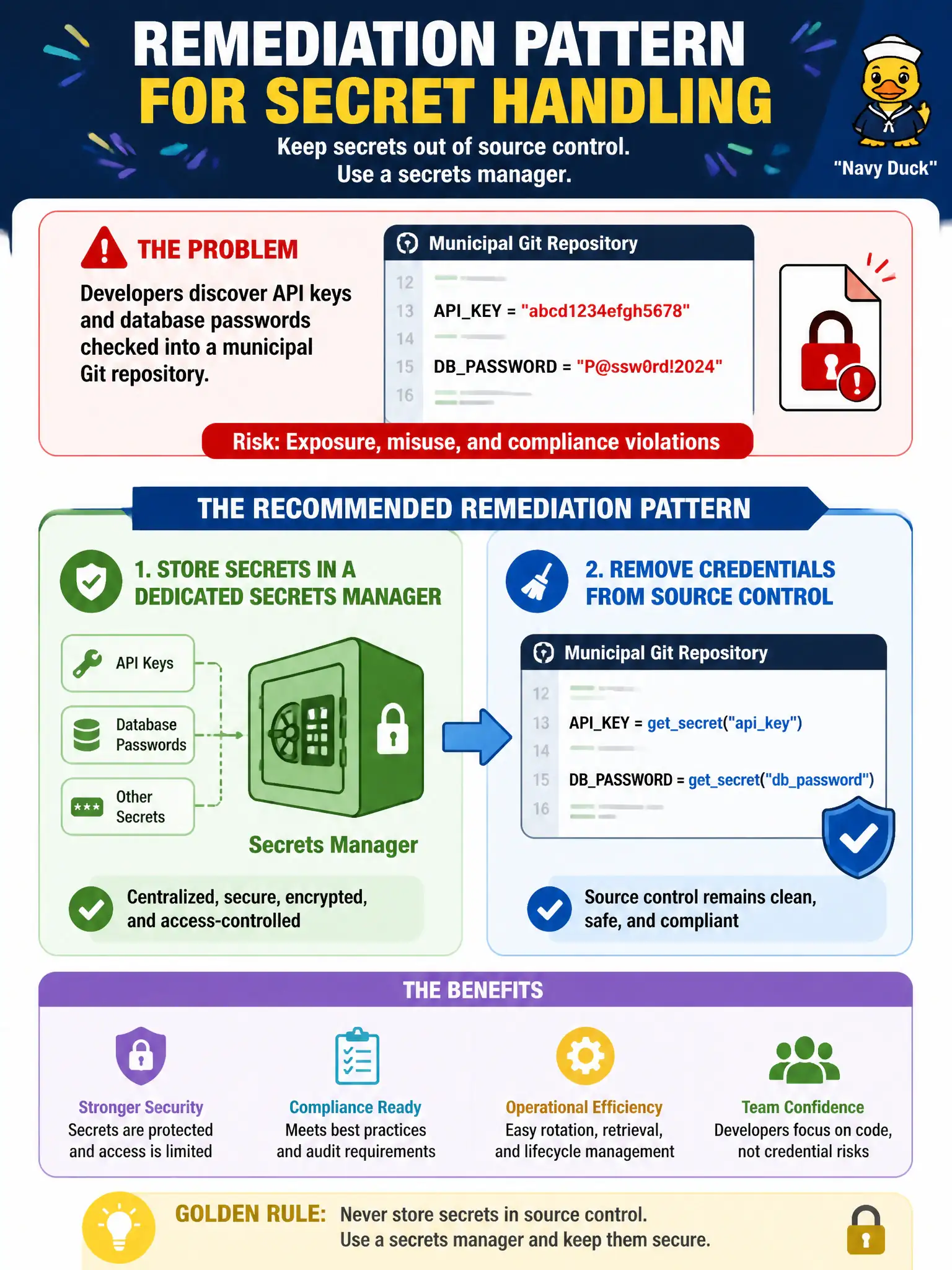
Developers discover API keys and database passwords checked into a municipal Git repository. What is the recommended remediation pattern for ongoing secret handling?
Select an answer to reveal the explanation.
Short Explanation
Git is a history book, not a lockbox—once a password lands there, assume it has been photocopied. Move keys into a secrets manager, rotate what leaked, and keep credentials out of the repo. Emailing secrets or pasting them into browser JavaScript just spreads the problem.
Full Explanation
Secrets found in Git must be removed from source control and relocated to a dedicated secrets manager (or platform secret store) with rotation. When developers discover API keys and database passwords in a municipal repository, the recommended ongoing pattern is vaulted secrets plus history cleanup/rotation—not continued commits of credentials. Protecting civic system secrets protects resident data and service integrity.
Committing additional production passwords into the same public branch worsens exposure. Emailing plaintext secrets to every contractor on every release multiplies disclosure. Embedding the same long-lived keys in client-side JavaScript for the citizen portal exposes them to every browser.
Exam caveat: scrubbing the current tree is insufficient if history still contains secrets—rotate credentials assuming compromise. Pre-commit scanning helps prevent recurrence.
Operational check: rotate all exposed keys/passwords immediately, move application configs to a secrets manager, remove secrets from the repo and purge history as feasible, enable secret scanning, and audit access to the vault. File an incident record for the municipal security team.
Add pipeline gates that block merges when secret scanners flag high-entropy credentials, and require dual approval to temporarily bypass so speed pressures cannot reintroduce passwords into municipal Git history.