
Decommissioning a retired municipal VM must be more than powering it off. Which checklist best reflects complete lifecycle teardown?
Select an answer to reveal the explanation.
Short Explanation
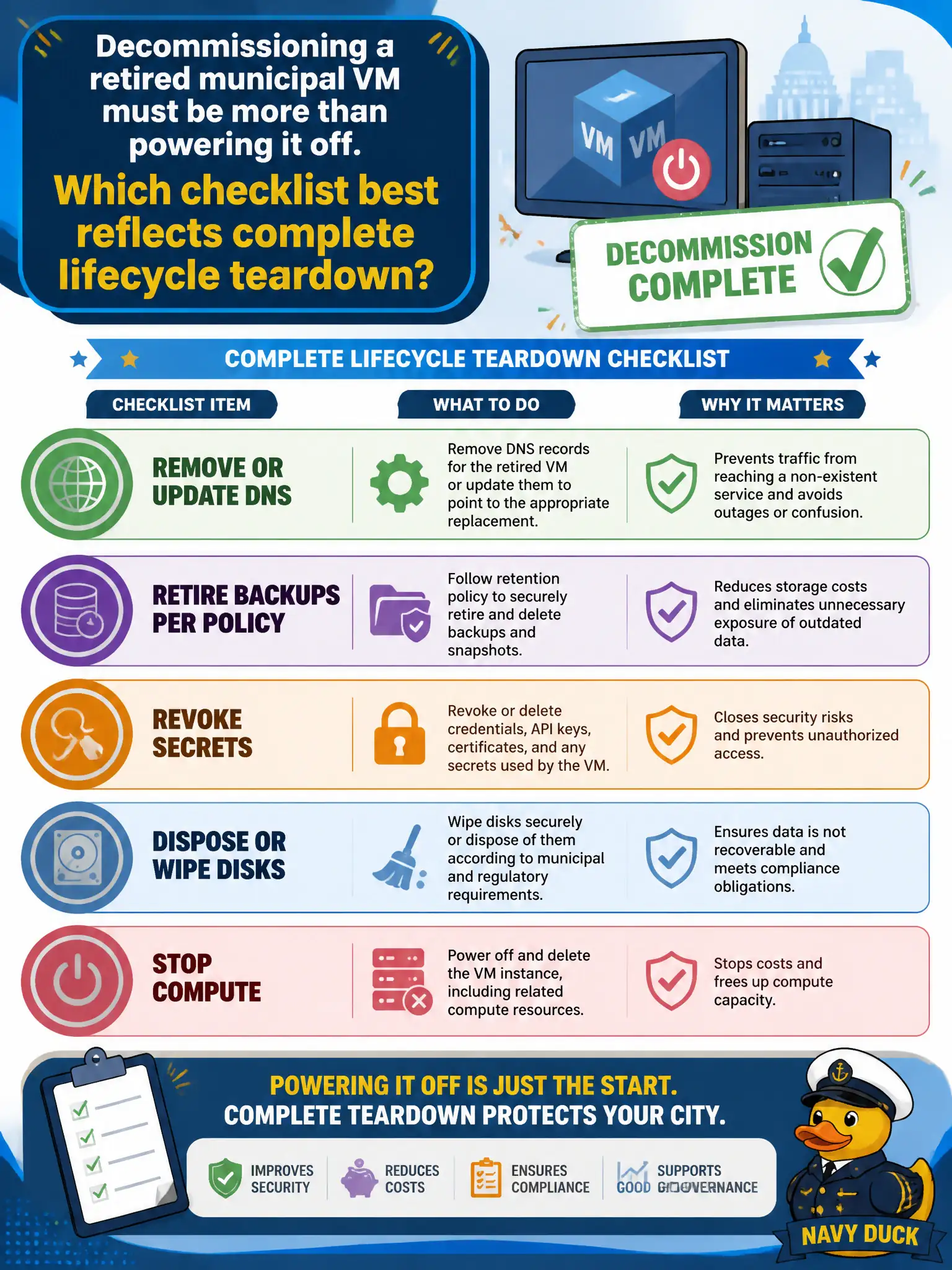
Turning off the lights is not moving out—you still have to cancel the mail, return the keys, and clear the lockers. Decommissioning covers DNS, backups, secrets, and disks too.
Full Explanation
Complete decommissioning removes residual attack surface and cost: DNS entries, backup retention per policy, credentials/secrets, and disks/volumes must be retired or wiped in addition to stopping compute. Powering off a retired municipal VM alone leaves name records, orphaned backups, lingering secrets, and recoverable disks that can leak data or incur charges—lifecycle teardown must be holistic for civic assets.
Powering off while leaving DNS, backups, secrets, and disks untouched indefinitely fails complete teardown. Only deleting the hypervisor host is destructive overkill and still may not handle cloud identity, DNS, or backup catalog hygiene. Publishing the VM’s private keys to a public wiki for historical reference is an active security incident, not decommissioning.
Exam caveat: decommission checklists span compute, storage, network/DNS, identity, backups, monitoring, and billing tags. Cloud resources often outlive the VM object as separate disks, snapshots, and EIPs.
Operational check: use a teardown checklist—stop/terminate VM, remove DNS, revoke roles/keys, dispose or crypto-erase disks, apply backup retention rules, disable alerts, and confirm billing shows zero for those IDs. Attach the completed checklist to the change record for the municipality’s asset audit.