
A community-clinic booking prompt says “draft cases” but never notes that after-hours slots are staff-only. Which prompt component captures restrictions or special considerations that say how instructions should be applied to the input?
Select an answer to reveal the explanation.
Short Explanation
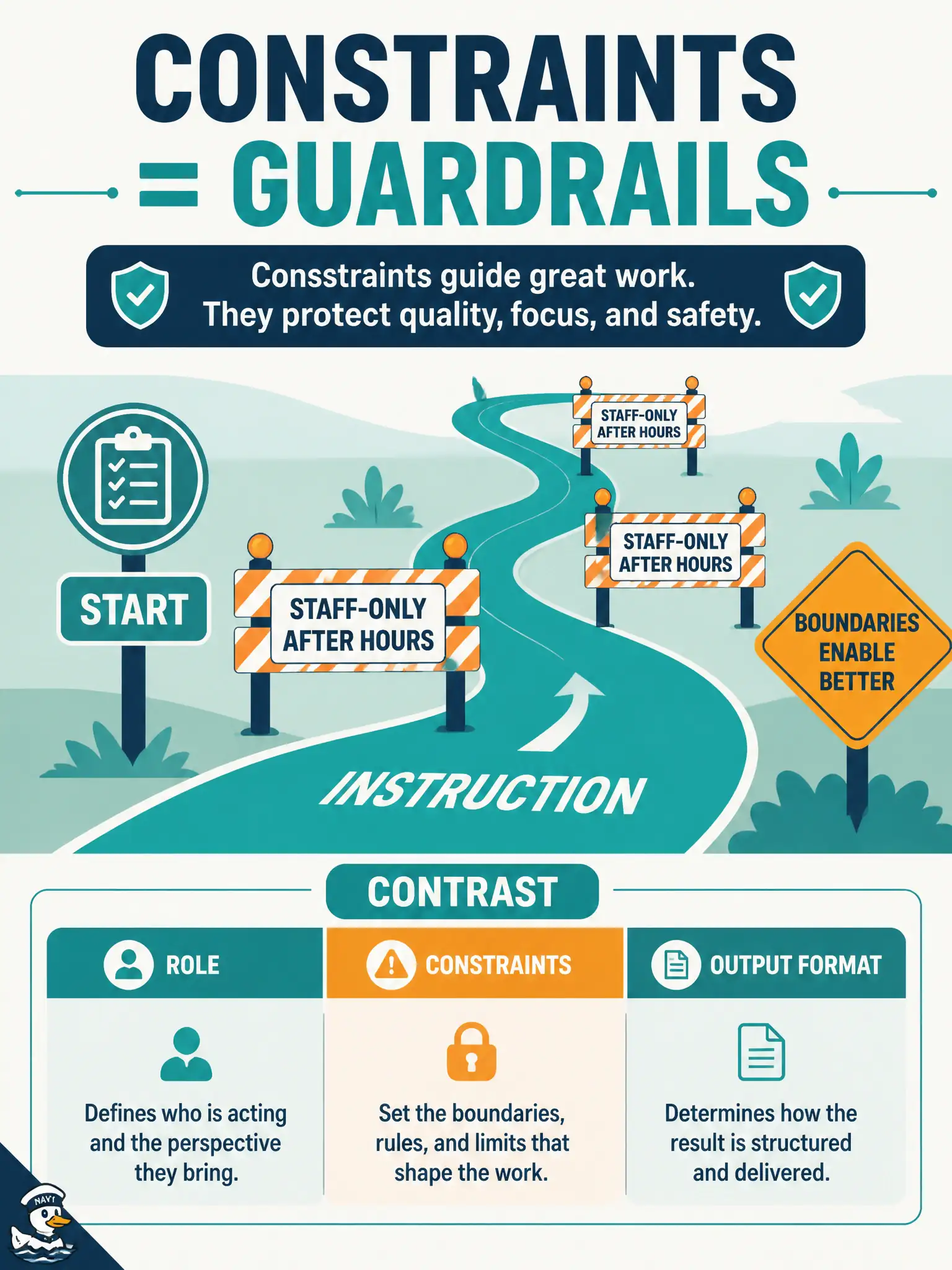
Constraints are the guardrails on the road — they limit how the instruction may be applied. “After-hours slots are staff-only” is a restriction, not a persona and not the table layout. Without that limit, drafted cases can invent invalid patient bookings.
Full Explanation
Constraints capture restrictions or special considerations that say how instructions should be applied to the input—such as “after-hours slots are staff-only.” A community-clinic booking prompt that only says “draft cases” without that house limit invites patient self-serve paths that violate civic staffing policy. Constraints keep GenAI drafts inside operational and compliance reality rather than optimistic fiction that looks fluent in chat.
Role assigns a tester persona; it does not encode staff-only after-hours rules by itself. Output format requests a table or list shape for cases; shape is not a policy restriction. Context may describe the clinic booking system generally without stating the enforceable limit the model must obey when applying the instruction to the input.
Exam caveat: Constraints are how-to-apply limits—not Role, not Format, and not vague Context. Staff-only after-hours is a classic Constraints example on CT-GenAI items about prompt structure.
Operational check: add an explicit Constraints bullet for staff-only after-hours; regenerate clinic cases; confirm no patient self-serve after-hours paths appear; keep Constraints in the municipal clinic booking prompt standard and audit monthly for missing policy limits before release.