
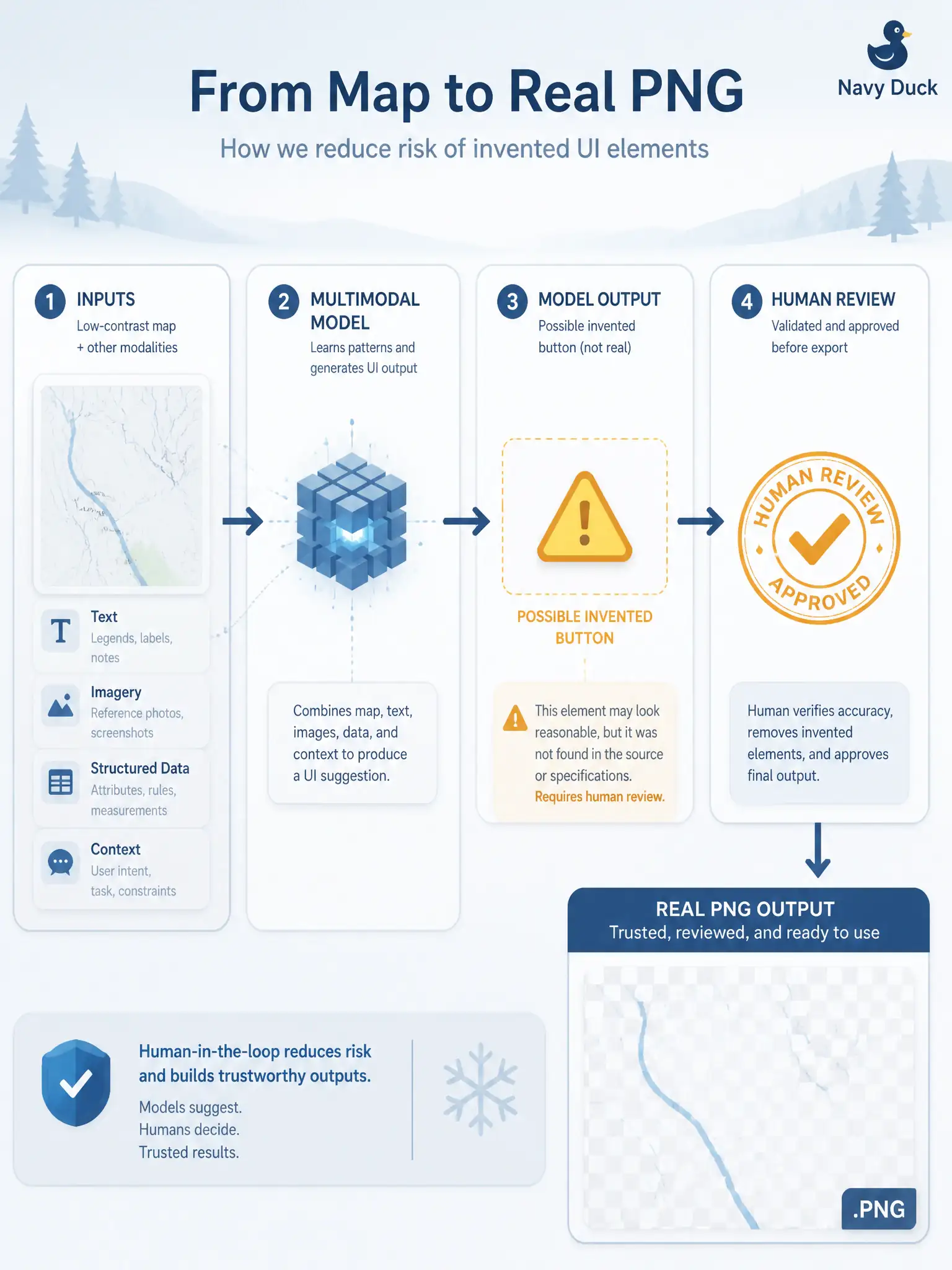
A snow-route map image is low-contrast, and a multimodal model “sees” a button that the PNG does not contain. How should the tester treat that output on this exam?
Select an answer to reveal the explanation.
Short Explanation
Low-contrast maps can trick a model into inventing buttons that are not there—like seeing shapes in clouds. Keep the output as draft help you check, not as a scored lab click-path or an automatic fail. Eyes on the real PNG still win.
Full Explanation
Treat multimodal output that “sees” a button absent from a low-contrast snow-route map PNG as reviewable test support and verify it against the real image and test basis. Image quality problems and model hallucination can invent UI that is not present. Civic winter-operations maps are often low contrast; human eyes on the artefact still outrank fluent false detections when deciding cases or defects.
Treating the hallucination as an automatic lab score that proves the build failed without human review over-trusts the model and can fail good builds. Executing the exact prompt in a mandated hands-on tool as the scored exam step misstates what this certification examines for the topic—conceptual use and limits, not a vendor click-path. Accepting hallucinated controls as new requirements that override the product backlog corrupts the civic basis.
Exam caveat: multimodal assistance has limits; answers are reviewable support. This item is not a graded lab execution of a specific tool prompt.
Operational check: when a snow-route multimodal reply names a control, open the PNG and confirm pixels; discard unverified controls; improve contrast or crop before re-asking; log hallucination examples in the municipal AI-assisted testing notes for trainer use.