
A media company SOC analyst selects a specific hostname in a Falcon Next-Gen SIEM dashboard filter, yet one chart panel continues displaying activity from every host in the environment. What is the most likely cause to check first?
Select an answer to reveal the explanation.
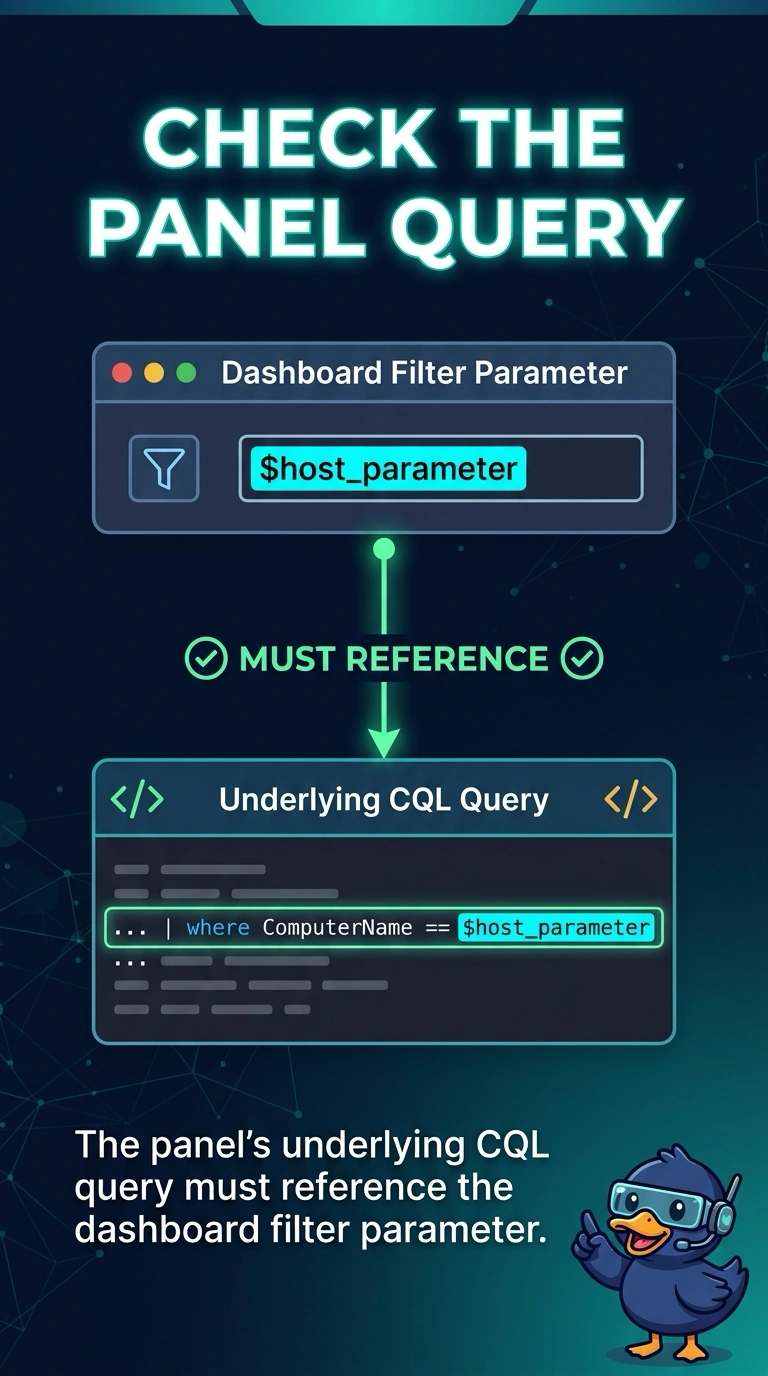
Short Explanation
When a dashboard filter works everywhere except one stubborn chart, the chart is usually not listening to the filter at all. Before you doubt the data, check whether that panel's query actually wires in the filter parameter.
Full Explanation
Interactive dashboard controls only scope panels that explicitly consume them, so the first thing to check is whether That panel's underlying CQL query does not reference the dashboard filter parameter. If a panel author wrote a static CQL query or referenced a different field or variable name, changing the dashboard's hostname selector leaves that panel's results unfiltered across the entire fleet. Claiming that Falcon Next-Gen SIEM dashboards only apply hostname filters to third-party passthrough alerts fails because dashboard parameters work across any ingested dataset whose query references the parameter. Asserting that Applying a dashboard filter automatically deletes non-matching events from the repository fails because dashboard filters only narrow query visualization at read time and never modify stored telemetry. Stating that Dashboard chart panels ignore all filters whenever the selected time window exceeds one day fails because filter parameters apply regardless of whether the time window is hours or days. As a caveat, a panel can also appear unfiltered if the underlying log source populates the hostname in a different field than the one the parameter targets. As an operational check, open the panel's CQL query definition, verify the parameter syntax matches the dashboard filter, and test with a known single host.
Prefer to study offline? Printable PDF study book + test engine ($7.50, unofficial). These questions stay free here.