
A manufacturing SOC analyst investigates a suspicious script launch on a busy engineering server where hundreds of legitimate scripts run hourly. Which CQL pivot best isolates the exact execution chain of the suspicious event?
Select an answer to reveal the explanation.
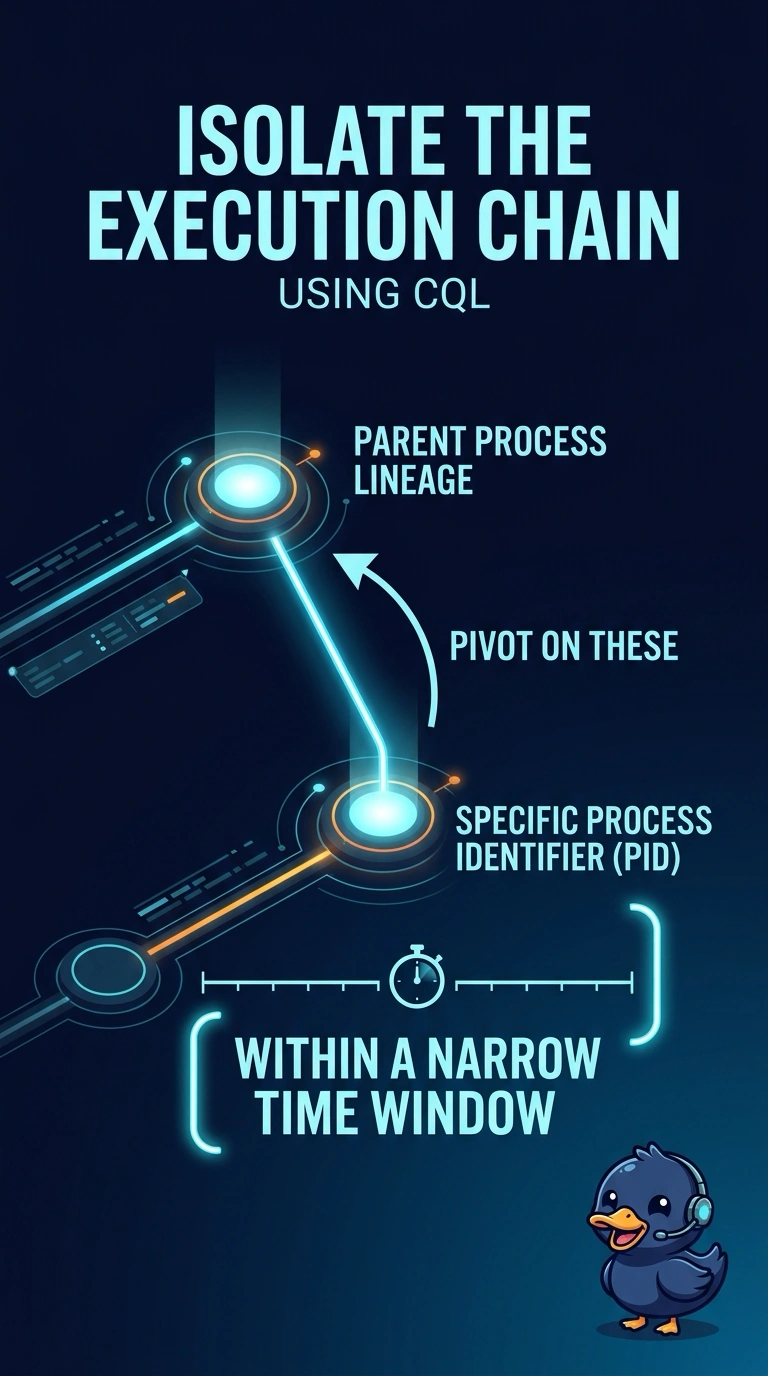
Short Explanation
Searching a busy server by interpreter name alone is like looking for one specific delivery truck by searching for every vehicle on the highway. You need the exact process ID and parent lineage to follow the real thread.
Full Explanation
The most effective CQL approach is to Pivot on the specific process identifier and parent process lineage within a narrow time window. Using unique process identifiers and parent-child relationships within a tight timeframe isolates the exact execution tree from hundreds of unrelated routine scripts running on the same server. Choosing to Filter CQL by the generic script interpreter name across the entire plant over the past 30 days returns massive noise from benign automation and buries the specific incident chain. Choosing to Group all server events by operating system version without filtering on host or process fields produces broad fleet statistics rather than reconstructing an individual execution path. Choosing to Search only perimeter firewall logs for the server's hostname to reconstruct local process trees fails because perimeter firewalls do not record internal process launches or parent-child command execution. As a caveat, numeric OS process IDs can be reused over long periods, so keep the pivot window narrow or use unique SIEM process GUIDs when available. For an operational check, inspect the events immediately preceding and following the parent process launch in CQL to confirm what triggered the script.
Prefer to study offline? Printable PDF study book + test engine ($7.50, unofficial). These questions stay free here.