
A software company SOC analyst sees an alert for an unexpected command-shell execution on an internet-facing application server. Which telemetry check best determines whether this came from web-application exploitation rather than a logged-in administrator?
Select an answer to reveal the explanation.
Short Explanation
A command shell on a public web server should always raise your eyebrows, but administrators run commands too. Check who—or what—spawned that shell before you call it an exploit or write it off as routine maintenance.
Full Explanation
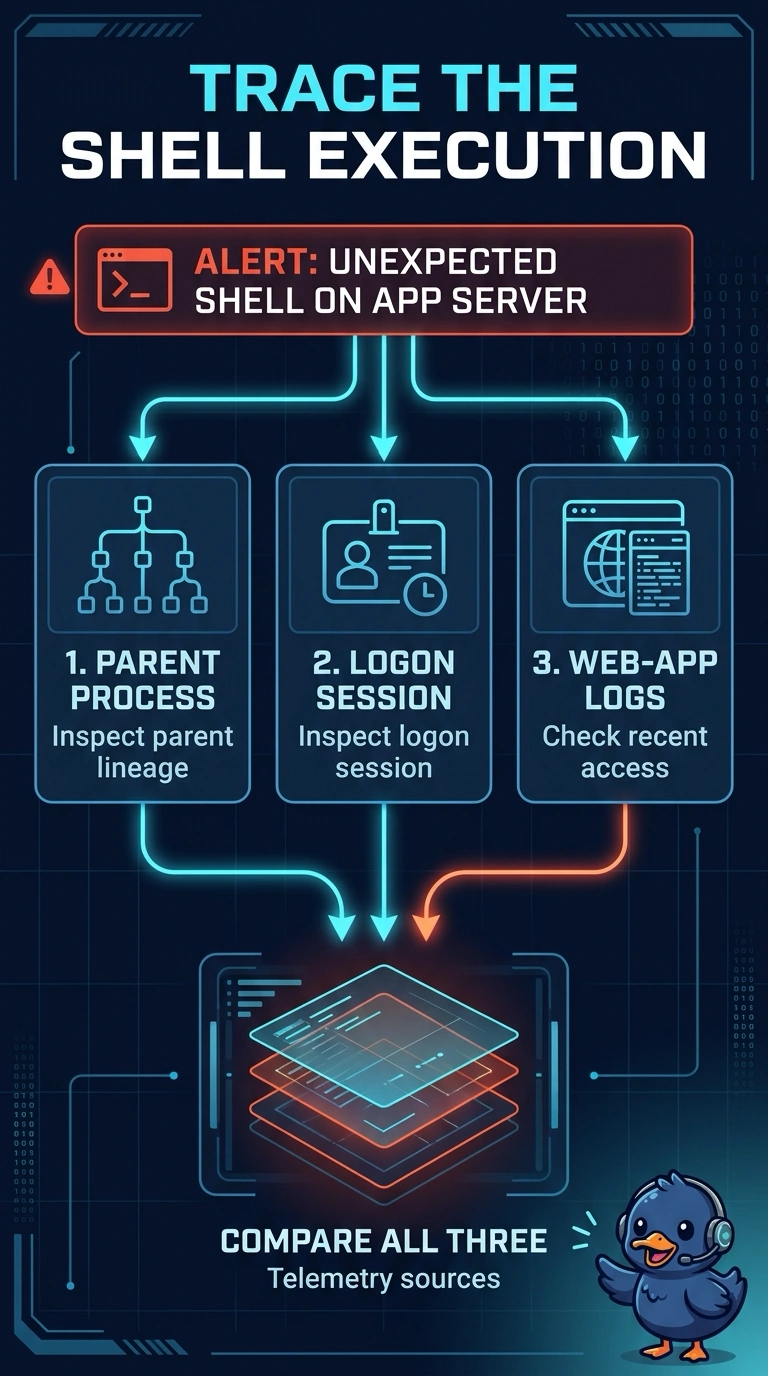
Process lineage and session context reveal how a shell was launched on a multi-purpose server. When you inspect the parent process lineage and logon session alongside recent web-application access logs, web exploitation typically shows a web server or application worker process spawning the shell right after a suspicious HTTP request, whereas an administrator's shell descends from an authenticated interactive session. Choosing to check only whether the command-shell binary has a valid operating-system vendor signature misses the threat entirely because attackers routinely abuse legitimate signed OS shells. Deciding to count total failed SSH logins across all developer workstations over the past thirty days looks at unrelated hosts and does not explain what spawned the shell on this application server. Choosing to immediately revoke all employee cloud email tokens and reimage the server before reviewing process telemetry disrupts unrelated business operations and destroys evidence needed to confirm whether a web vulnerability was exploited. Caveat: legitimate deployment or health-check scripts can occasionally run under a service account, so correlate the exact command-line arguments and HTTP request URI. Operational check: pivot in CQL on the alert's process identifier and timestamp to trace the parent process tree and matching web access requests.
Prefer to study offline? Printable PDF study book + test engine ($7.50, unofficial). These questions stay free here.