
A hospital cloud engineer runs an automated onboarding template to register a new cloud account in Falcon Cloud Security, but deployment fails immediately with a resource-already-exists error. What should the engineer check first?
Select an answer to reveal the explanation.
Short Explanation
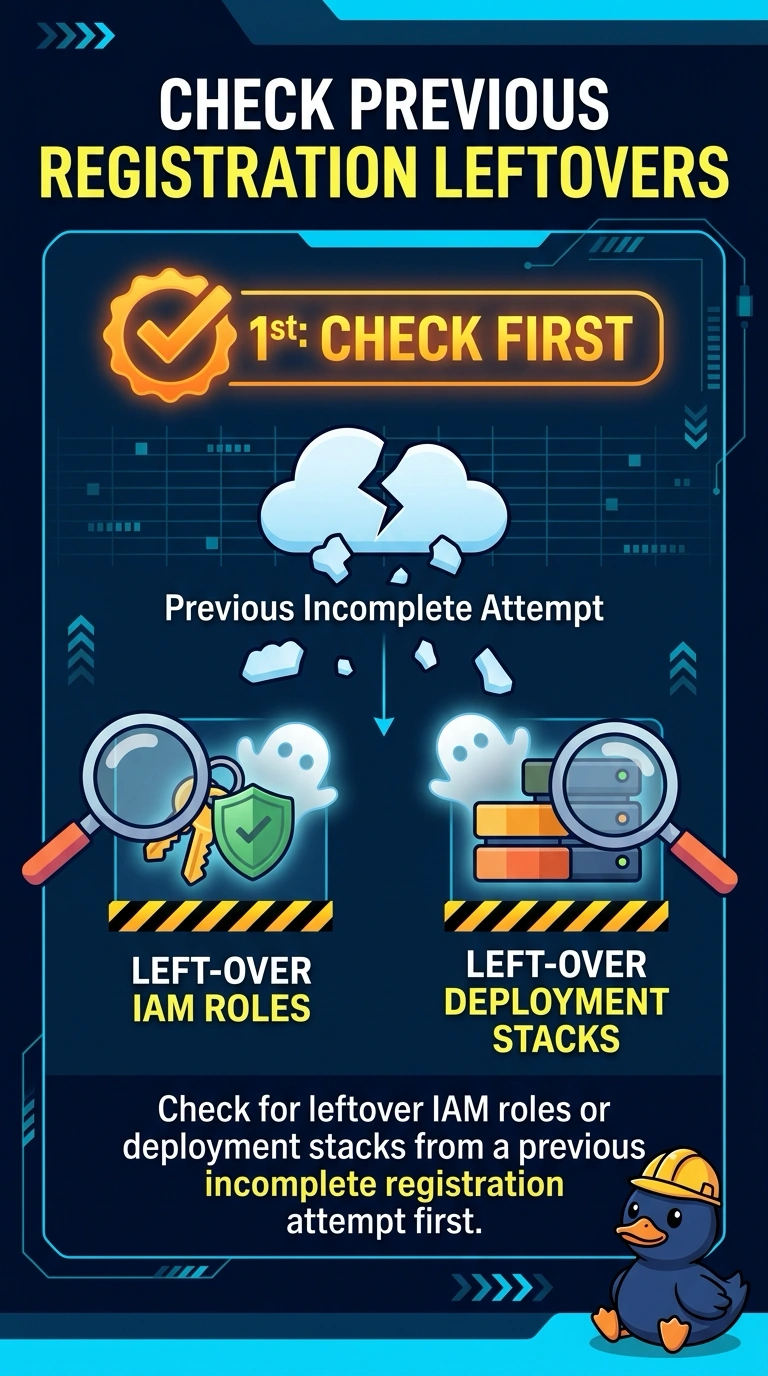
When an onboarding template trips over a resource that already exists, it is usually bumping into footprints left behind by an earlier partial run. Checking for leftover roles or stacks gets you unstuck fast, whereas the trap is blaming runtime sensors, reports, or registry scans that have not even started yet.
Full Explanation
Leftover IAM roles or deployment stacks from a previous incomplete registration attempt is the most direct cause of a resource-already-exists failure during automated cloud account onboarding, because cloud provisioning engines reject creating an identical named role or stack when remnants remain from an aborted run. Outbound firewall rules blocking the Falcon sensor DaemonSet on Kubernetes worker nodes affect runtime workload telemetry inside a cluster rather than cloud-provider template creation of onboarding roles. Whether a scheduled compliance report is currently filtering out the hospital cloud group governs audit report delivery after accounts are already registered and scanned, so it cannot block initial template deployment. Whether pre-runtime image assessment policies are enabled for the hospital container registry controls container build evaluation rather than cloud account IAM provisioning. As a caveat, confirm that the existing role is truly an orphaned onboarding artifact before deleting it so you do not disrupt an active integration. For an operational check, inspect the cloud provider deployment event log for the exact conflicting resource name, remove the stale stack or role cleanly, and re-run the onboarding template.
Prefer to study offline? Printable PDF study book + test engine ($7.50, unofficial). These questions stay free here.