
A manufacturing enterprise manages dozens of cloud accounts across production and sandbox environments and wants to organize accounts for filtering and reporting by tier. Which onboarding construct should the team use?
Select an answer to reveal the explanation.
Short Explanation
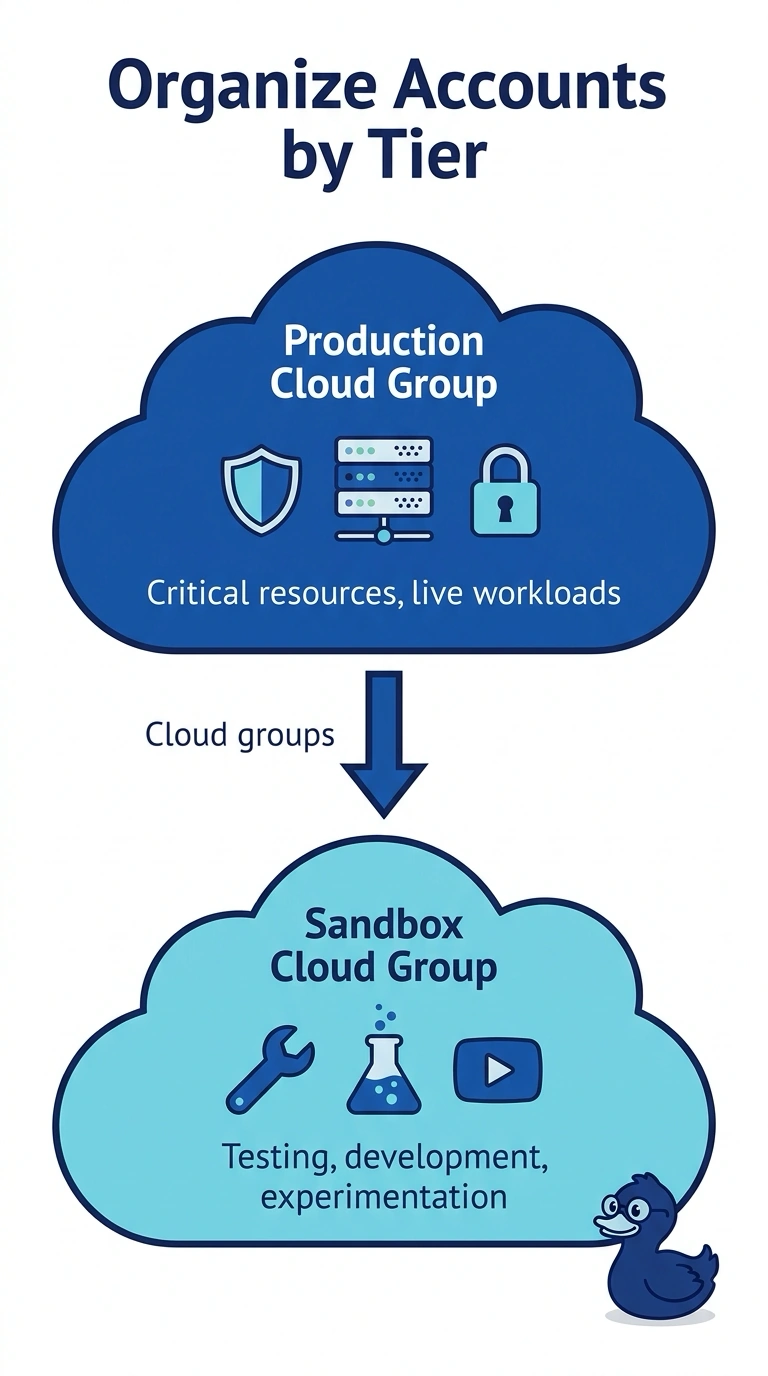
Trying to manage dozens of cloud accounts one by one is a recipe for chaos. When you organize accounts into cloud groups, you can cleanly separate production from sandbox for filtering and reporting without touching individual IAM roles.
Full Explanation
Cloud groups for account organization allow administrators to logically bundle registered cloud accounts by environment, business unit, or risk tier—such as separating production from sandbox accounts. Once accounts are assigned to distinct cloud groups, those groups serve as documented organizational and reporting filters to view and manage existing risk by tier, rather than automatically assigning different posture rule evaluation on membership. Container runtime drift prevention rules govern active container process and file integrity on hosts rather than organizing cloud accounts for filtering and reporting. Container image registry credentials authenticate image assessment scanners to private registries and do not group cloud provider accounts. Runtime host firewall rule sets control network traffic on managed endpoints rather than cloud account organization and reporting filtering. As a scope caveat, placing an account into a cloud group provides organizational and reporting filtering in Falcon Cloud Security without altering the underlying cloud provider IAM permissions. For an operational check, review the cloud account management inventory to confirm each production and sandbox account is mapped to its intended cloud group and verify filtered views and reports against those groups.
Prefer to study offline? Printable PDF study book + test engine ($7.50, unofficial). These questions stay free here.