
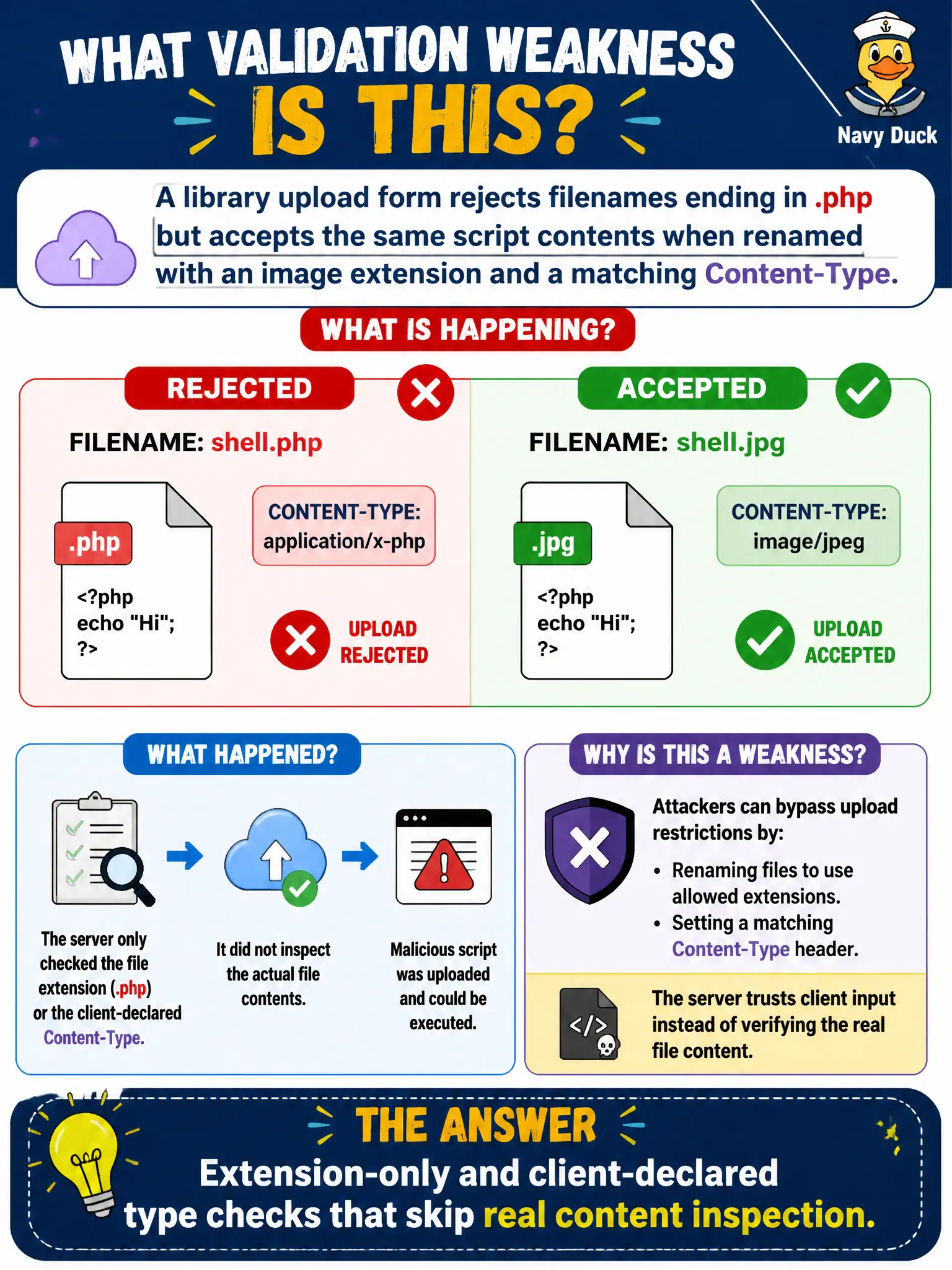
A library upload form rejects filenames ending in .php but accepts the same script contents when renamed with an image extension and a matching Content-Type. What validation weakness does this demonstrate?
Select an answer to reveal the explanation.
Short Explanation
Putting a fruit sticker on a sandwich does not make it fruit. Extension and Content-Type labels are stickers — if the server never peeks inside, dangerous content can still land. Strong uploads check content, type, and where the file will live.
Full Explanation
Rejecting .php filenames while accepting the same script contents under an image extension and matching Content-Type demonstrates extension-only and client-declared type checks that skip real content inspection. Library upload filters that trust the name and the browser’s Content-Type are brittle: attackers rename payloads while the bytes remain dangerous if the server later executes or mis-handles them.
This is not perfect magic-byte allowlisting with non-executable storage—the scenario shows weak checks. It does not describe mandatory virus scanning that blocks every upload. Certificate pinning on a mobile app is unrelated to upload validation weakness.
Exam caveat: prefer server-side allowlists, content sniffing/magic validation, random stored names, and non-executable storage over client-controlled type claims. CPTS upload questions often contrast extension blacklists with content-aware controls.
Operational check: upload benign and blocked cases across extension/Content-Type permutations within RoE, ensure stored files are not executable in the library webroot, and add content inspection plus allowlisted types for patron uploads. Store library uploads with randomized names outside executable handlers and verify Content-Type is determined server-side from file content.