
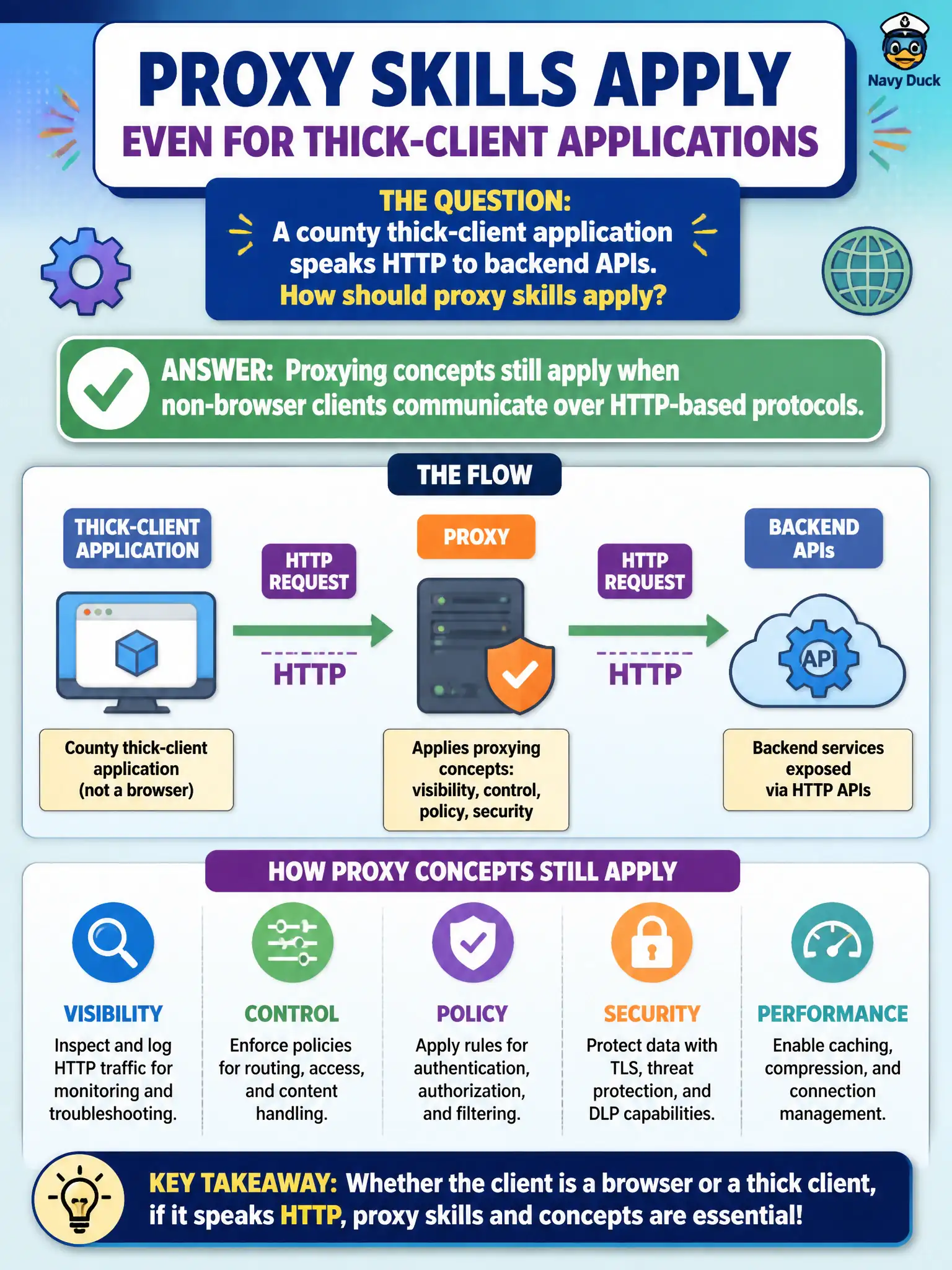
A county thick-client application speaks HTTP to backend APIs. How should proxy skills apply?
Select an answer to reveal the explanation.
Short Explanation
If the thick client is chatting in HTTP, the same “watch and carefully reshape the conversation” idea still applies — the traffic does not have to come from a browser tab. Desktop UI is just another client. Do not throw away proxy skills because there is no Chrome window.
Full Explanation
Proxying concepts still apply when non-browser thick clients communicate over HTTP-based protocols. A county desktop application that speaks HTTP to backend APIs can often be assessed by routing or capturing that traffic with intercepting tools—because the security-relevant surface remains HTTP requests, auth headers, and API parameters that affect municipal data.
Proxy techniques are not Chrome-only. Thick HTTP clients do not always require rewriting the entire binary before any assessment. Disk forensics alone is not a substitute for testing the live HTTP API the client uses.
Exam caveat: some clients pin certificates or use non-HTTP transports—adjust methods within RoE rather than assuming every thick client is opaque forever. CPTS web skills transfer to HTTP APIs regardless of UI chrome.
Operational check: identify how the civic thick client reaches APIs, attempt authorized traffic interception or alternative request replay against documented endpoints, and test authZ on those API calls with controlled evidence. If pinning blocks intercept, negotiate an authorized test build of the county thick client rather than abandoning API authorization testing entirely. Document which HTTP calls were replayed from the thick client so API authZ coverage is auditable.