
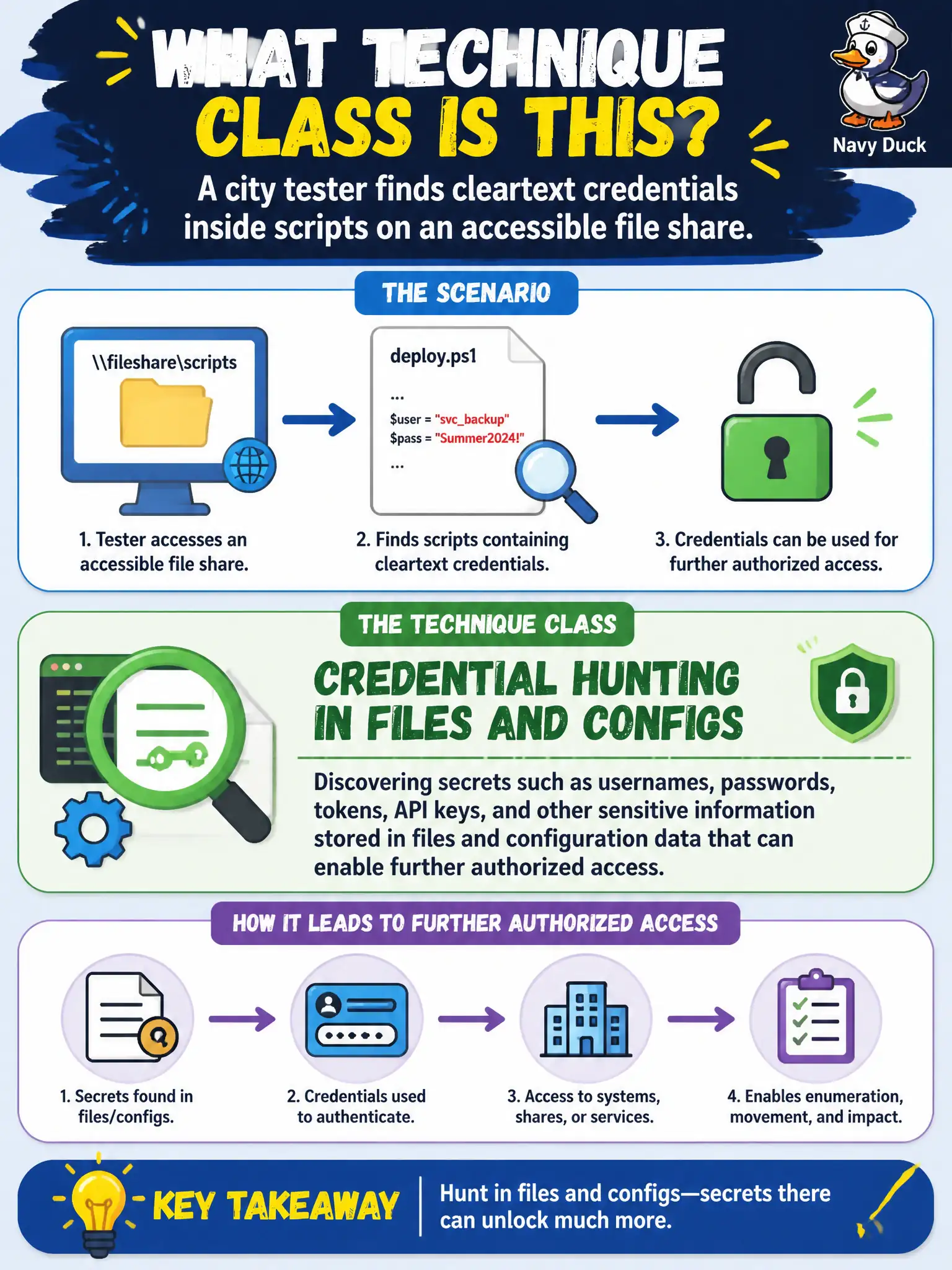
A city tester finds cleartext credentials inside scripts on an accessible file share. What technique class does this illustrate?
Select an answer to reveal the explanation.
Short Explanation
Scripts and config files are sticky notes left on the fridge—passwords end up there more often than anyone admits. Hunting those secrets on in-scope shares is classic assessment work, not malware. Find them, prove the risk, and help the city clean house.
Full Explanation
Cleartext credentials inside scripts on an accessible city file share illustrate credential hunting in files and configs—discovering secrets that support further authorized access. That is distinct from planting malware on shares to harvest future keystrokes, which is a different technique class and often a different RoE conversation. Exclusive reliance on online password spraying without reviewing files misses high-yield secrets that municipalities routinely leave in deployment scripts and legacy share trees. Out-of-scope social engineering of developers to request the same secrets is unnecessary when the files are already readable under authorization and would violate scope if social engineering was not approved. Exam caveat: finding credentials in files is about exposure and follow-on access potential, not about proving keylogger capability. Operational check: record share path and ACL exposure, redact secrets in the main report, use a controlled appendix per RoE, and recommend secret removal plus vaulting before any further use of those credentials in lateral testing. In municipal operations, record the rationale in the engagement notes so future testers and city defenders understand which approach was chosen and which failure modes the rejected options would create for civic services.