
A city IT lead asks why clock skew between workstations and domain controllers matters for Kerberos. What awareness-level answer is most accurate?
Select an answer to reveal the explanation.
Short Explanation
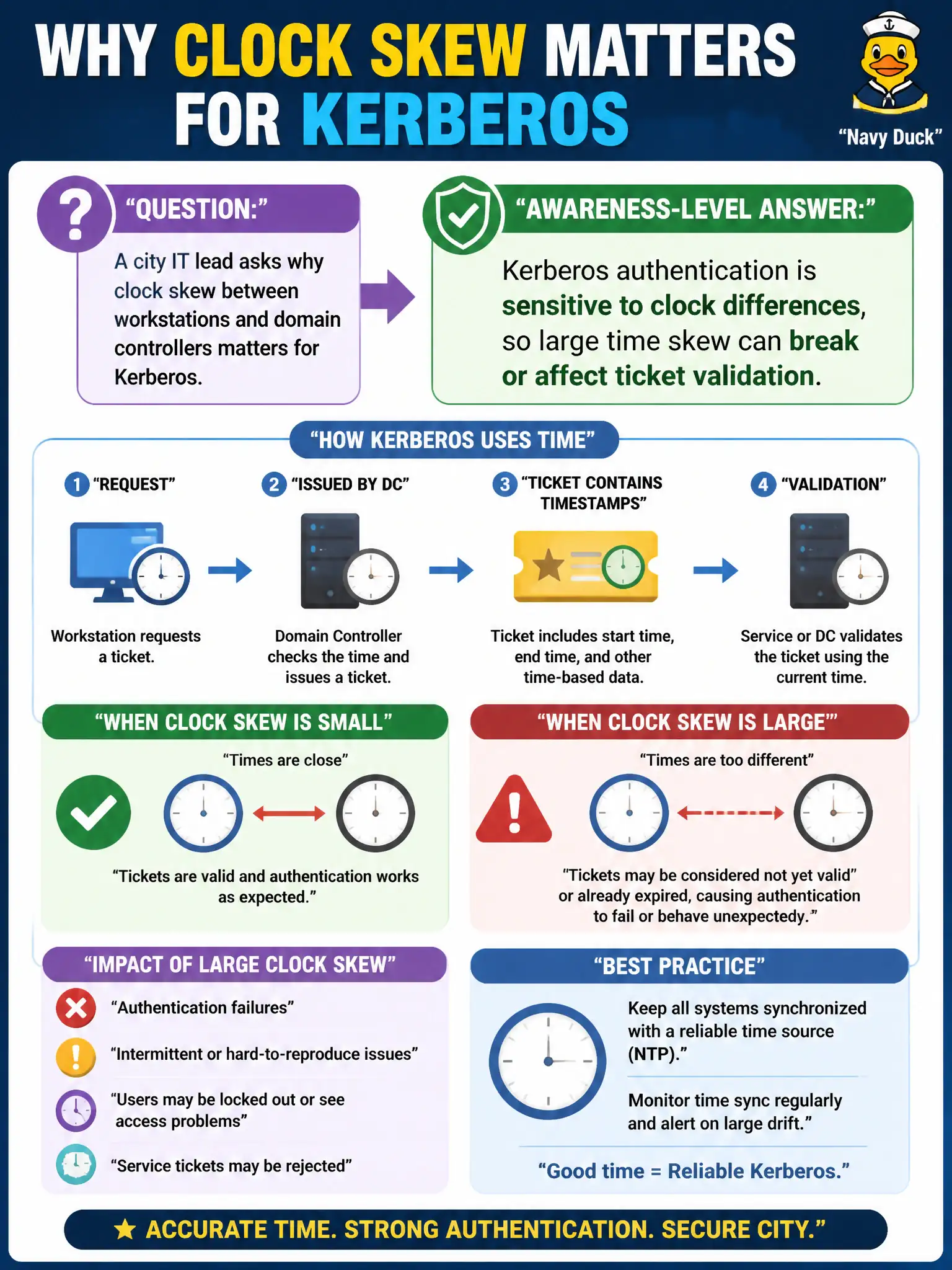
Kerberos tickets come with time windows — like movie tickets that only work for tonight’s show. If the workstation clock and the DC clock disagree wildly, those tickets look expired or not-yet-valid. That is why time sync shows up in AD auth troubleshooting.
Full Explanation
Kerberos authentication is sensitive to clock differences between clients and domain controllers. Large time skew can break or affect ticket validation because tickets carry time-bounded validity windows. City IT leads should understand that reliable time sync underpins municipal logins, not that Kerberos “ignores time.”
Kerberos does not ignore time in favor of password length alone. Time sync is not merely a DHCP lease concern. NTP (or equivalent time sources) is used in AD environments; claiming AD designs out NTP is inaccurate.
Exam caveat: awareness-level Kerberos questions often hinge on time skew tolerances and ticket lifetimes—connect operations (time sync) to authentication failures and security monitoring accuracy. CPTS fundamentals reward conceptual accuracy without deep protocol trivia dumps.
Operational check: verify civic workstations and DCs sync to approved time sources, alert on skew, and correlate login failures with time drift during AD health reviews. Include time-sync health in routine civic AD operations dashboards so authentication failures are diagnosed as infrastructure issues, not only password problems. Sync failures on city endpoints should open tickets to infrastructure, not only identity support.