
Responders suspect fileless malware is running only in memory on a live server. Management wants the server powered off right away to stop the spread. Which action should the responders take first to preserve the most relevant evidence?
Select an answer to reveal the explanation.
Short Explanation
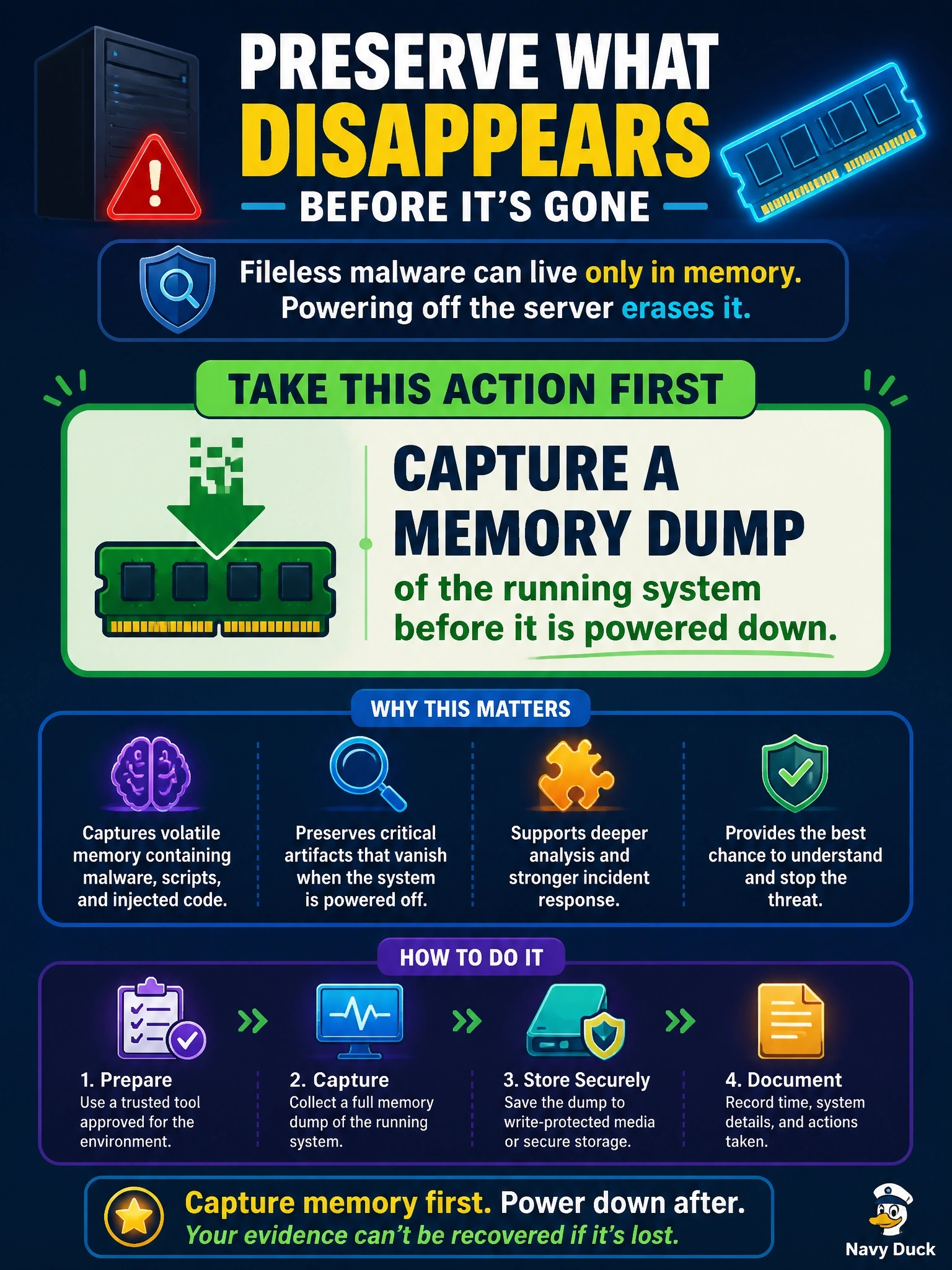
Memory is like writing on a fogged mirror: the moment the power goes, it's gone. If the malware only lives in RAM, you grab the memory dump first and worry about the disk second. The trap is the disk image, which is great evidence that simply won't contain a fileless threat.
Full Explanation
The order of volatility directs collection from the most short-lived evidence to the most persistent. Random access memory is lost at power-off, and fileless malware by definition resides in memory, along with running processes, injected code, network connections, encryption keys, and command history. A memory dump of the live system therefore preserves the evidence that matters most here, and it can be taken quickly before the server is isolated or shut down. Powering off first and then making a bit-level copy of the disk preserves persistent storage faithfully, but the in-memory payload disappears at shutdown, so the disk image may show nothing malicious at all. Shutting down a virtual machine before taking a snapshot captures only the stored disk state; a snapshot can include memory only when taken while the machine is running, so this sequence also discards the evidence. Running an antivirus scan alters the system, may terminate or quarantine the malicious process, and destroys the very artifacts an investigator needs, while fileless techniques often evade signature scanning anyway. Exam caveat: business pressure to shut down is a containment concern that can usually be met by network isolation while memory is captured. Operational check: isolate the host from the network, capture memory with a trusted tool to external media, hash the dump, then image the disk.