
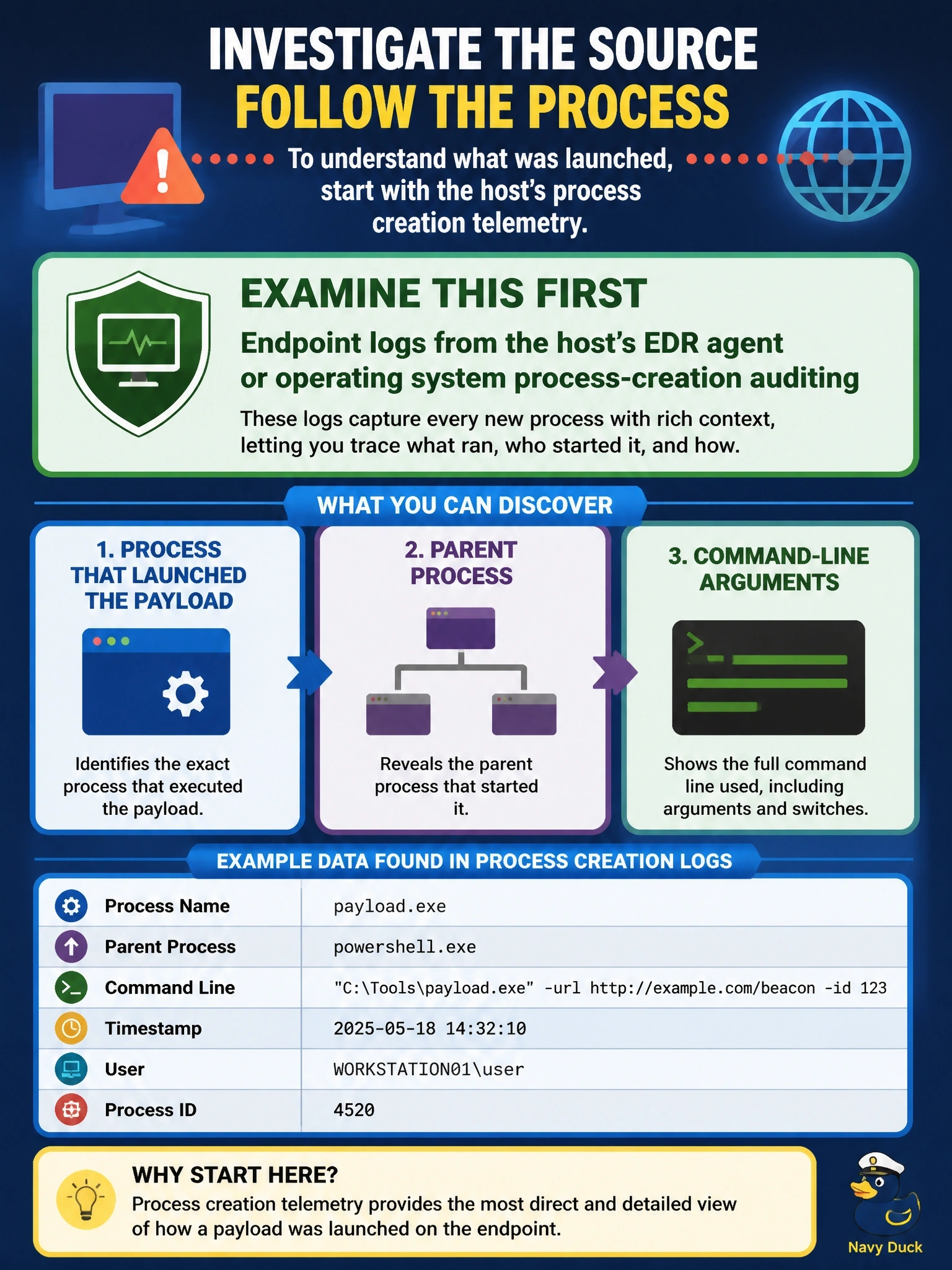
A workstation has started beaconing to an unfamiliar domain. The analyst needs to know which process launched the payload, what its parent process was, and the command-line arguments used. Which log source should the analyst examine first?
Select an answer to reveal the explanation.
Short Explanation
Your perimeter devices can tell you the house is shouting at a stranger, but only something inside the house can tell you which room the shouting came from. That's the endpoint log: process name, parent process and command line all live on the host. Don't fall for the firewall answer just because the symptom is network traffic.
Full Explanation
Process lineage is recorded where processes run. Endpoint logs, whether produced by an endpoint detection and response agent or by the operating system's own process-creation auditing, capture the executable name, its parent process, the user context, and the full command line. That is exactly the data needed to reconstruct how the payload started, for example a document spawning a scripting engine that downloaded a second stage. Perimeter firewall logs confirm that the workstation is talking to the suspicious domain and when, which establishes the symptom, but a firewall sees packets, not the process that created them. Web proxy application logs list the URLs requested and may show the download, yet they still cannot show which local process made the request or what arguments it used. Directory service authentication logs show when the user logged on and from where; they help establish who was at the keyboard but say nothing about process execution after logon. Exam caveat: network and proxy data remain valuable for scoping other infected hosts once the initial execution chain is known, so the right answer is about where to look first for this specific question. Operational check: pull the endpoint's process-creation events for the period before the first beacon and walk the parent-child chain back to the initial process.