
An endpoint detection tool shows that a workstation infected with worm-like malware is actively scanning and attempting to infect other hosts on the same subnet. Which action should the responder take FIRST?
Select an answer to reveal the explanation.
Short Explanation
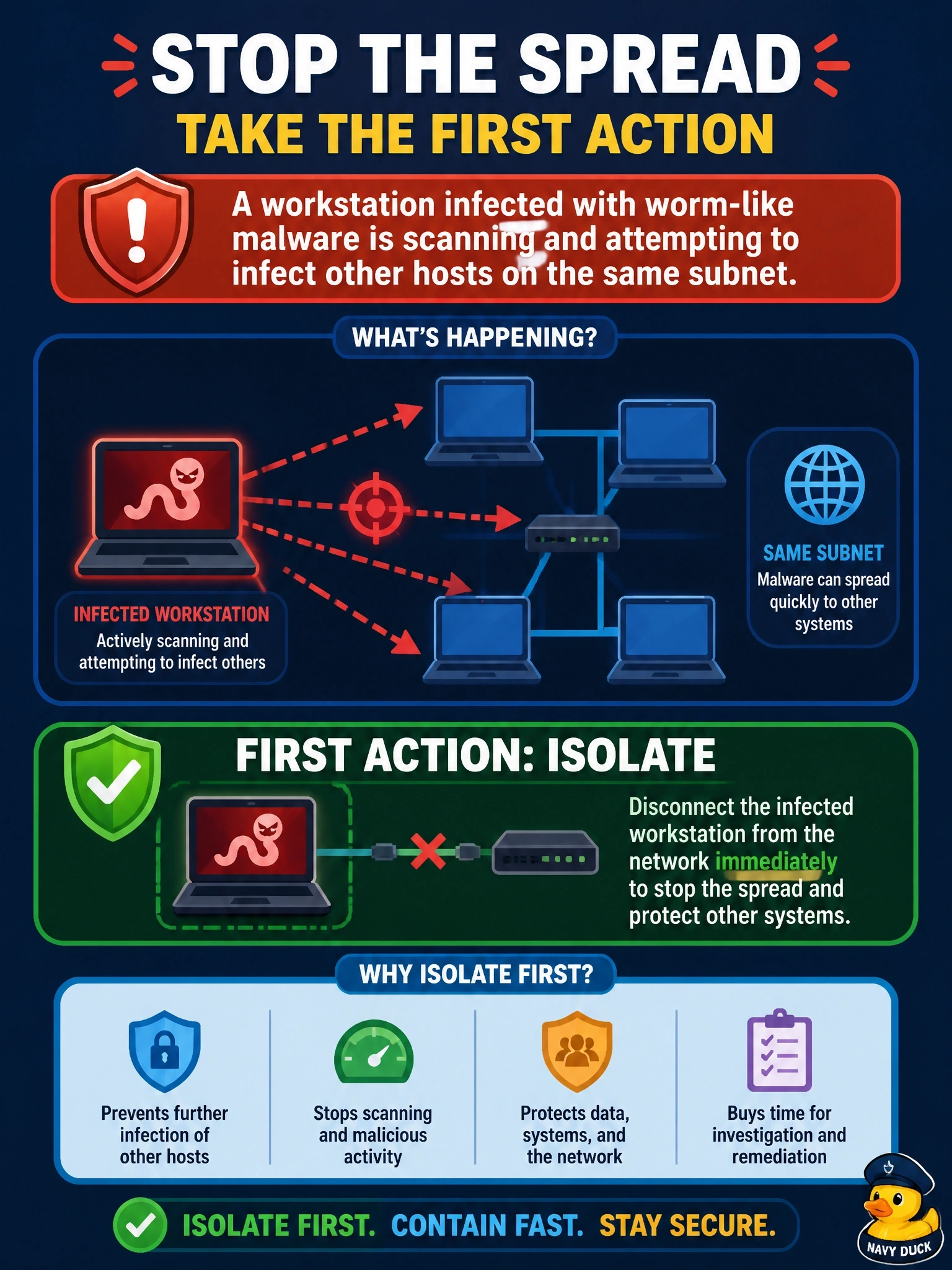
When something's actively spreading, you stop the bleeding first. Isolating the box is like closing the fire door - the investigation can wait a few minutes, but the infection won't. Imaging the disk sounds careful, but it gives the worm time to hop to the next machine.
Full Explanation
Containment aims to limit the scope and impact of an incident. With malware actively scanning and attempting to infect neighboring hosts, the priority is to cut the infected workstation off from the network, for example through endpoint isolation, switch port shutdown, or quarantine VLAN placement, so the spread stops. Many endpoint tools isolate a host while preserving a management channel for the response team, which also keeps volatile evidence intact for later collection. Reimaging immediately skips containment and evidence collection, destroys data needed to understand the malware's behavior and entry point, and does not address other hosts that may already be infected. Taking a full forensic disk image before acting can take hours, during which the malware continues to spread; evidence preservation matters, but it follows containment when harm is ongoing. Notifying customers while the host stays online inverts priorities: notification depends on understanding scope and impact, and leaving the source connected allows the incident to grow. Exam caveat: when a threat is not spreading and evidence is critical, responders may capture volatile data first, but active propagation shifts the priority to isolation. Operational check: after isolation, confirm the host no longer appears in network flow data and search for the same malware indicators on the subnet's other hosts.