
Public self-service kiosks in a store should run only the vendor's ordering application, yet staff keep finding unfamiliar executables on them that new malware variants have dropped. Which control most effectively prevents unauthorized programs from running on the kiosks?
Select an answer to reveal the explanation.
Short Explanation
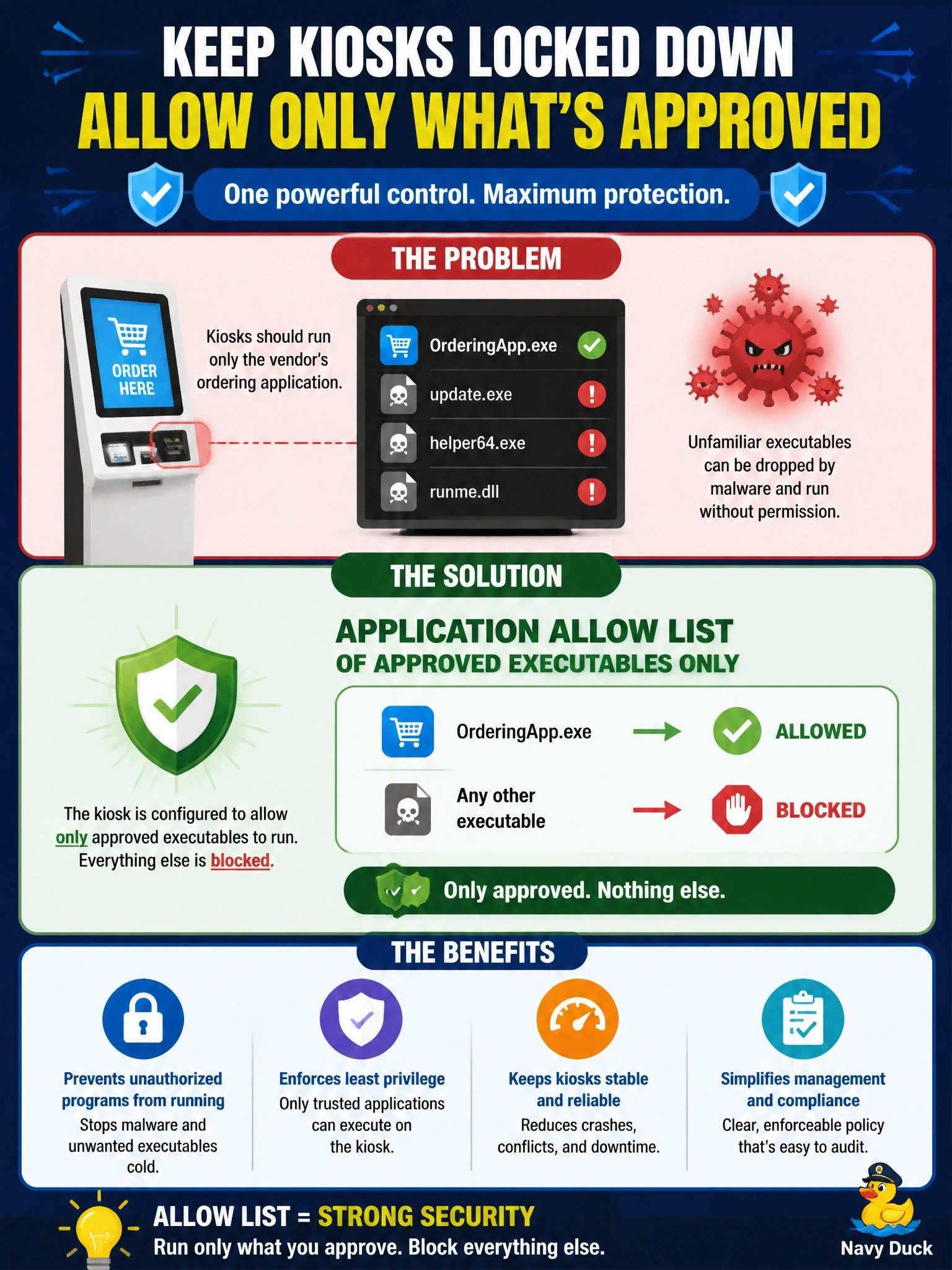
On a kiosk you know exactly what should run, so why chase every bad program? An allow list flips it around: only the approved app runs, and everything else gets turned away at the door. A block list is always one new malware variant behind.
Full Explanation
Application allow listing, sometimes called whitelisting, permits only explicitly approved executables, typically identified by hash, publisher signature or path, to run, and denies everything else by default. Single-purpose kiosks are an ideal fit because the approved software set is small and stable, so new malware variants are blocked even though no one has seen them before. An application block list denies only executables that have already been identified as malicious; new variants are by definition not on the list yet, which is exactly the problem the store is experiencing. Antivirus with frequent signature updates narrows the window but still depends on a sample being analyzed and a signature being published, so novel droppers continue to run in the meantime. Host firewall rules blocking inbound connections reduce one infection vector, but they do not stop a program that arrives another way, such as removable media or an outbound download, from executing. Exam caveat: allow lists require maintenance whenever approved software is updated, which is why they are most practical on fixed-function systems like kiosks and servers. Operational check: copy an unapproved harmless executable to a kiosk, attempt to run it and confirm it is blocked and logged, then confirm the ordering application still launches and updates normally.