
Customers visiting a company's new public storefront see browser warnings that the site is not trusted, even though the connection is encrypted. The administrator generated the certificate on the web server itself. What is the BEST fix?
Select an answer to reveal the explanation.
Short Explanation
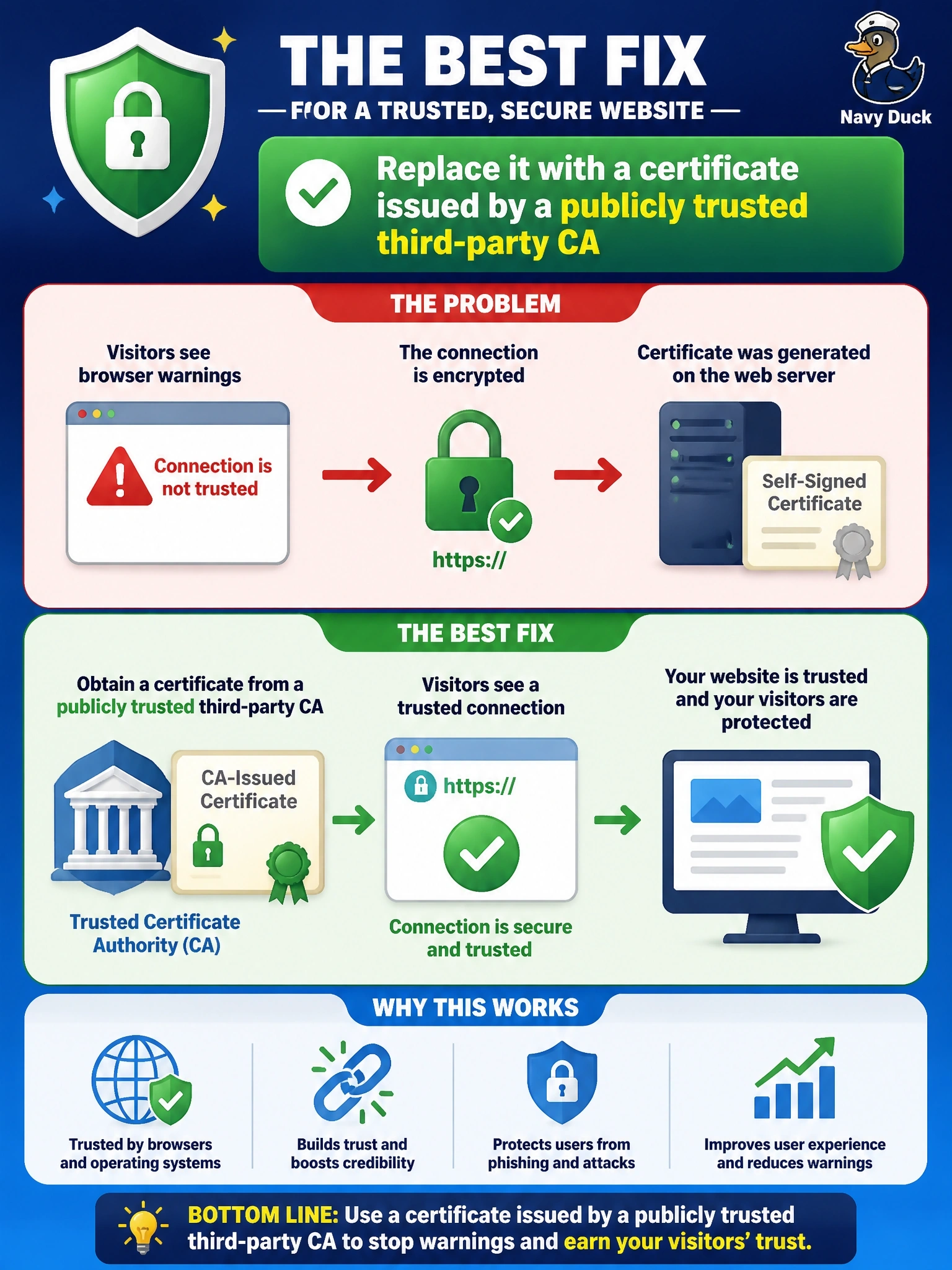
A self-signed certificate is like writing yourself a reference letter. It might be true, but nobody else has a reason to believe it. Your customers' browsers trust certificates vouched for by a CA they already know, so that's where you go.
Full Explanation
Browsers trust a server certificate only if it chains to a root certificate authority in their trust store. A self-signed certificate is signed by its own private key rather than by a CA the browser recognizes, so although it can encrypt the session, the browser cannot verify the identity of the site and displays a warning. For a public storefront, the correct fix is a certificate issued by a publicly trusted third-party CA, after the CA validates control of the domain, so that every customer's browser can build a trusted chain. Increasing the key length strengthens the cryptography but leaves the trust problem untouched; the certificate is still vouched for by no one the browser trusts. Reissuing as a wildcard changes which names the certificate covers, not who signed it, so a self-signed wildcard would produce the same warning. Publishing the certificate at a CRL distribution point is meaningless, because CRLs list revoked certificates and do not create trust. Exam caveat: self-signed certificates are acceptable for internal testing or where the organization controls every client's trust store, but not for public-facing sites. Operational check: generate a key pair and CSR on the server, obtain the certificate from a public CA, install the full intermediate chain, and test the site from an unmanaged browser to confirm no warnings appear.