
Two administrators edit the same firewall configuration script stored on a shared drive. One overwrites the other's changes, and no one can tell which rules were removed or restore the earlier copy. Which practice BEST prevents this?
Select an answer to reveal the explanation.
Short Explanation
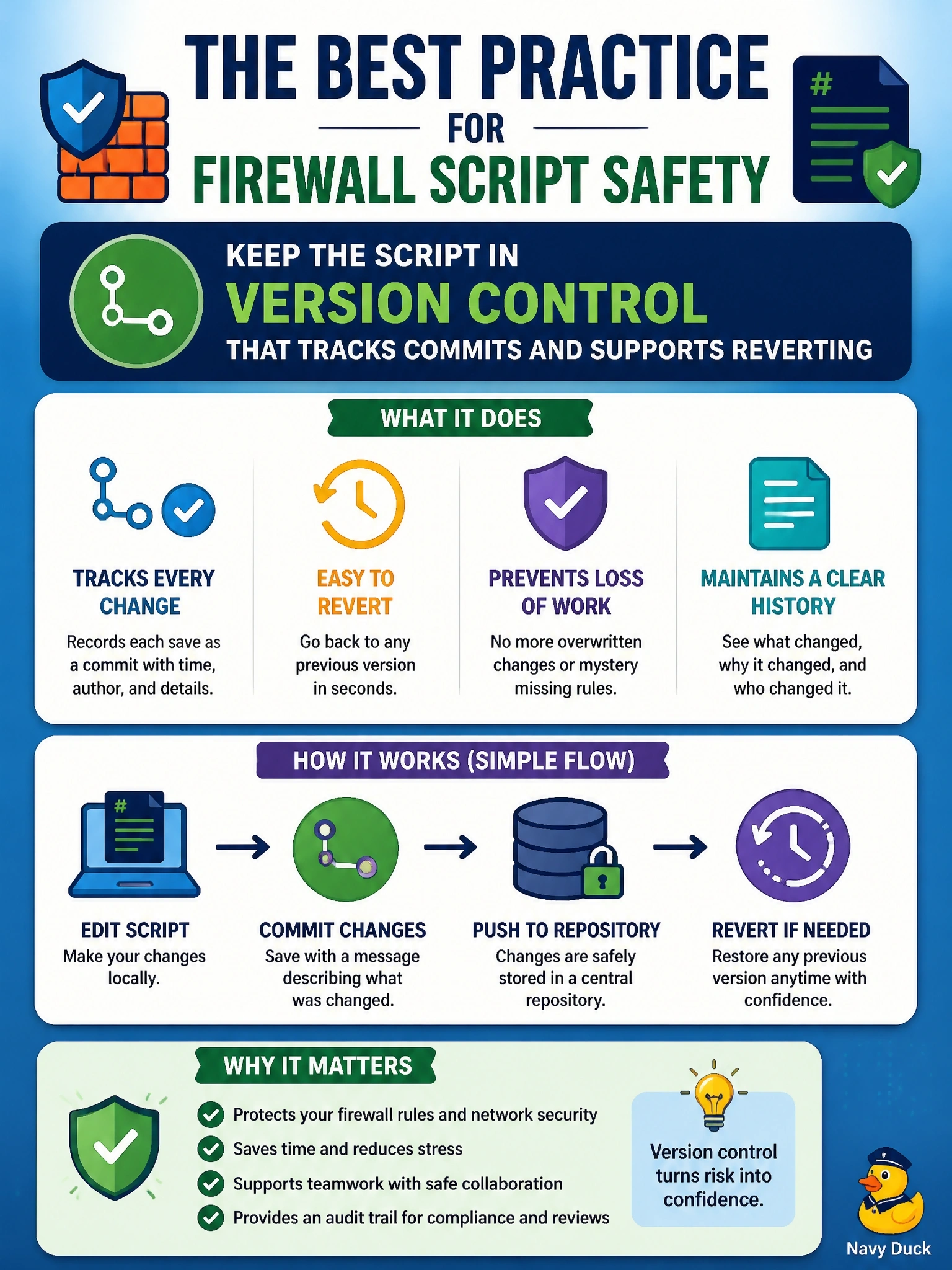
Version control is like a time machine for your files: every save is a snapshot you can compare or roll back to. Without it, the last person to hit save quietly wins. Encryption and shared logins don't give you any history at all.
Full Explanation
Version control systems record each change to a file as a commit with an author, timestamp, and description, and they let administrators compare versions, merge concurrent edits, and revert to any earlier state. Storing firewall scripts in version control prevents silent overwrites, because conflicting edits are detected and must be resolved, and it provides an audit trail showing exactly which rules changed and who changed them. Using a single shared account makes the problem worse by removing attribution, and it does nothing to preserve earlier versions. Encrypting the shared drive protects confidentiality against unauthorized readers, but the two authorized administrators can still overwrite each other freely with no history. Restricting edits to maintenance windows controls timing, not concurrency; both administrators could still edit during the same window and lose changes. Exam caveat: version control is listed as its own element of change management because it supports tracking, accountability, and backout for configurations and code, not only for software development. Operational check: move configuration scripts into a repository with branch protection, require each change to reference a change ticket in the commit message, and confirm that the deployed firewall configuration matches the latest approved commit.