
A city-hall lobby has a wall jack that no device is supposed to use. A visitor who plugs in should not get a link light. Which hardening step matches that requirement directly?
Select an answer to reveal the explanation.
Short Explanation
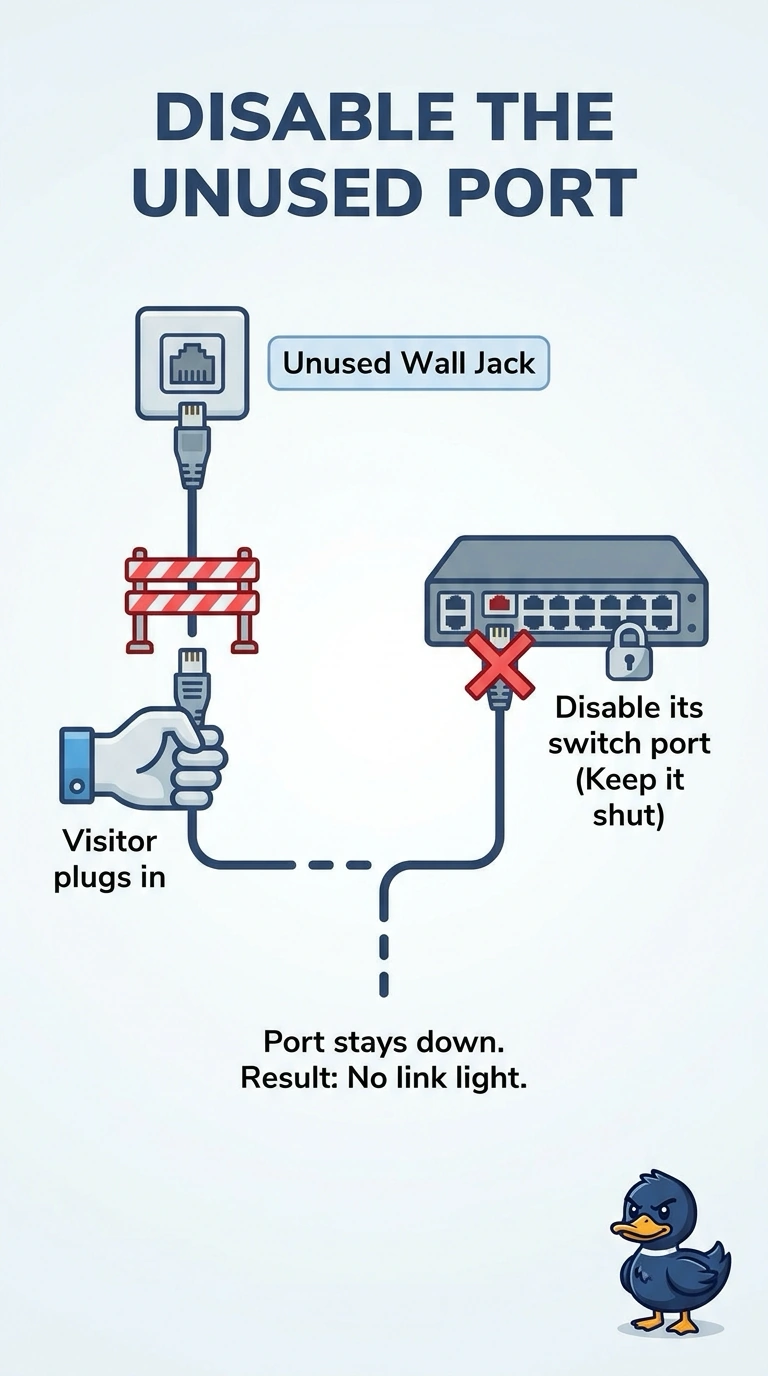
You can treat an unused lobby jack like a door that should stay locked: disable its switch port so a visitor gets no link at all. You can enable it again when something legitimate needs it; 802.1X is for a jack meant to be used, and its link still comes up before authentication fails.
Full Explanation
Device hardening includes disabling ports that are not required. A lobby jack with no business need should be shut down on the switch, so an attached cable never gets a link and the visitor cannot join a VLAN or request a lease. Enabling 802.1X is a near miss: it keeps user traffic off the port until authentication succeeds, but the physical link still comes up so the laptop can attempt authentication. Because the requirement is that the visitor gets no link light, disabling the switch port is the direct match; the port can be enabled again when something legitimate needs it, and 802.1X is appropriate when the jack is meant to serve users. Filtering web addresses can limit browsing for a host that already has connectivity, but it does not keep the link dark. Adding a laptop’s MAC to an allow-list after it has linked assumes the port is up, the opposite of keeping an unused jack dead. Exam caveat: a conference-room jack used by legitimate guests calls for a guest network with access control, not a permanently disabled port. Practical check: connect a laptop to the lobby jack, confirm the interface stays down, and verify that the switch reports the port as administratively disabled.