
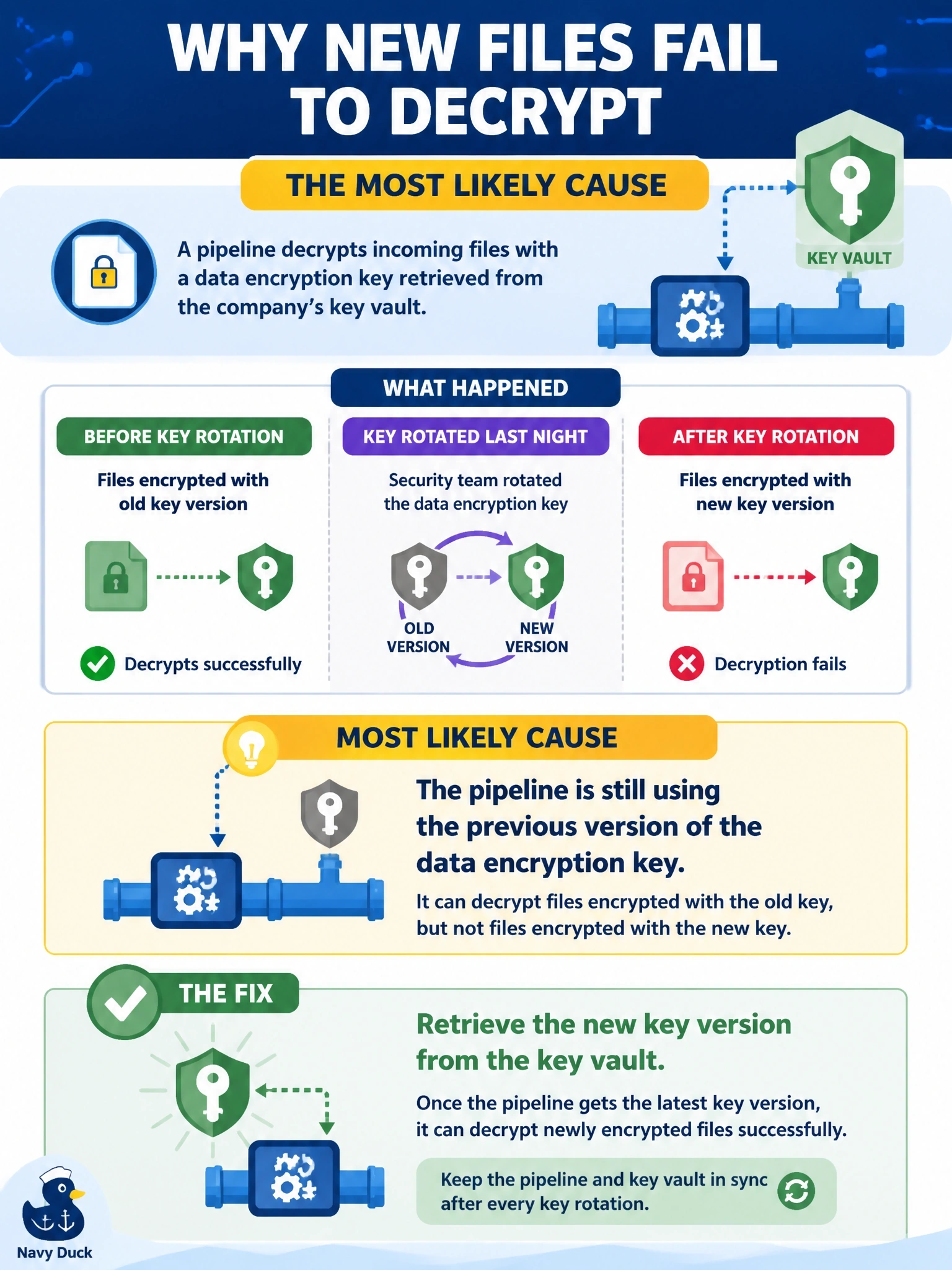
A pipeline decrypts incoming files with a data encryption key retrieved from the company's key vault. Last night the security team rotated that key. Files received before the rotation still decrypt correctly, but every file encrypted since then fails with a decryption error. What is the most likely cause?
Select an answer to reveal the explanation.
Short Explanation
Look at the pattern: old files work, new files don't, and the change in between was a key rotation. That's your pipeline holding the old key to a lock that's been changed. You go get the new key version; you don't ask everyone to keep using the old one.
Full Explanation
A data encryption key (DEK) is the key that actually encrypts and decrypts the data. Rotation creates a new key version for future encryption, while older versions usually remain available for decrypting data that was encrypted under them. If the pipeline cached the old key or is configured to request a specific old version, it can still decrypt files created before the rotation but fails on every file encrypted with the new version, exactly matching the pattern here. The fix is to have the pipeline retrieve the current key version, or the version identified in each file's metadata, and to avoid hard-coding or long-term caching of key material. Corruption in transit would affect files randomly, not every file after a specific time, and asking the source to revert to the previous key undoes the rotation the security team required. Deletion of a key encryption key would prevent decryption of all data protected under it, including the older files, which still work. Missing read permission on the landing folder would cause a file access error before decryption is attempted, not a decryption failure on files the pipeline can open. Exam caveat: key rotation plans should include every consumer of the key, with a test that confirms each can use the new version. Operational check: log the key version identifier used for each file, confirm the pipeline now requests the current version and decrypt one new file successfully.