
A partner company's analysts need access to a shared reporting database. The partner manages its own user directory, and the DBA wants partner users to sign in with their existing partner credentials rather than receiving accounts in the company's directory. Which approach meets this requirement?
Select an answer to reveal the explanation.
Short Explanation
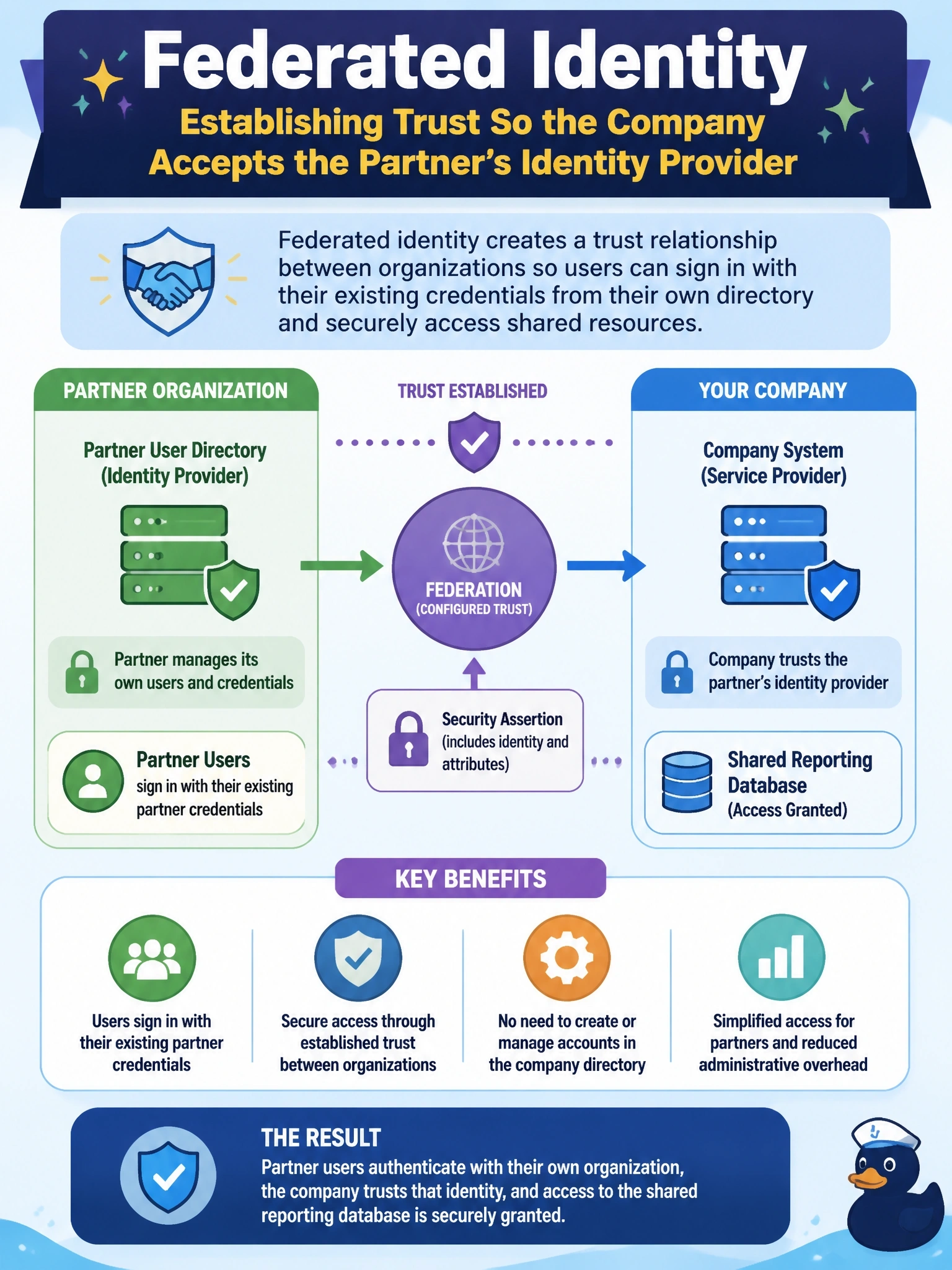
Federation is like a reciprocal agreement between two clubs: your membership card gets you in at theirs because the clubs trust each other. The partner keeps managing its own users, and your system trusts the sign-in their identity provider vouches for. The shared guest account is the trap; it's easy, but nobody can tell who actually did what.
Full Explanation
Federated identity establishes a trust relationship between separate identity domains so that one organization's systems accept authentication performed by another organization's identity provider. Partner analysts sign in with their own partner credentials, the partner's provider issues a signed assertion or token, often using standards such as SAML or OpenID Connect, and the company's side maps the asserted identity and attributes to appropriate access. The partner remains responsible for its users' lifecycle, so when an analyst leaves the partner company and is disabled there, access to the shared database ends without any action in the company's directory. A shared guest account removes individual accountability and must be re-secured whenever any partner analyst leaves. Copying partner accounts and passwords into the company's directory duplicates credentials across organizations, creates a synchronization and security liability and directly contradicts the requirement. Separate local database logins also create accounts the company must manage, outside any central identity control. Exam caveat: federation handles authentication across organizations; authorization still needs to be defined locally, ideally by mapping federated attributes or groups to roles. Operational check: sign in as a test partner user, confirm access is granted through the trust, then disable that user at the partner's provider and confirm access is refused.