
A national regulation requires that citizens' records be stored only within the country. The primary database meets this, but an audit finds the cloud provider's geo-replicated read replica and automated backups are in a region abroad. What should the DBA do?
Select an answer to reveal the explanation.
Short Explanation
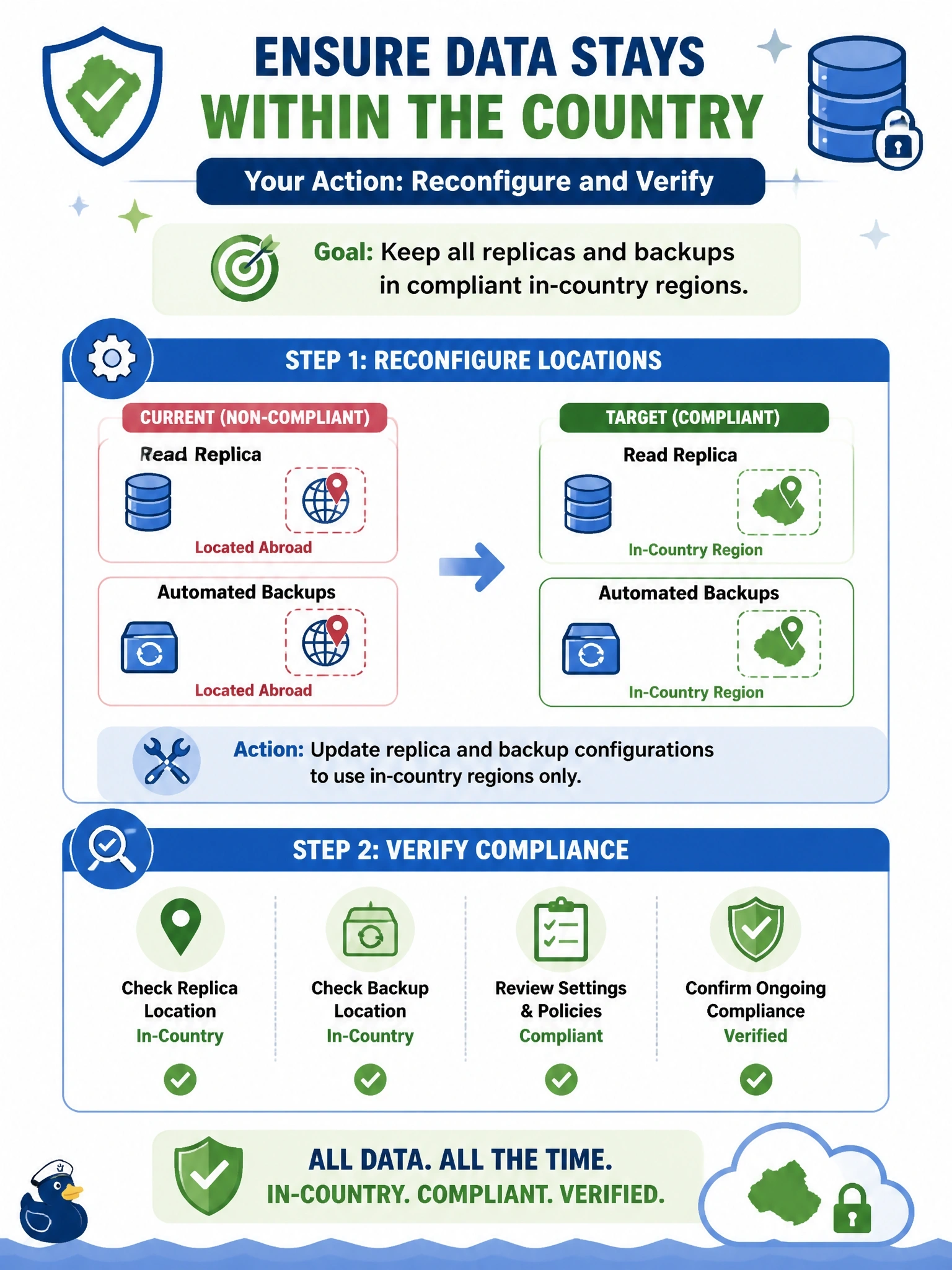
Residency rules usually care about every copy, not just the main one; a backup in the wrong country is still your data in the wrong country. Move the replica and backups to compliant regions and check the settings stuck. Encrypting the foreign copy is the trap, because encryption doesn't change where the data lives.
Full Explanation
Data residency requirements specify where data may be stored, and they generally apply to every copy, including replicas, snapshots, backups and logs. Cloud services often replicate or back up to paired regions by default, which can place copies outside the permitted boundary without anyone intending it. The DBA should reconfigure geo-replication and backup storage to use regions within the country, or in-country availability zones where a second region is not available, then confirm that old foreign copies are removed according to policy and document the change for compliance. Encrypting the foreign replica protects confidentiality, but the data is still stored abroad, which the regulation prohibits; encryption is not a residency exemption unless the regulation expressly says so. Deleting the replica and backups achieves compliance at the cost of availability and recoverability, abandoning disaster recovery when compliant alternatives exist. Assuming the rule covers only the primary copy contradicts the usual scope of residency requirements and ignores the audit finding. Exam caveat: residency constraints can limit disaster recovery options, so recovery objectives may need to be met with in-country zones. Operational check: list every replica, backup vault and snapshot for the database with its region, and confirm all are in permitted locations.